
Grow your business
Build your website with Cobbtree Sites
Last updated 12 October 2026
Cobbtree Sites gives you a website that stays connected to your business. Your services, team, reviews, locations and booking details update on it automatically.
Cobbtree Sites gives you a website that stays connected to your business. Your services, team, reviews, locations and booking details update on it automatically.
Choose a design
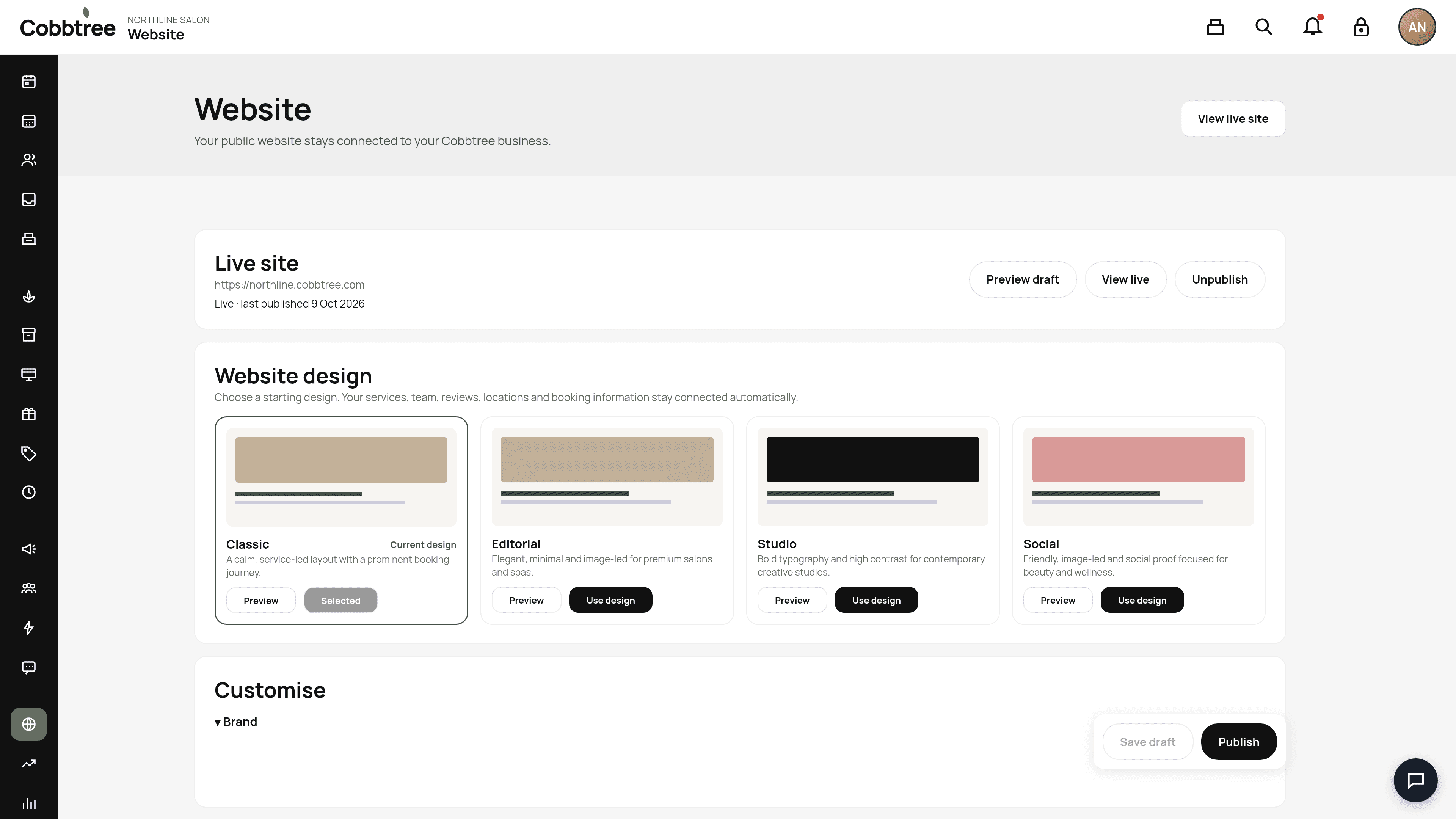
- 1Select Website in the left-hand menu.
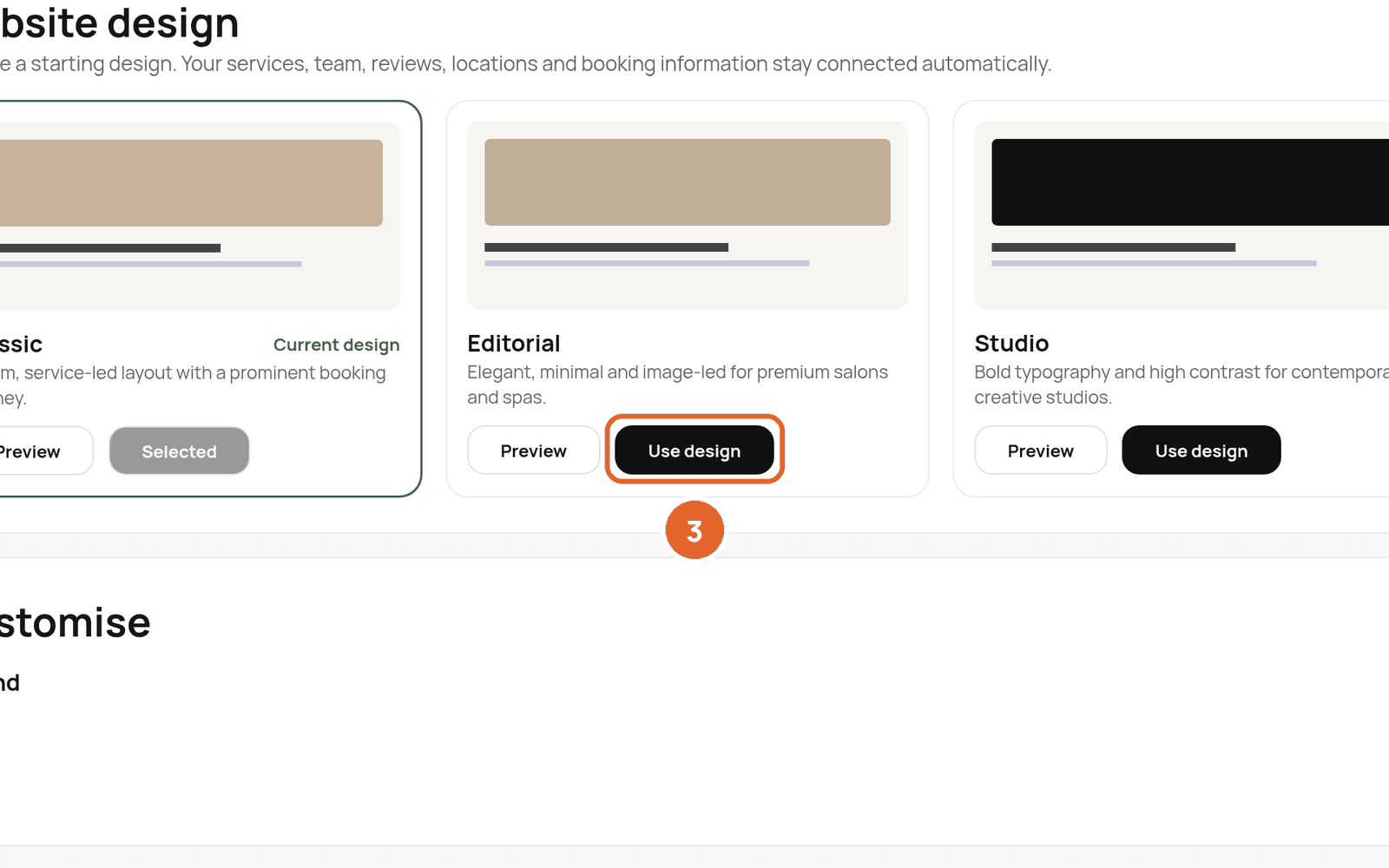
- 2Under Website design, browse the designs: Classic, Editorial, Studio and Social. Select Preview to see one.
- 3Select Use design on the one you like.
Make it yours
Scroll down to Customise. Start with Brand to set your colours and style.
Preview and publish
- Select Preview draft to check your changes before they go live. 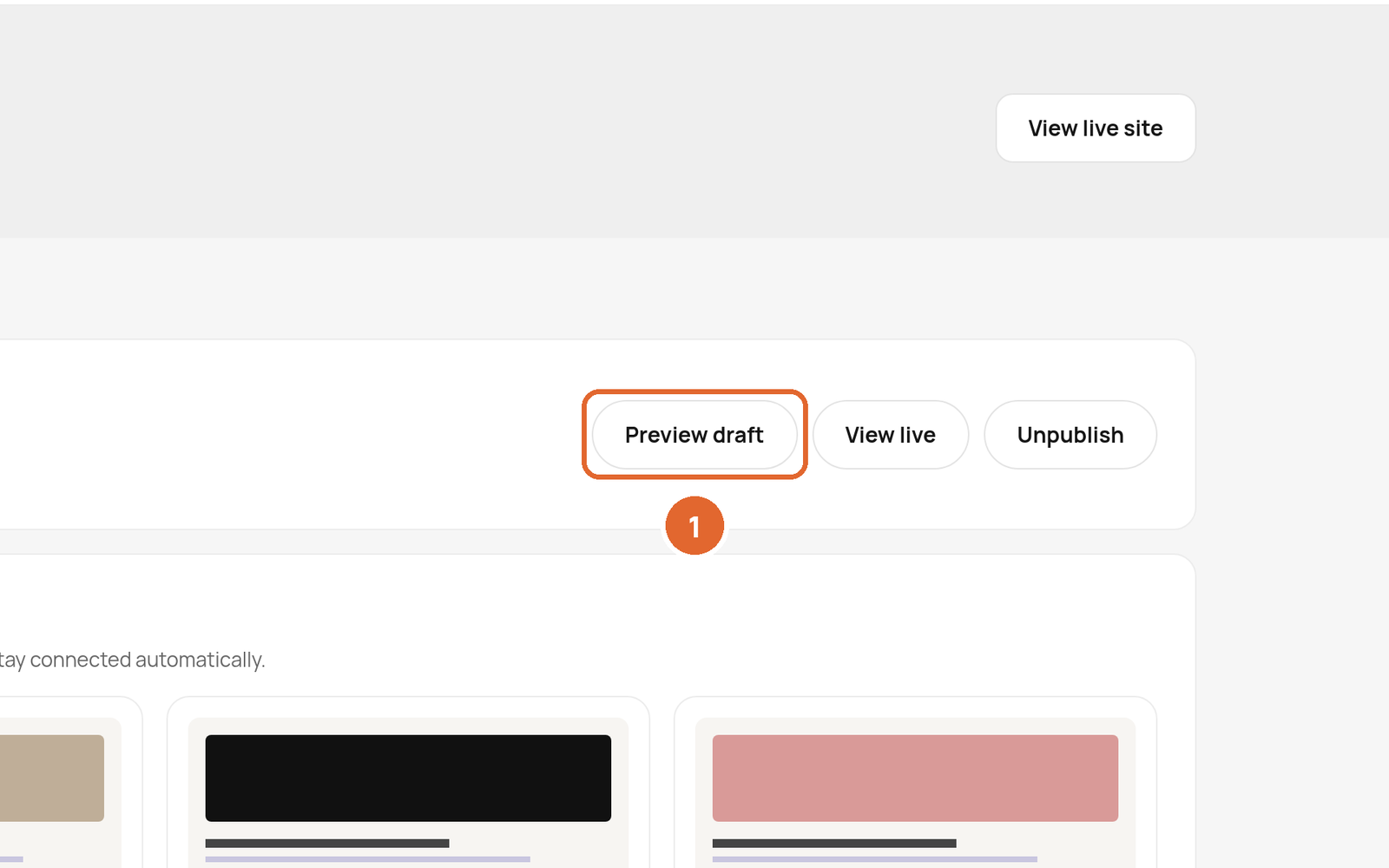
- Select Publish to make them live. Save draft keeps your work without publishing it. 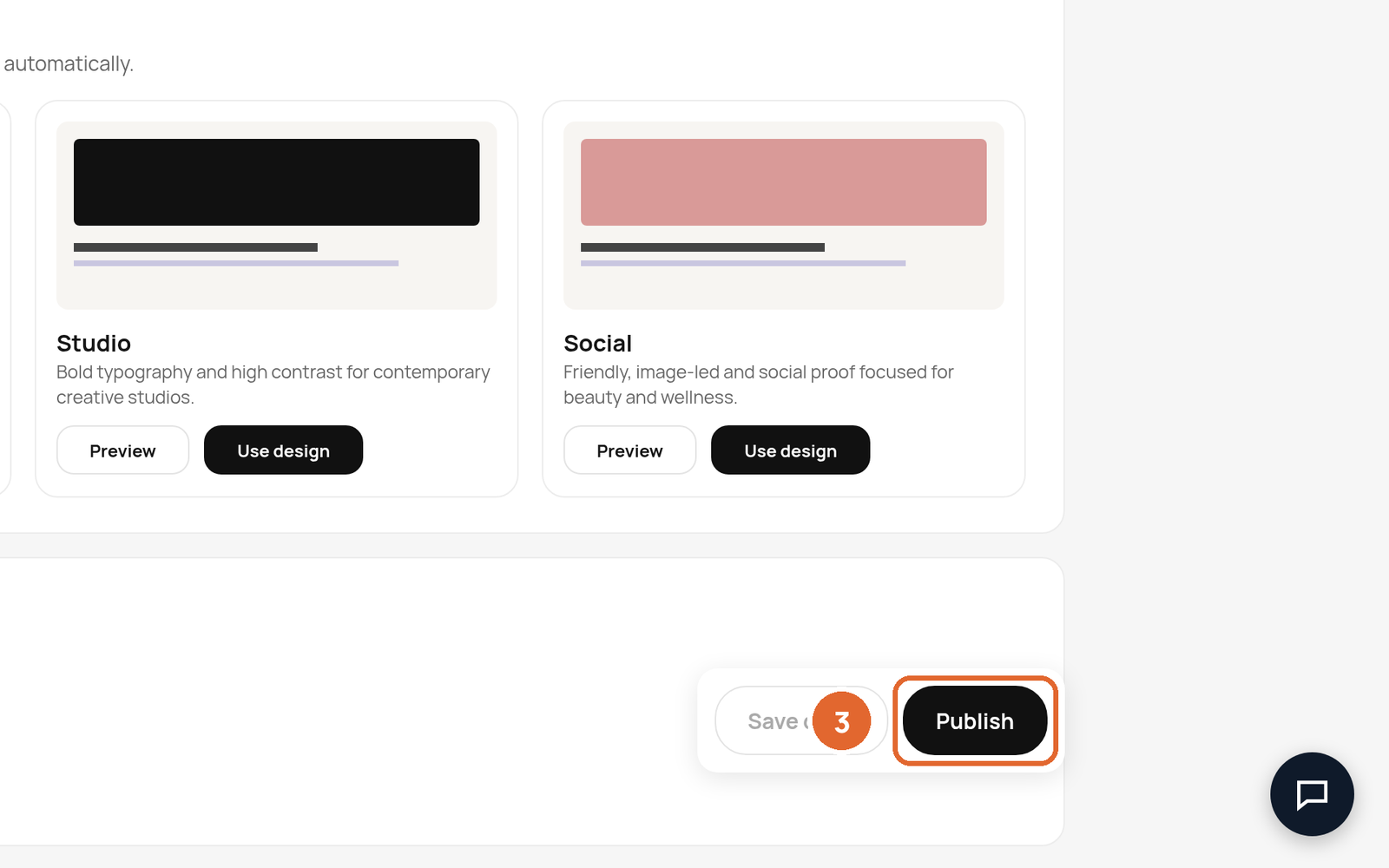
- View live opens your live site. Unpublish takes it offline.
Your site address is shown under Live site, for example northline.cobbtree.com.
Custom domains
Custom domains are paid for with the card on your Billing page.
Related: Set up your business profile · Turn on online booking
Was this article helpful?