
Help Centre
How can we help?
Guides for booking on Cobbtree, and for running your business on it.

Popular right now
Popular articles
- For businessesStart here: set up Cobbtree in about 10 minutesCobbtree is your calendar, till, Marketplace listing and website in one place. This checklist gets a new account ready to take bookings. Do it on the web at partners.cobbtree.com.
- For businessesTake a payment at the tillThe Sales page is your till. Use it for appointments, walk-ins, services and retail.
- For businessesCreate an appointmentBook a client in from the calendar or straight from your Today page.
- For customersFind a business and book an appointmentResults labelled Sponsored or Featured are businesses that paid for extra visibility. They aren't a Cobbtree recommendation. Recommended by Cobbtree is only used for our own...
For businesses
Calendar, payments, clients and the team - guides for running Cobbtree.
- Getting startedGetting started guides for businesses.
- Account, plan and billingAccount, plan and billing guides for businesses.
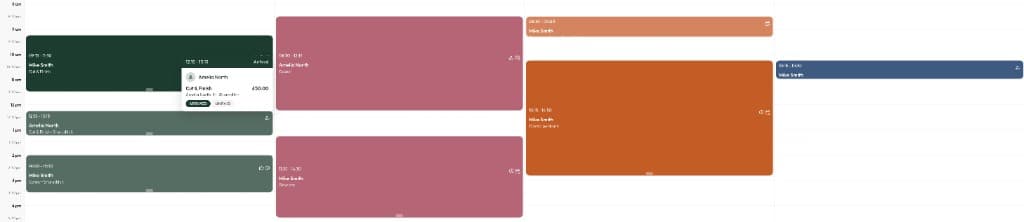
- Calendar and appointmentsCalendar and appointments guides for businesses.

- No-shows, deposits and policiesNo-shows, deposits and policies guides for businesses.3 articles
- ClientsClients guides for businesses.5 articles
- Checkout and paymentsCheckout and payments guides for businesses.6 articles
- Products and stockProducts and stock guides for businesses.5 articles
- Promotions and pricingPromotions and pricing guides for businesses.4 articles
- Memberships, loyalty and gift cardsMemberships, loyalty and gift cards guides for businesses.4 articles
- Messages and marketingMessages and marketing guides for businesses.7 articles
- Team and payTeam and pay guides for businesses.5 articles
- ReportsReports guides for businesses.1 article
- Grow your businessGrow your business guides for businesses.2 articles
- Business appBusiness app guides for businesses.1 article
- Switching to CobbtreeSwitching to Cobbtree guides for businesses.1 article
- Troubleshooting and supportTroubleshooting and support guides for businesses.2 articles
For customers
Find a business, book, pay, and manage your appointments.
 Your accountYour account guides for customers.
 BookingBooking guides for customers.
 PaymentsPayments guides for customers.
 Memberships, loyalty and gift cardsMemberships, loyalty and gift cards guides for customers.
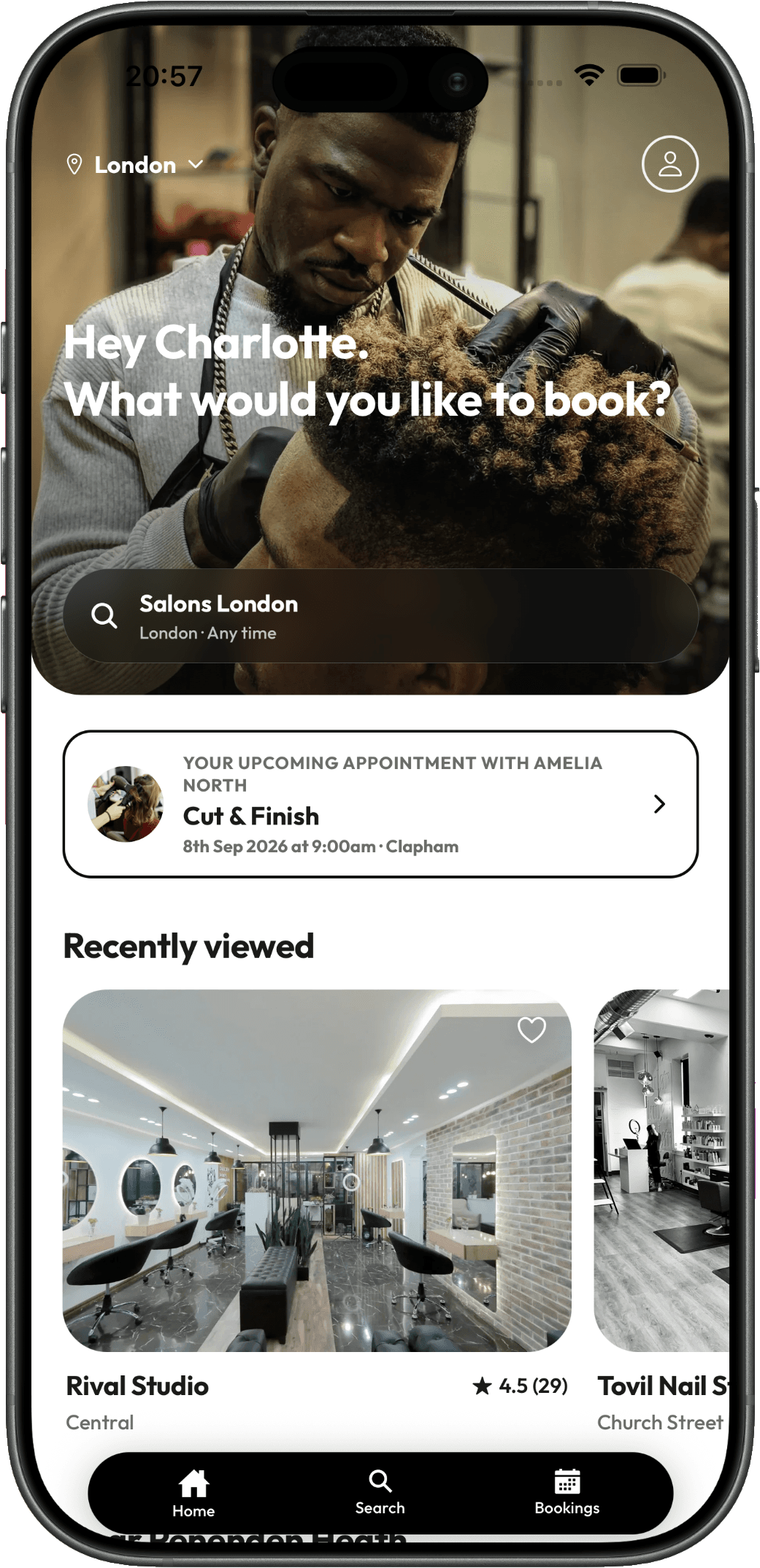 The Cobbtree appThe Cobbtree app guides for customers.
 Help and contactHelp and contact guides for customers.
New to Cobbtree?
Let's get you up and running.
- 01Start here: set up Cobbtree in about 10 minutesCobbtree is your calendar, till, Marketplace listing and website in one place. This checklist gets a new account ready to take bookings. Do it on the web at partners.cobbtree.com.
- 02Set up your business profileYour business profile is what customers see on the Cobbtree Marketplace, on your Cobbtree Site and when they book. It holds your name, logo, public page and social links.
- 03Create and manage your servicesServices are the treatments clients can book, each with a price and duration. Your Service menu shows them all, with their category, duration, buffer time, price, staff,...
- 04Turn on online bookingOnline booking lets customers book you from the Cobbtree Marketplace, your Cobbtree Site and the Cobbtree app, any time of day.
Still need help?
We are here.
Chat with us now, or open a support ticket and we will email you a reference. We usually reply to tickets within 3–6 hours.