
Calendar and appointments
Create an appointment
Last updated 12 October 2026
Book a client in from the calendar or straight from your Today page.
Book a client in from the calendar or straight from your Today page.
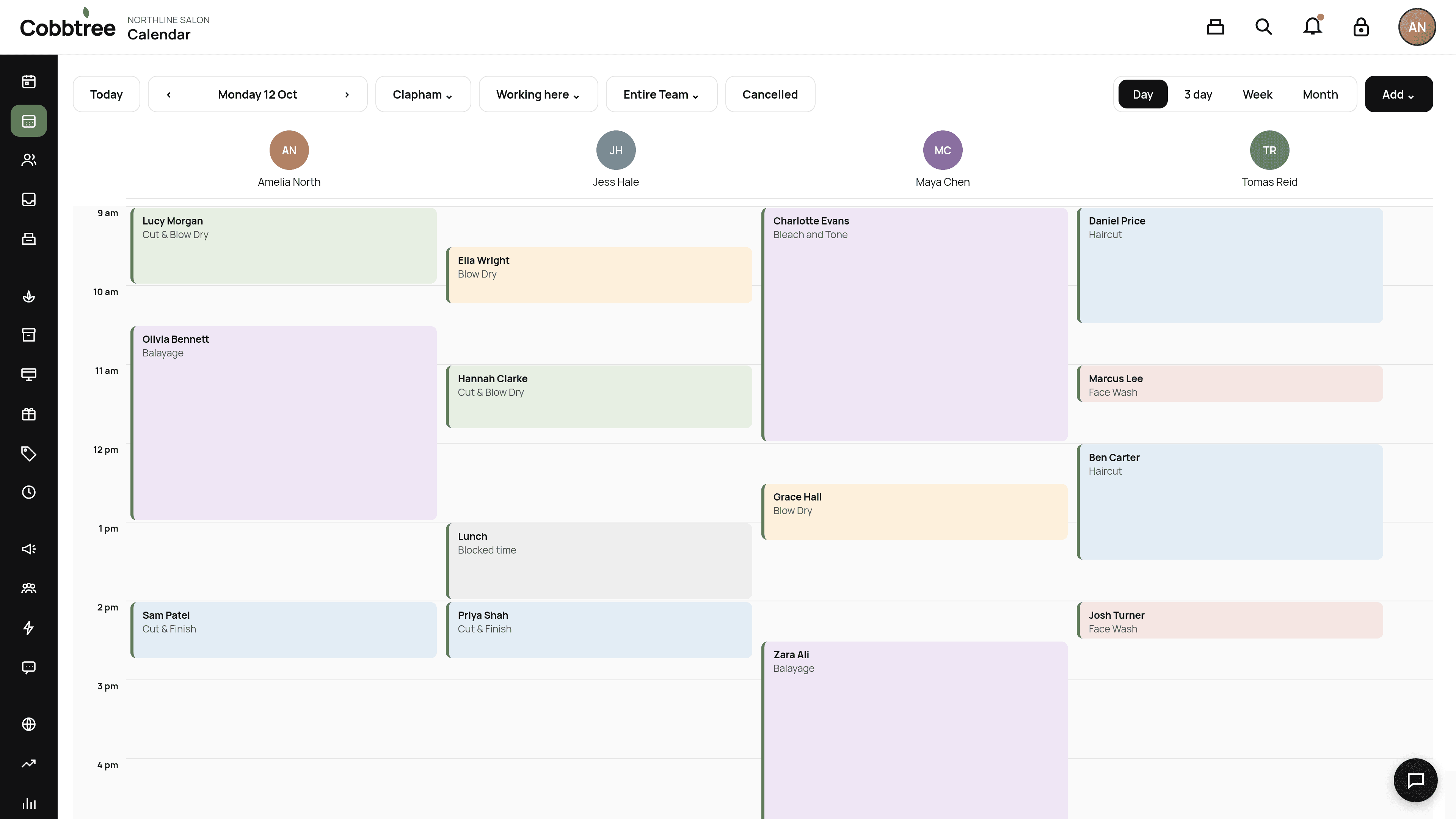
From the calendar
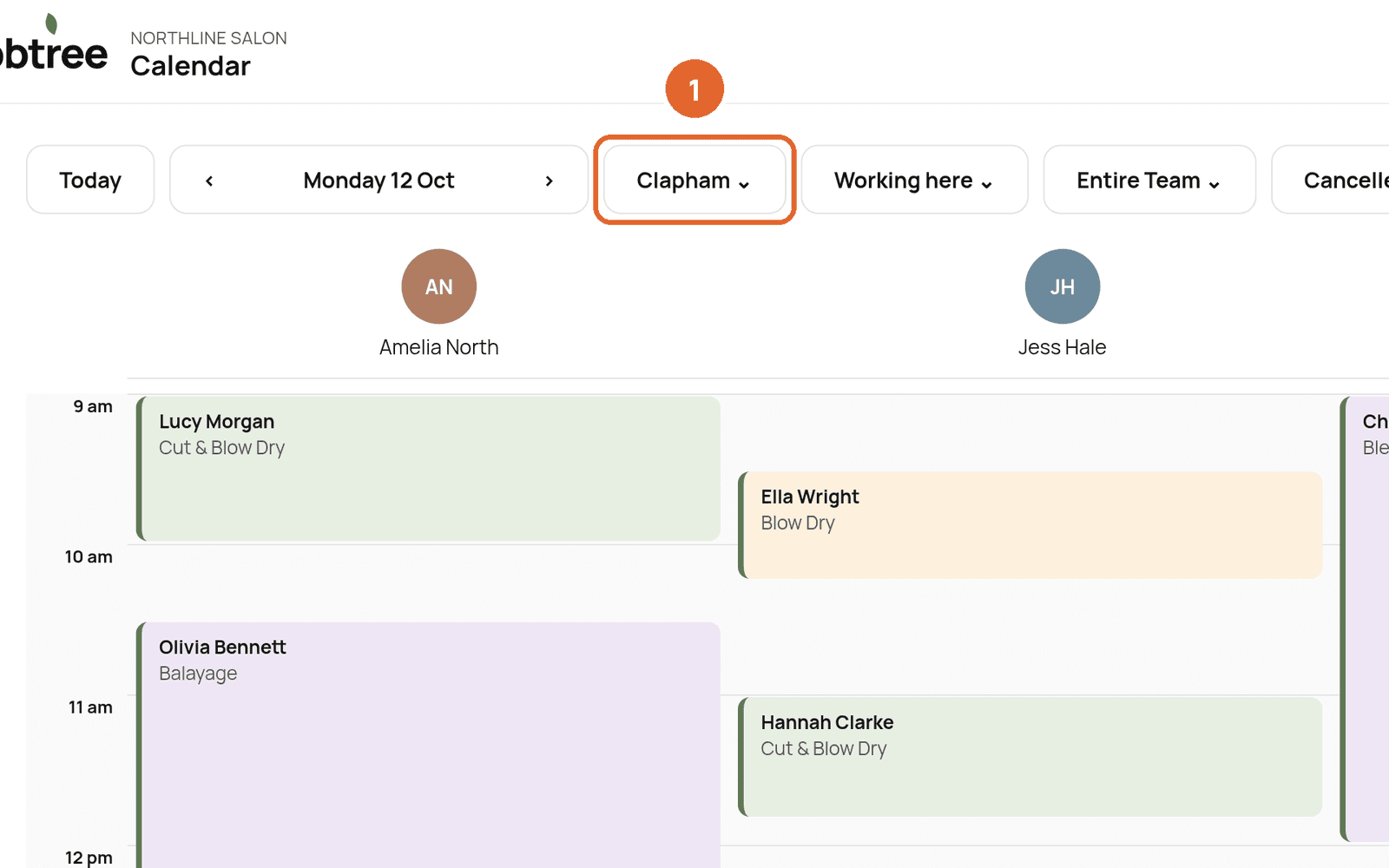
- 1Open Calendar and check the location is right.
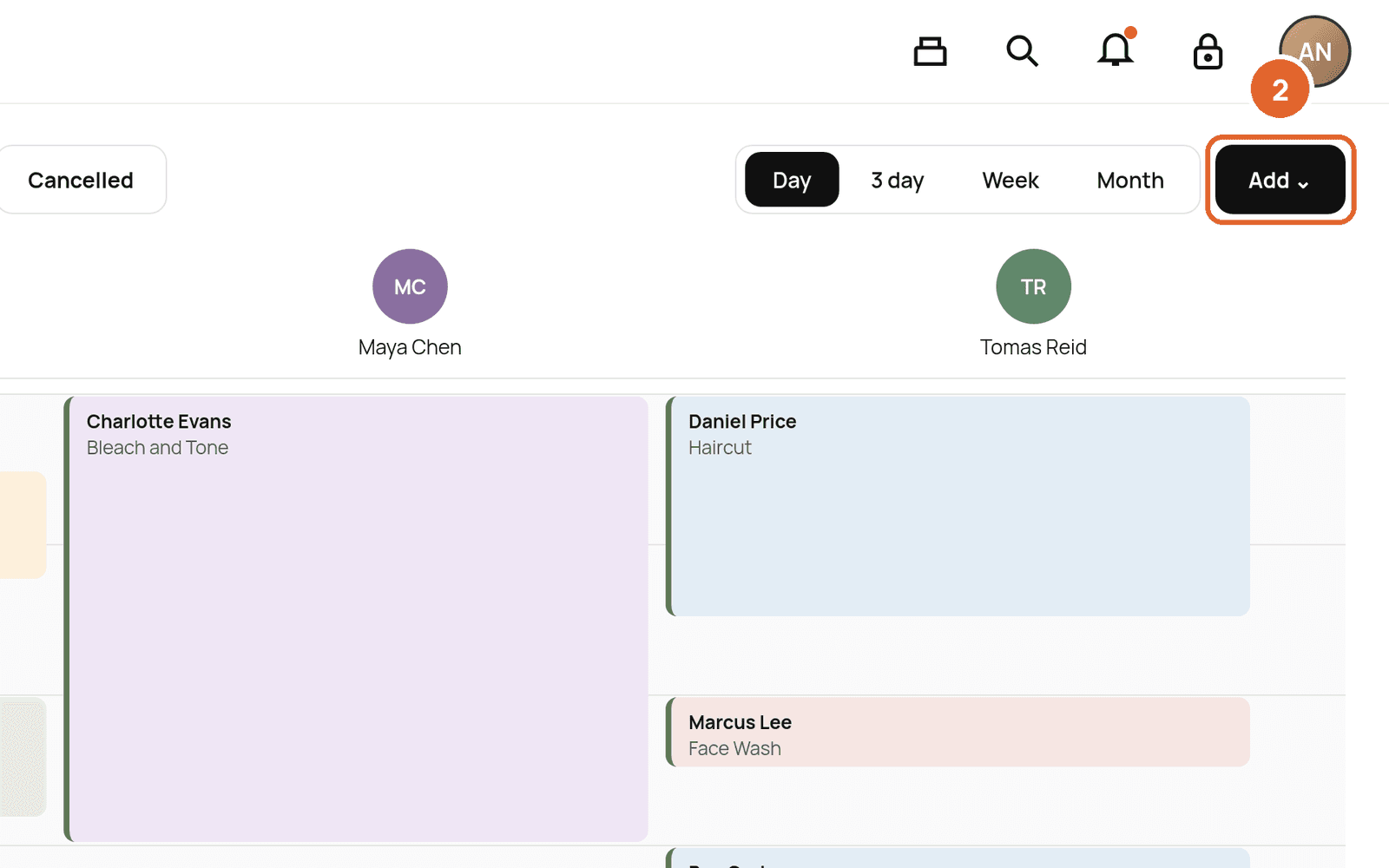
- 2Select Add at the top right, or click an empty time in a team member's column.
- 3Choose the client, service and team member.
- 4Check the time and price, then save.
From the Today page
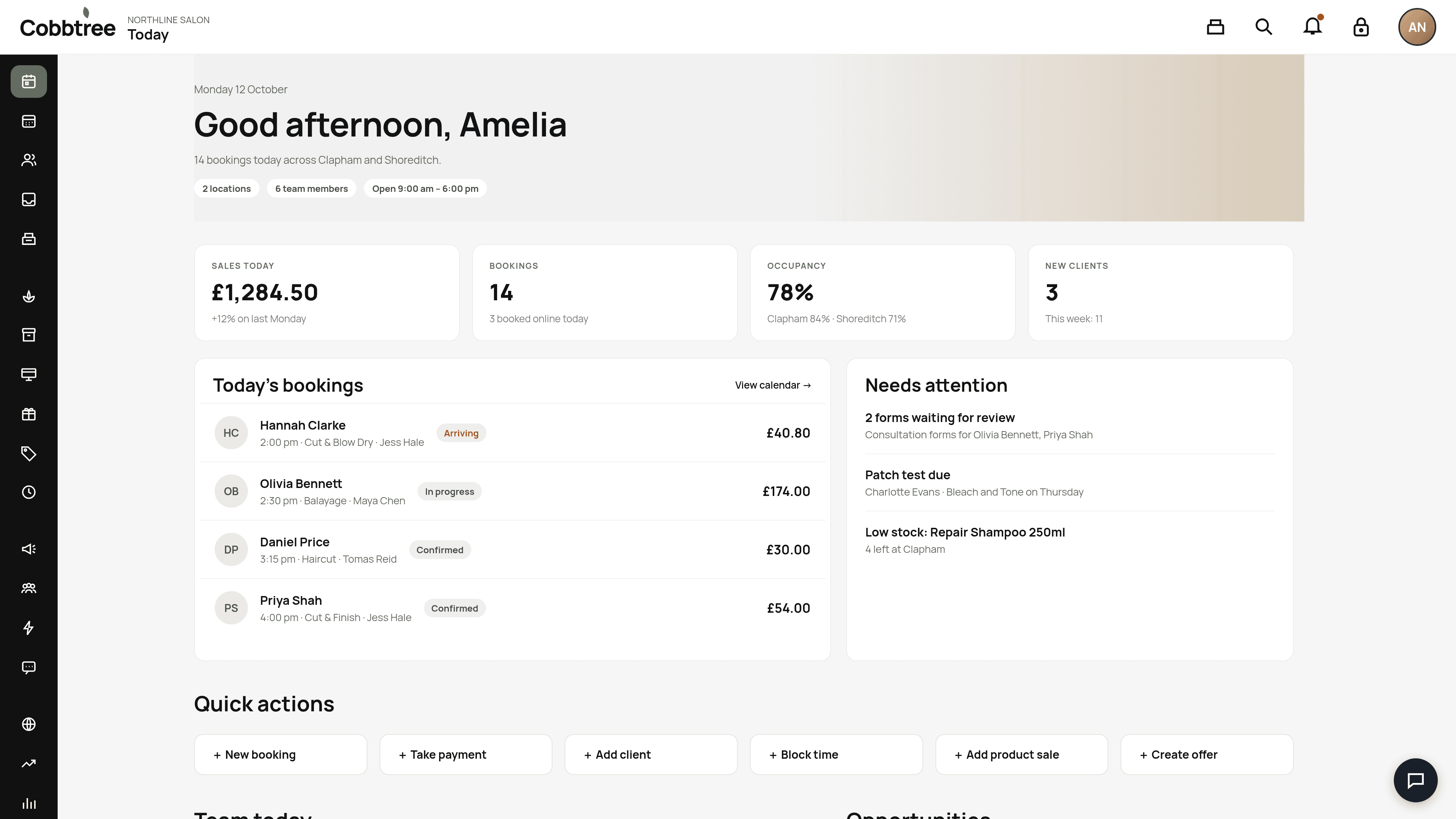
On Today, select New booking (1) in Quick actions.
How the price is worked out
Cobbtree works out the price in this order: base price, then Smart Pricing, then promotion, then loyalty, then VAT, then deposit. The final price is saved on the appointment.
Good to know
- New clients: you can add a client as you book, or first from Clients → Add client.
- If a service needs a valid patch test, online booking is blocked until one is recorded. Staff with the right permission can still book from the calendar.
Related: Reschedule or cancel an appointment · Block time
Was this article helpful?