
Calendar and appointments
Find your way around the calendar
Last updated 22 October 2026
The Calendar shows every appointment at a location, in a column for each team member.
The Calendar shows every appointment at a location, in a column for each team member.
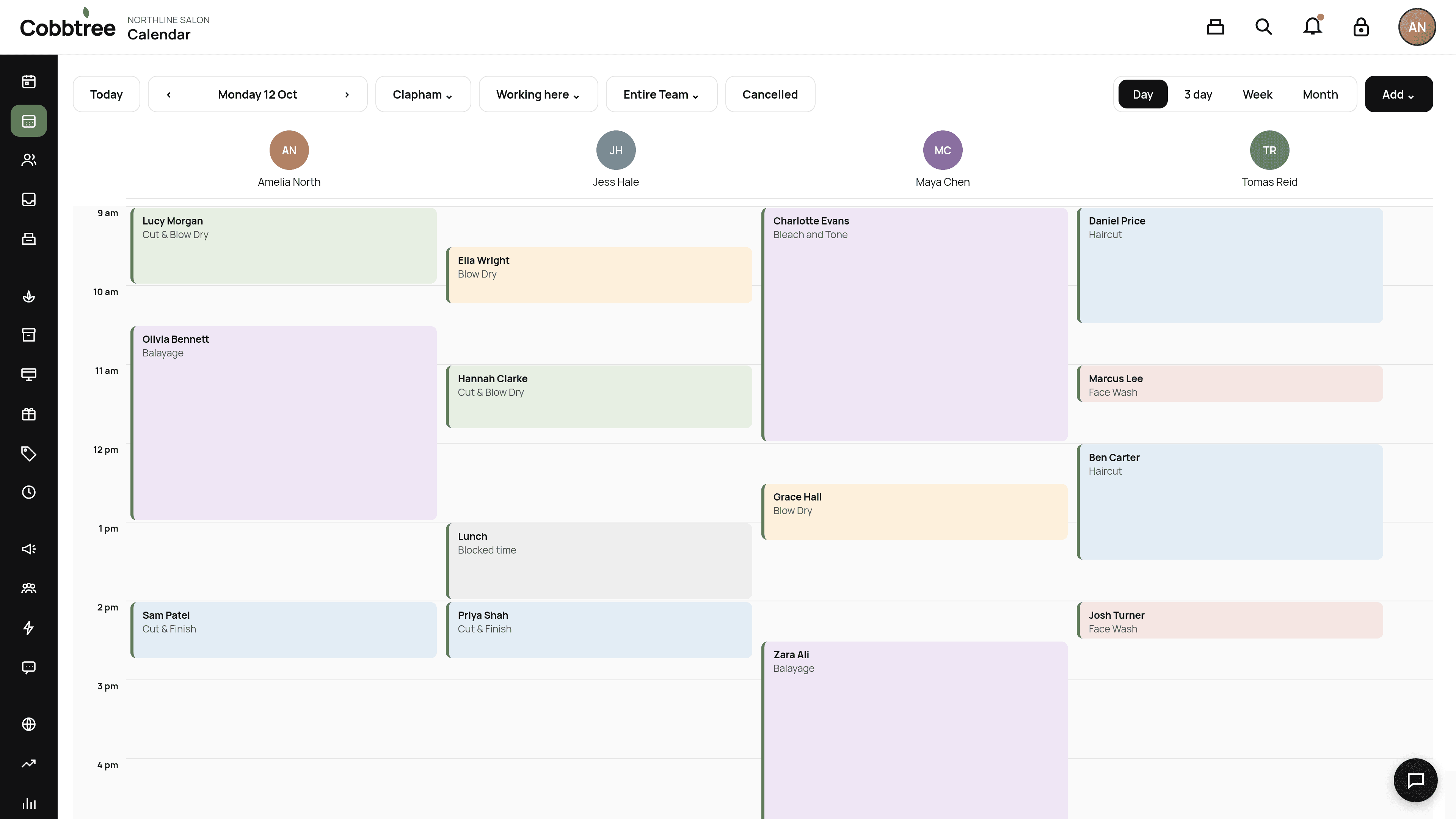
The toolbar
- 1Today: jump back to today.
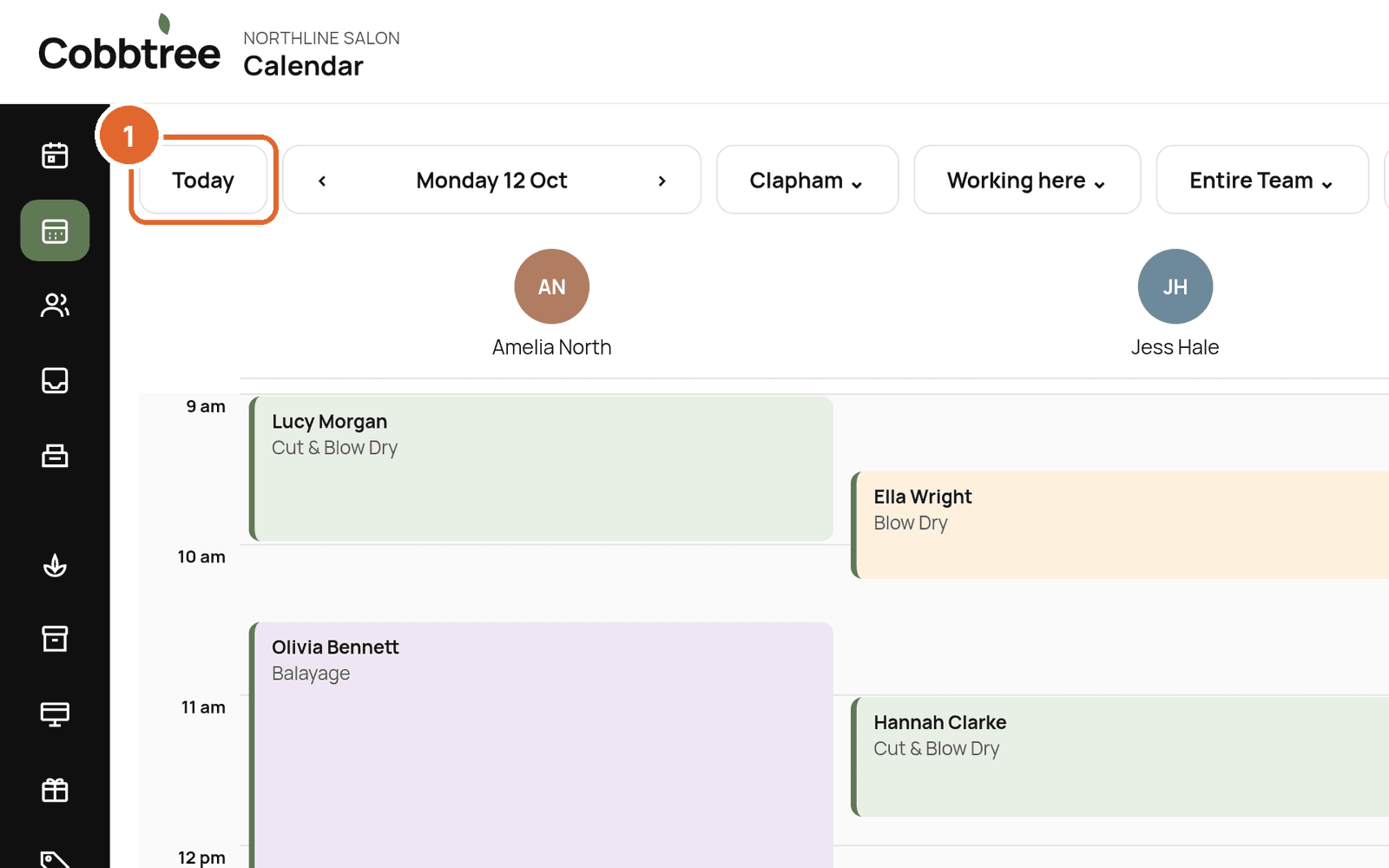
- 2Date arrows: move back or forward a day (or week).
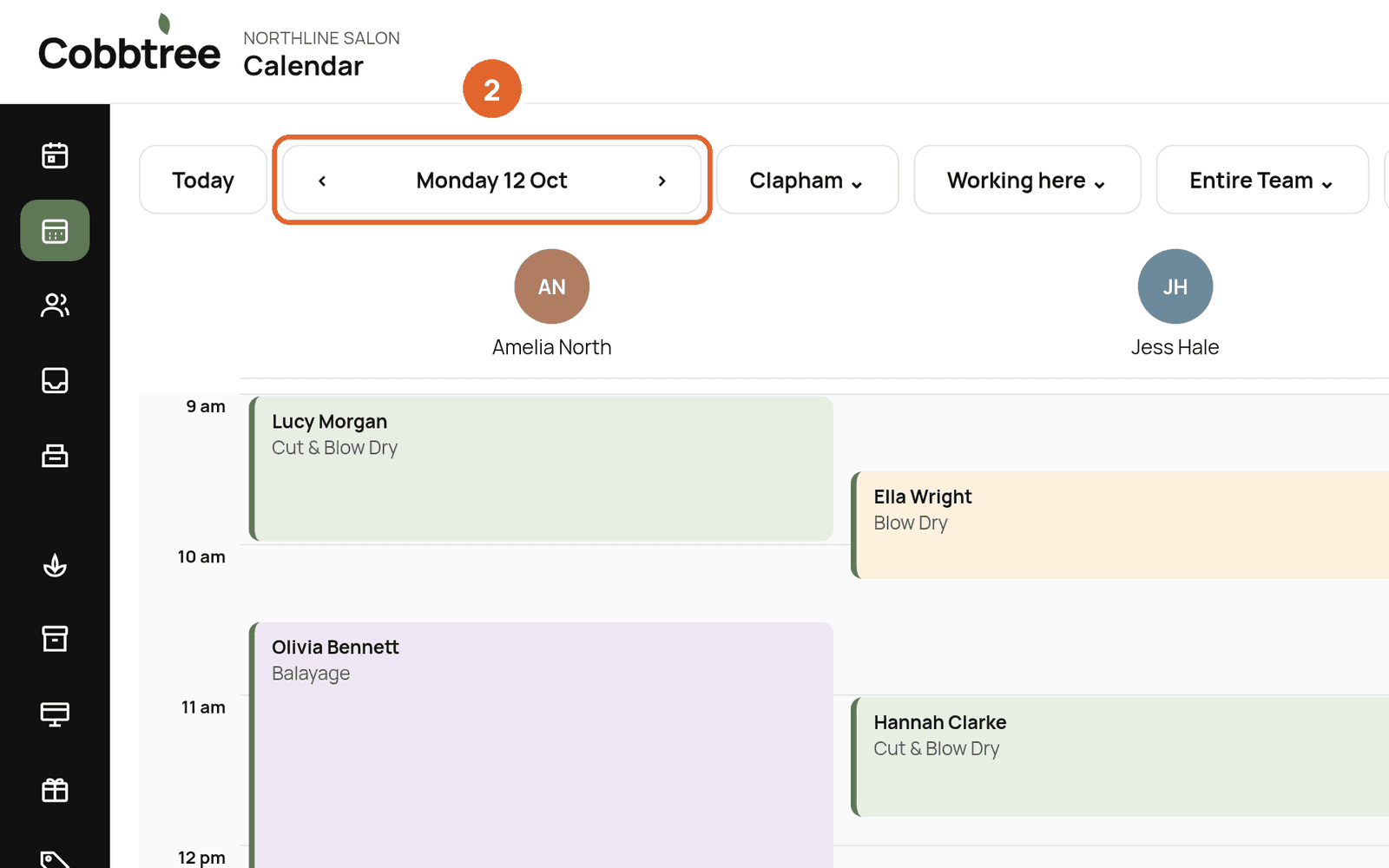
- 3Location: choose which location's calendar you're looking at, for example Clapham.
- 4Who is on the diary: Working here shows people who are in at that location, including anyone marked sick or on time off. All team shows everyone. You can also choose one person.
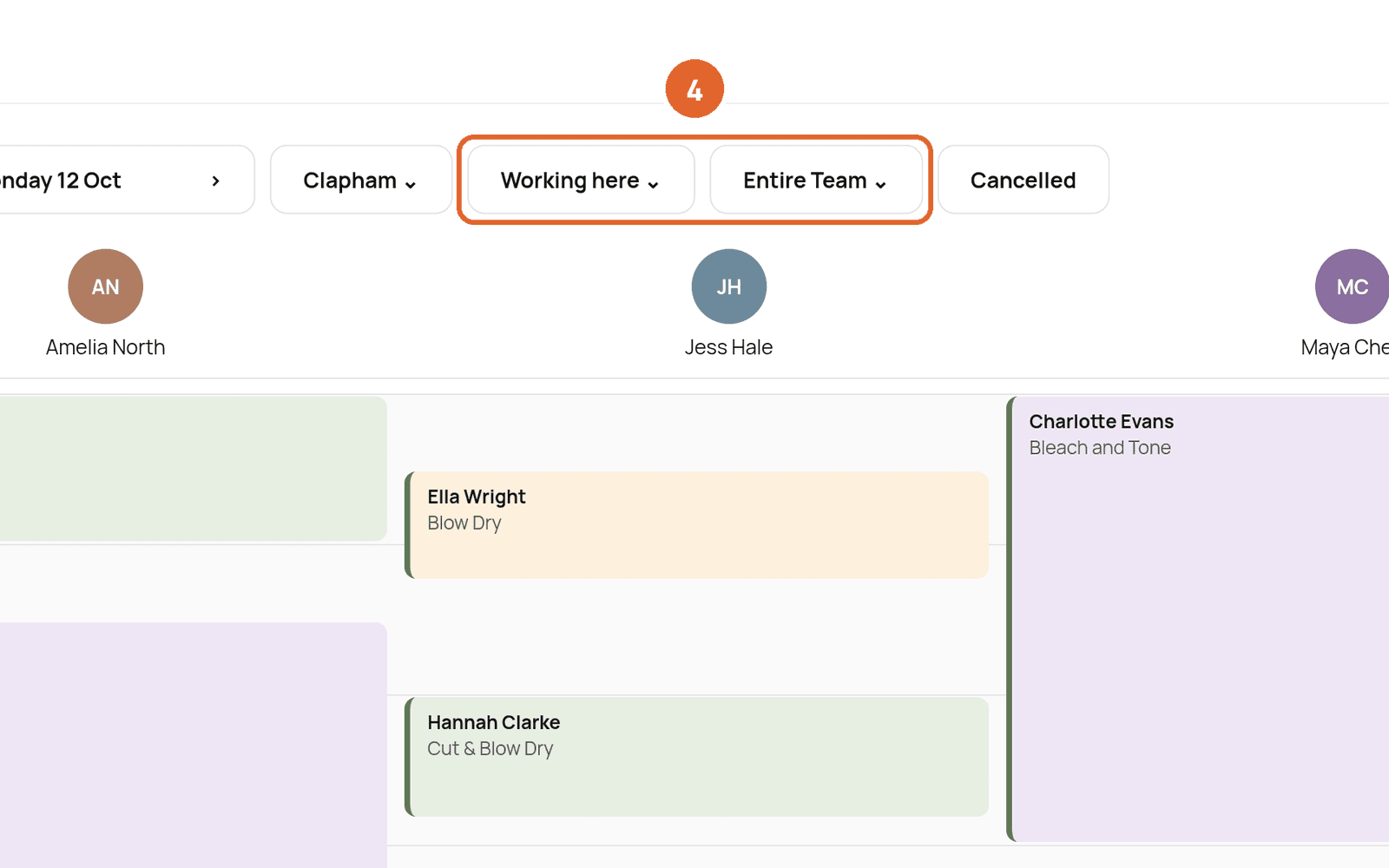
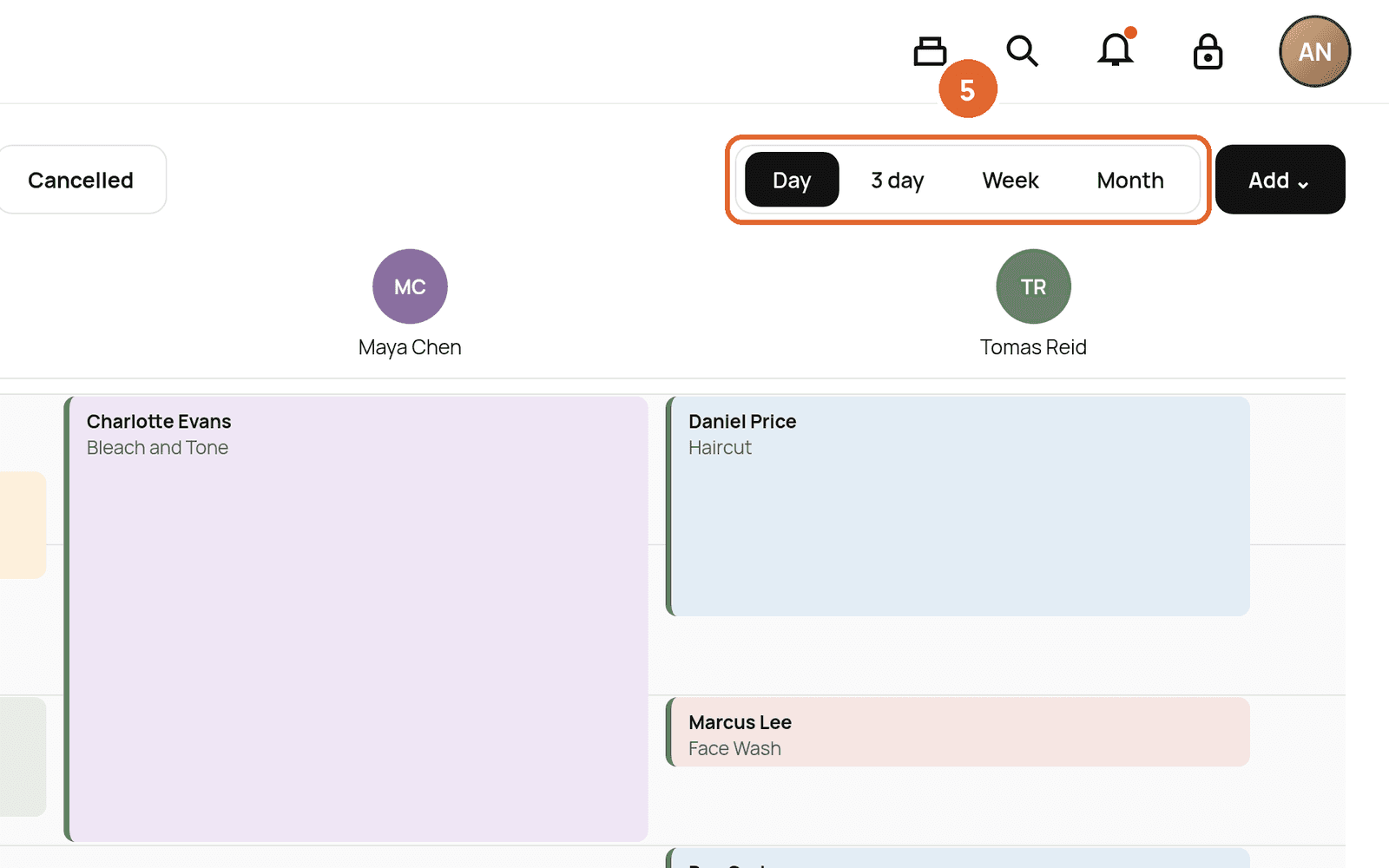
- 5View: switch between Day, 3 day, Week and Month.
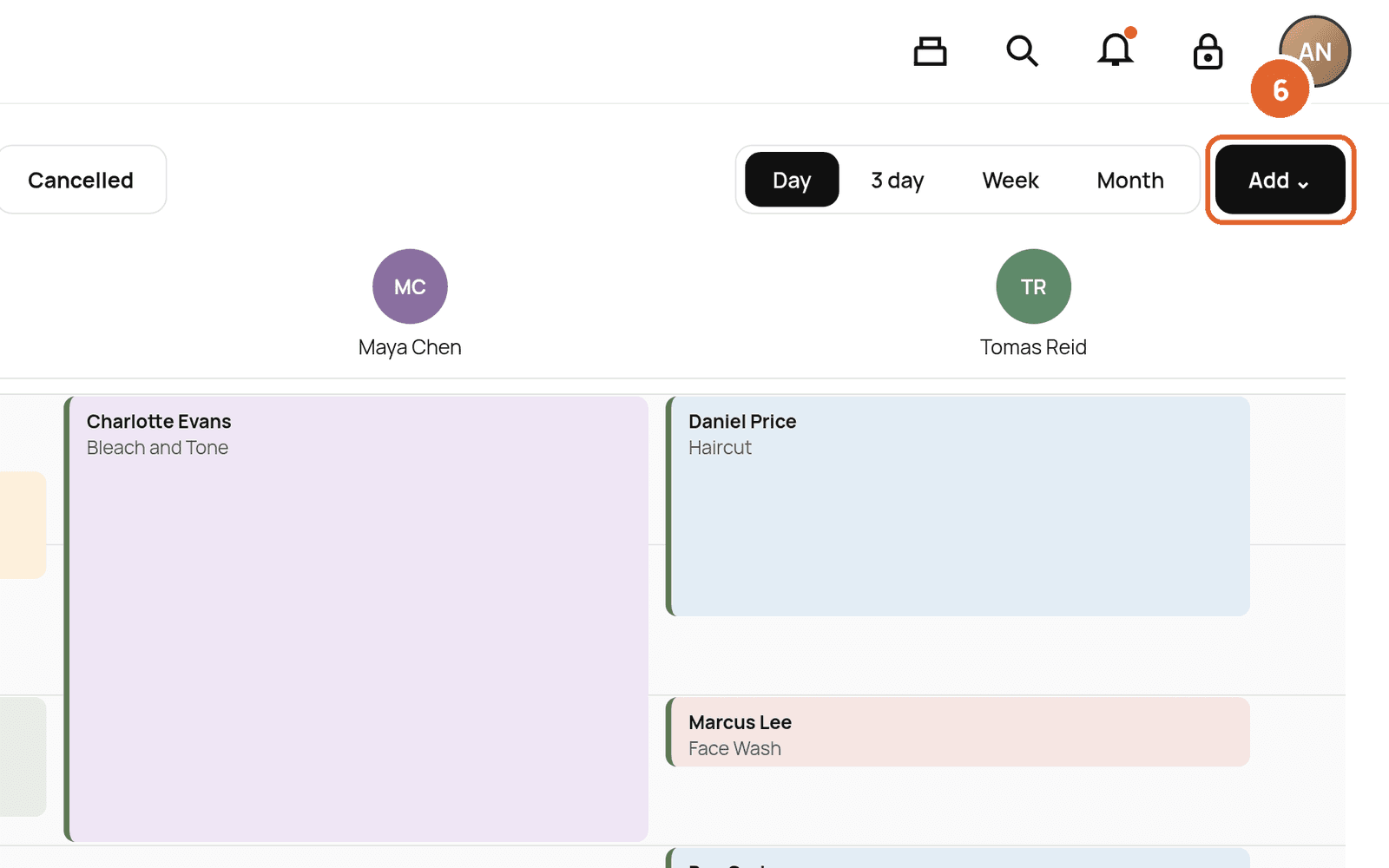
- 6Add: create a new appointment or other entry.
You can also select Cancelled to show cancelled appointments.
Who appears on the calendar
Day view starts on Working here. You see people who are working at the location you have chosen, and also anyone marked sick or on time off. Their column is shaded, with Sick or Time off on it, so you can see they cannot be booked. New bookings are made at the location you have selected.
If nobody has a shift that day, the calendar names the location and the day. It lists who has no shift, and who is working at your other salon. Show the whole team puts everyone on the calendar, including people with no shift.
If someone is missing and they should be working, check their hours in Team → Rota.
How appointments are priced
When you create an appointment, Cobbtree saves the price at that moment. Later changes to Smart Pricing or promotions never change appointments that are already booked.
Related: Create an appointment · Mark someone sick or on time off · Set working hours with Rota
Was this article helpful?