
Calendar and appointments
Connect Google, Outlook or another calendar
Last updated 12 October 2026
Show your Cobbtree bookings in the calendar you already use.
Show your Cobbtree bookings in the calendar you already use.
Connect a calendar
- 1Go to Settings → Scheduling.
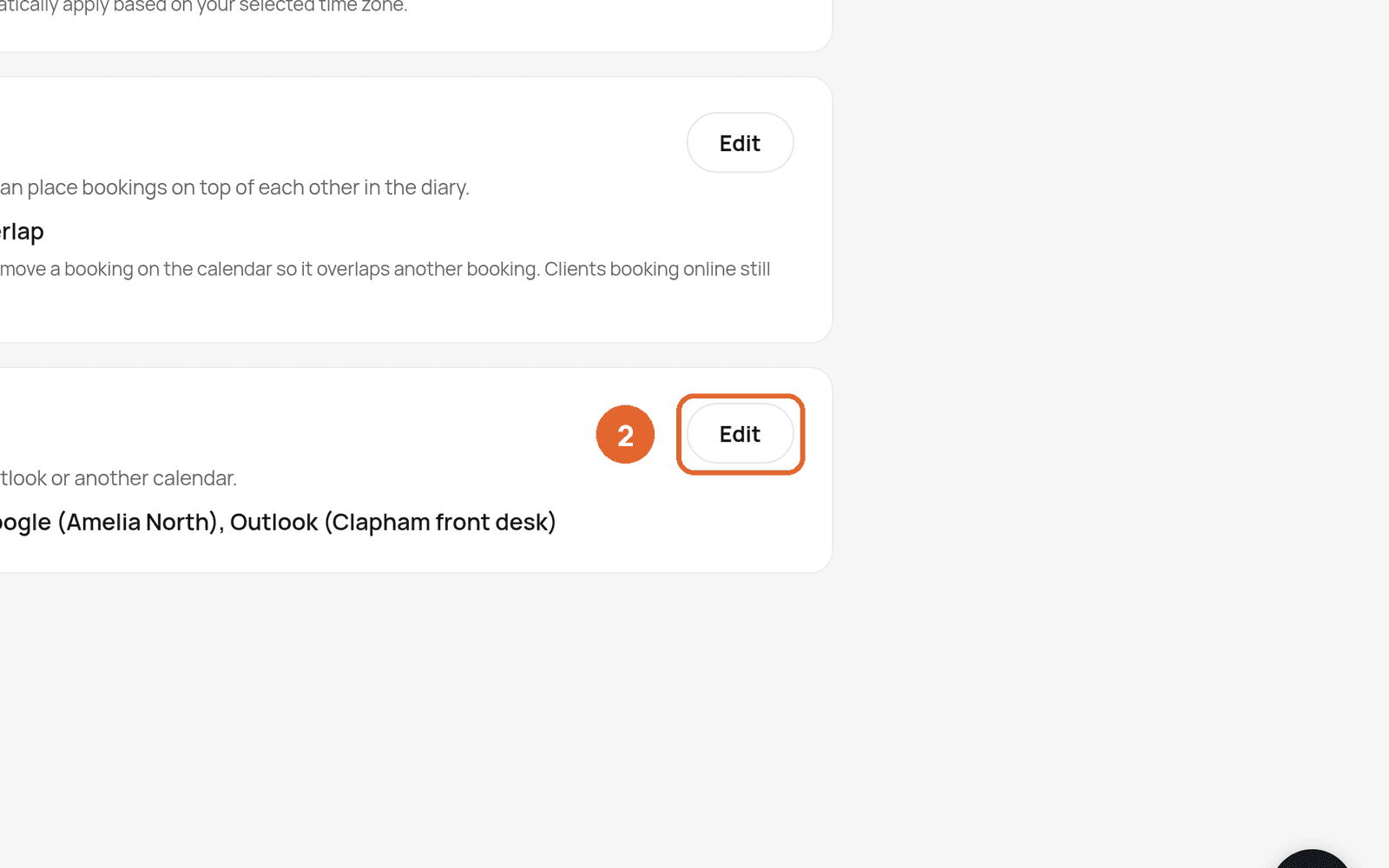
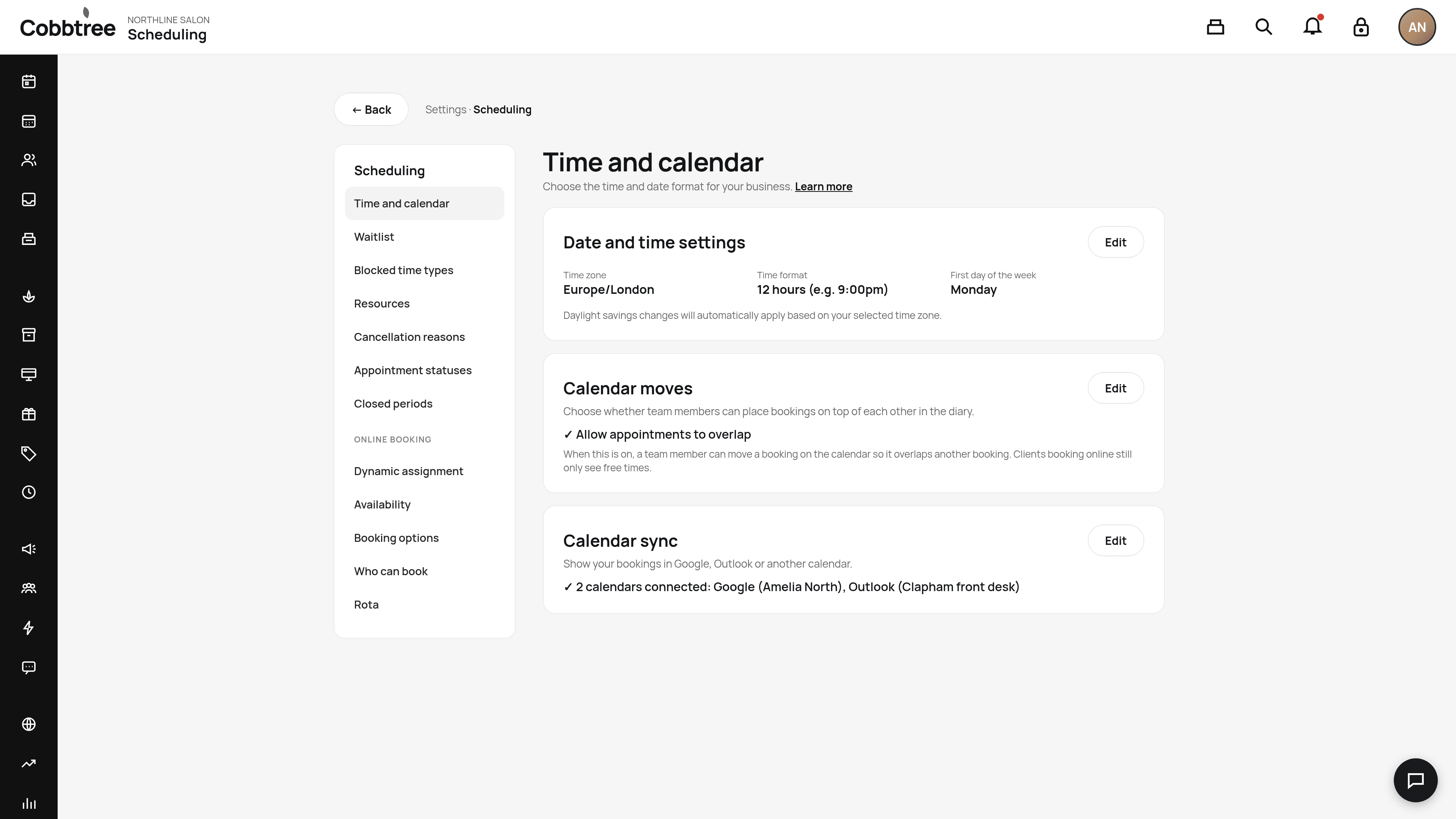
- 2Find Calendar sync and select Edit. Connected calendars are managed on the Calendar page.
- 3Connect Google or Microsoft.
- 4Choose the whole business, or one person's calendar.
New bookings, changes and cancellations then appear in that calendar.
No Google or Microsoft account?
Connect an email calendar instead. Cobbtree sends a calendar invite to that mailbox for each booking.
Other time settings on this page
- Date and time settings: time zone, 12- or 24-hour time, and the first day of the week. Clocks change automatically for your time zone. 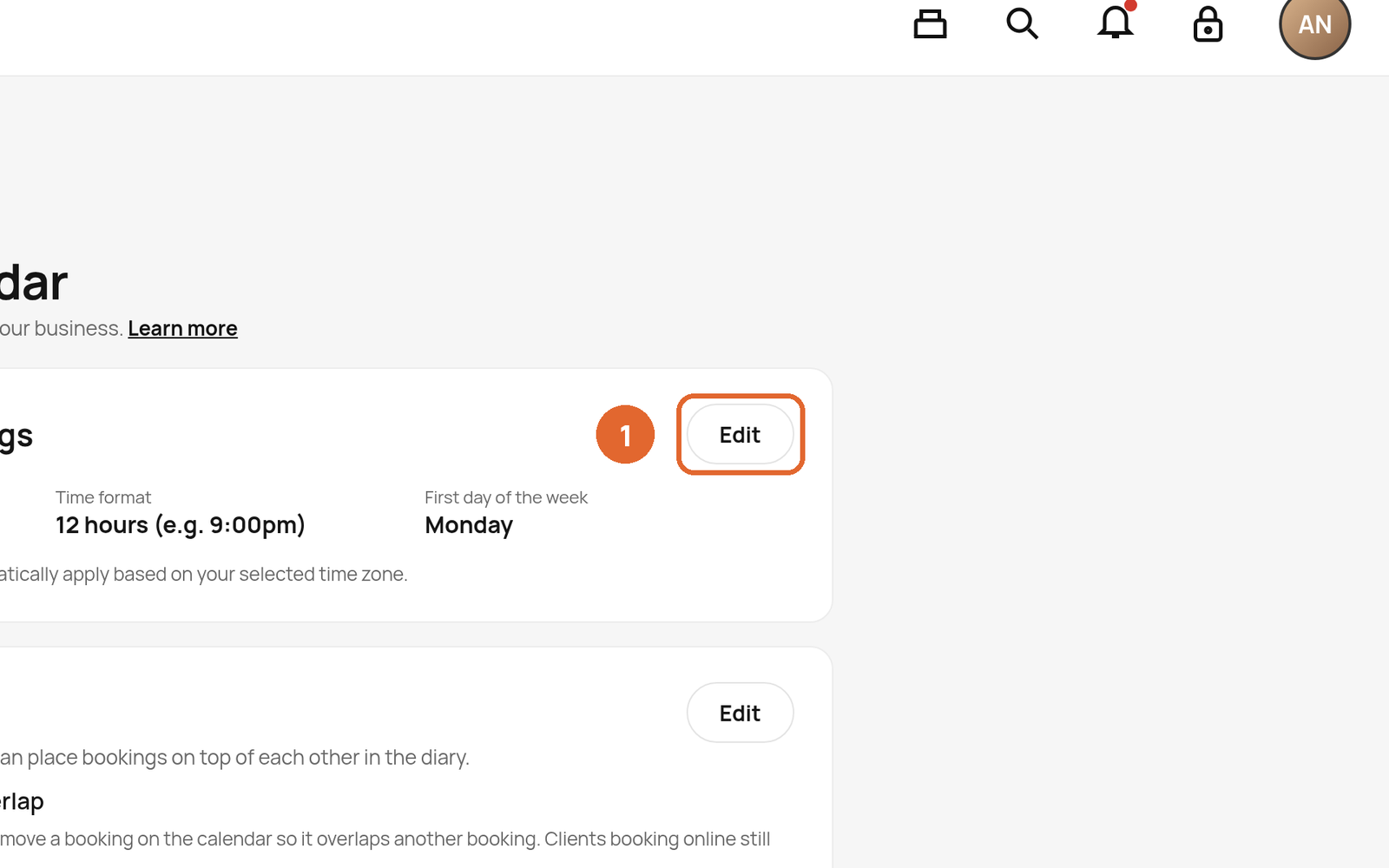
- Calendar moves: allow appointments to overlap. 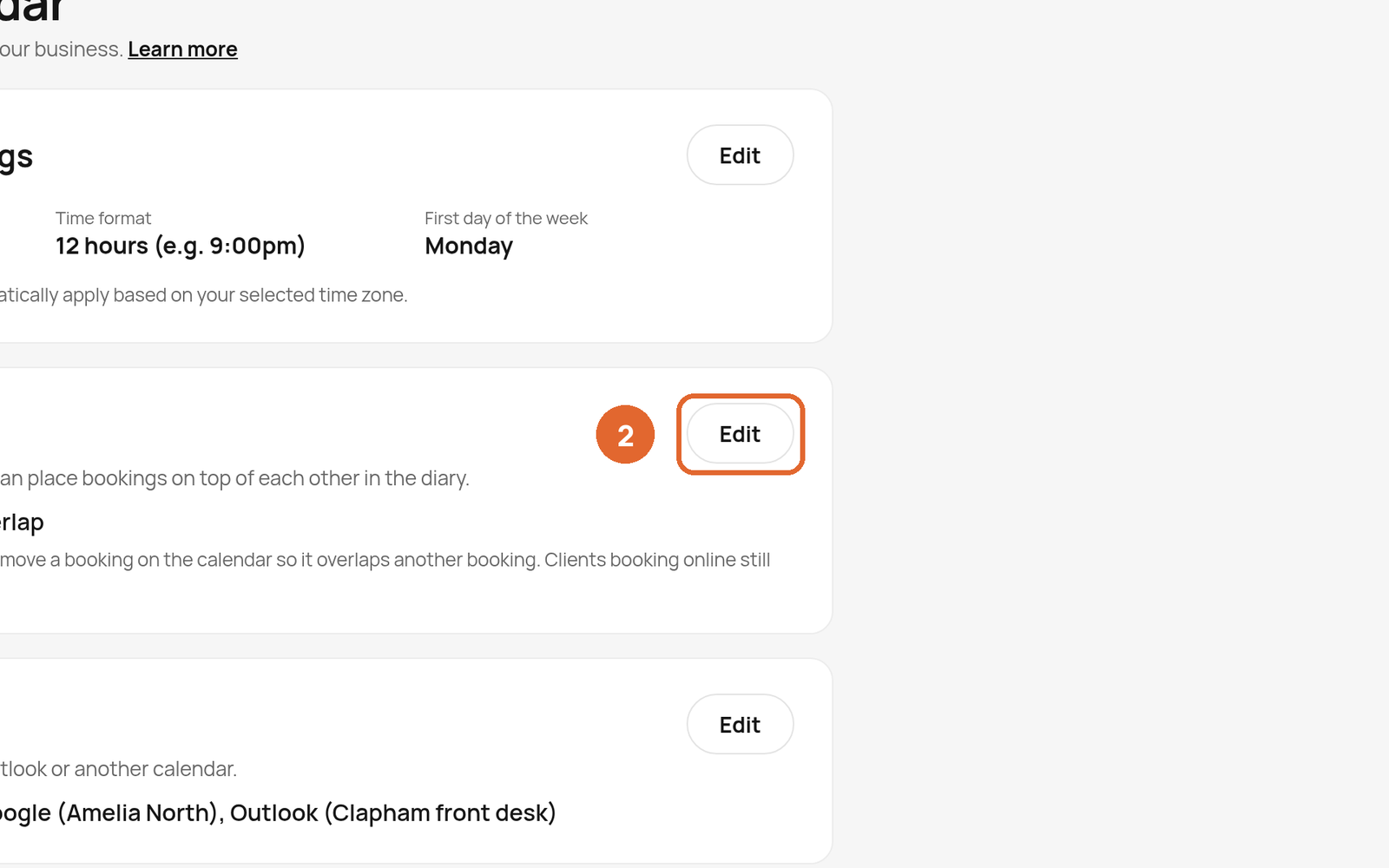
Related: Find your way around the calendar · Notification settings
Was this article helpful?