
Switching to Cobbtree
Move to Cobbtree from Fresha or another system
Last updated 12 October 2026
You can bring your clients, services, team and appointment history across to Cobbtree.
You can bring your clients, services, team and appointment history across to Cobbtree.
Import your data
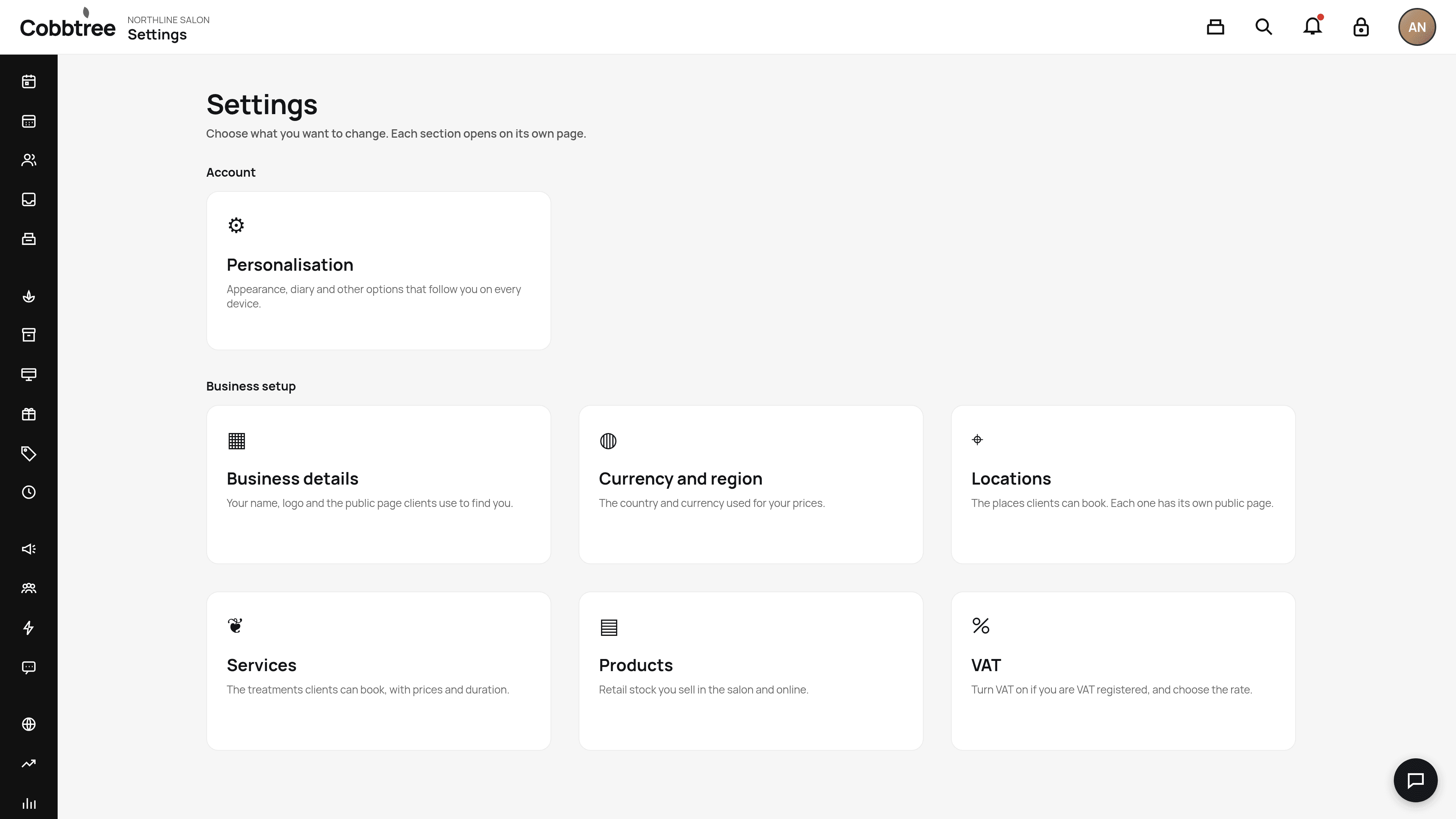
- 1Go to Settings, then Import (under Business setup).
- 2Choose what to bring in: clients, services, team and appointment history.
- 3Check any conflicts before you switch your customers over.
Moving from Fresha
Nothing changes on Fresha until you decide to stop using it, so you can run both side by side while you settle in.
Other systems
After you import
- Imported clients aren't opted in to marketing.
- Check your services, prices and team hours.
- Share your new booking link from Settings → Locations.
Related: Import your clients · Start here: setup checklist
Was this article helpful?