
Troubleshooting and support
Contact Cobbtree Support
Last updated 12 October 2026
We usually reply within 3–6 hours. Your past tickets are listed on the same page with their reference numbers.
Open a ticket
- 1Select Support in the left-hand menu.
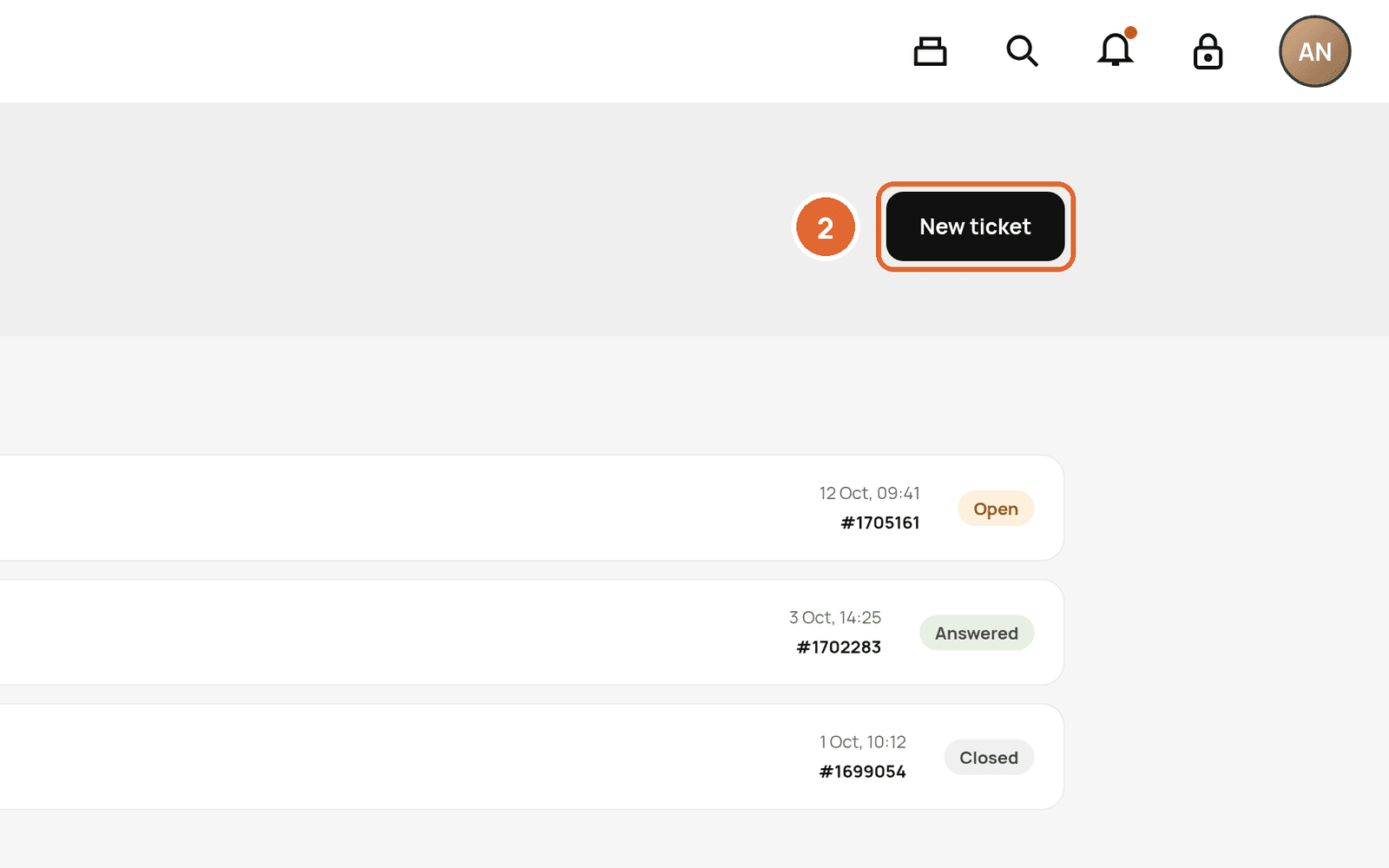
- 2Select New ticket.
- 3Choose a topic, for example Booking or appointment, describe the problem and send.
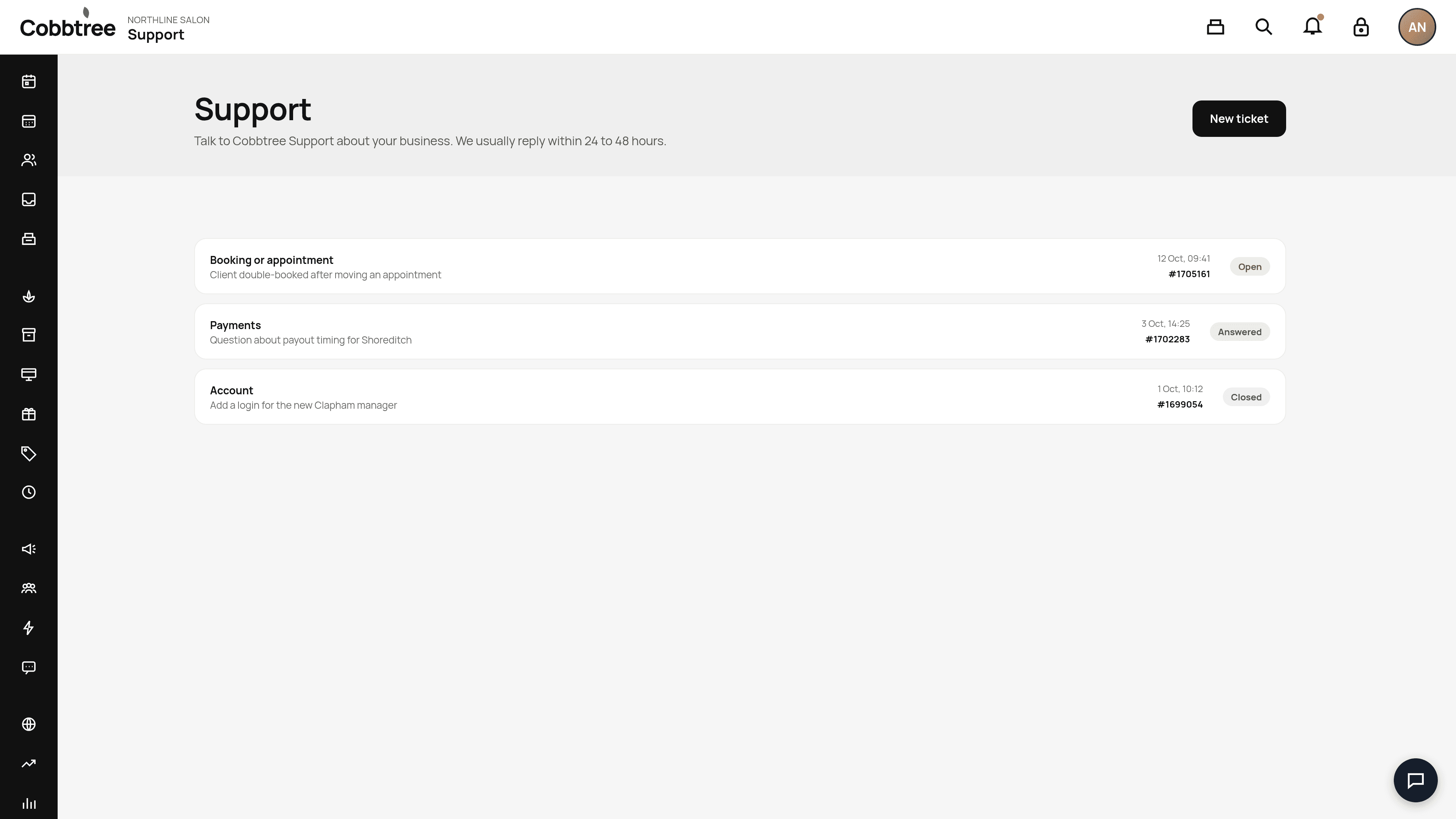
We usually reply within 3–6 hours. Your past tickets are listed on the same page with their reference numbers.
Live chat
Use the chat button at the bottom right of any page to talk to us.
What to include
- Your Business ID, from Settings → Business details.
- The location and the date and time it happened.
- The client or appointment involved. Don't send card numbers.
- A screenshot, if you can.
Customers asking for help
Customers should contact your business about their booking. Cobbtree Support helps with the Cobbtree account and app.
Related: Common problems
Was this article helpful?