
No-shows, deposits and policies
Protect against no-shows
Last updated 12 October 2026
Cobbtree gives you three ways to protect your time:
Cobbtree gives you three ways to protect your time:
- 1Deposits: take part of the price when the client books online.
- 2Card on file: ask clients to save a card when a late cancellation fee applies.
- 3No-show and late cancellation fees: charge the saved card when your policy allows.
All three need Stripe connected. See Connect Stripe and take card payments.
Require a card on file
- 1Open your location's cancellation policy. See Set a cancellation policy.
- 2Turn on the option to require a card when a late fee applies.
When booking online, clients add a card or choose a saved one during checkout. They don't need to leave the booking to do it.
Charge a no-show fee
If your cancellation policy includes a fee and the client has a card on file, Cobbtree can charge the fee when you mark the visit as a no-show or late cancellation.
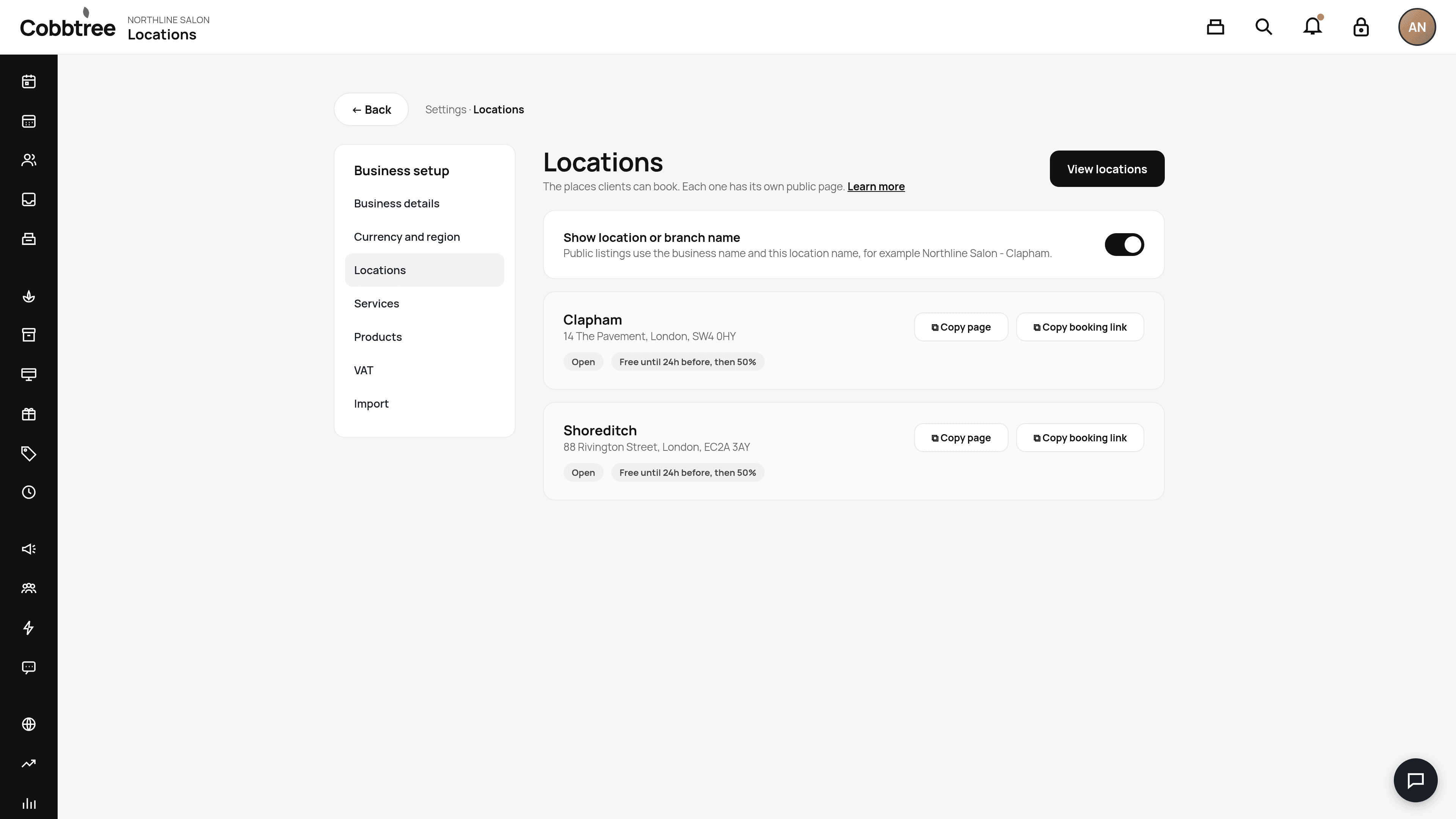
See each location's policy
In Settings → Locations, each location card shows its policy, for example "Free until 24h before, then 50%".
Related: Take a deposit · Set a cancellation policy
Was this article helpful?