
No-shows, deposits and policies
Take a deposit
Last updated 12 October 2026
A deposit is part of the price, collected when a client books online.
A deposit is part of the price, collected when a client books online.
Set a deposit on a service
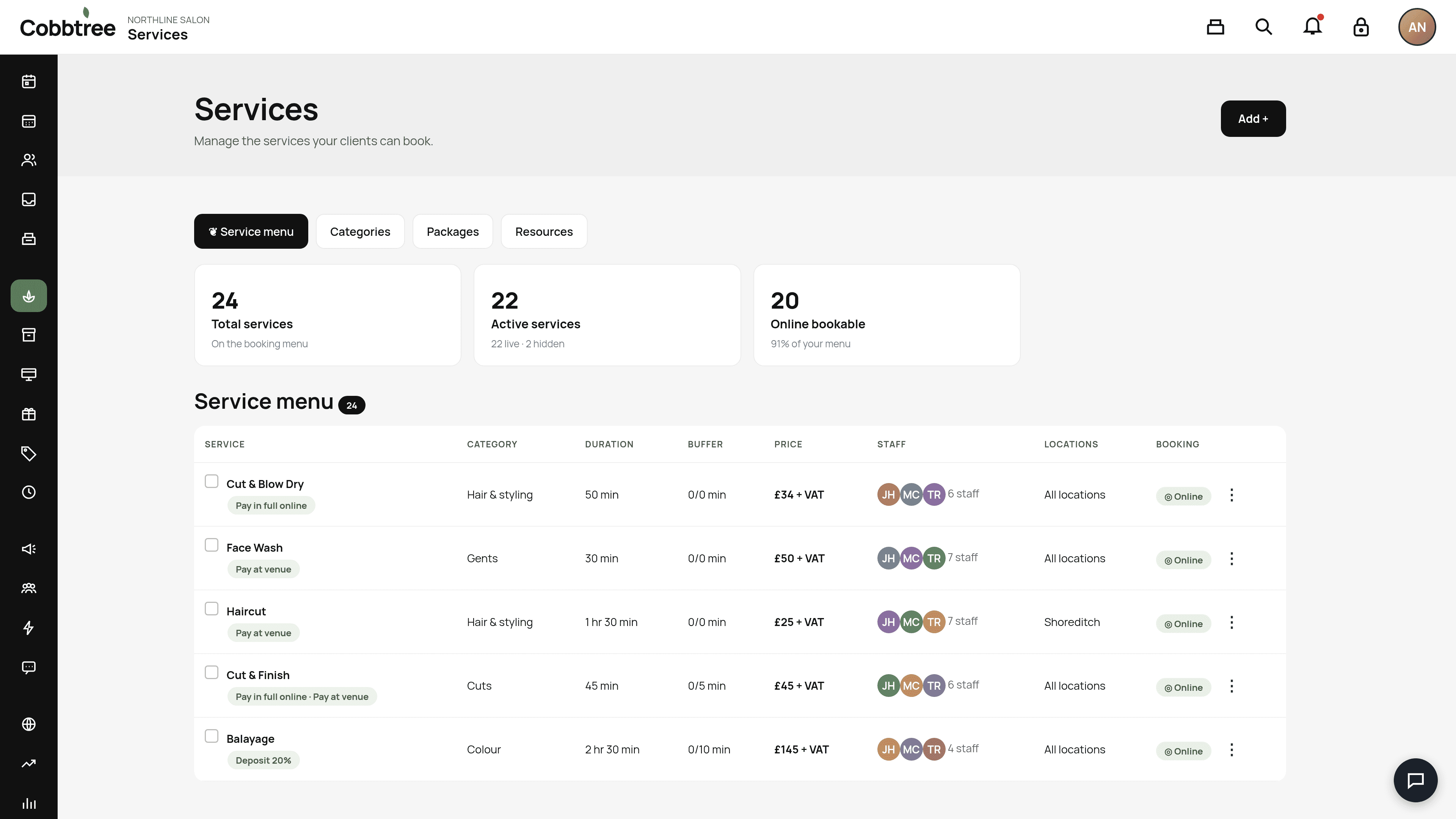
- 1Open Services.
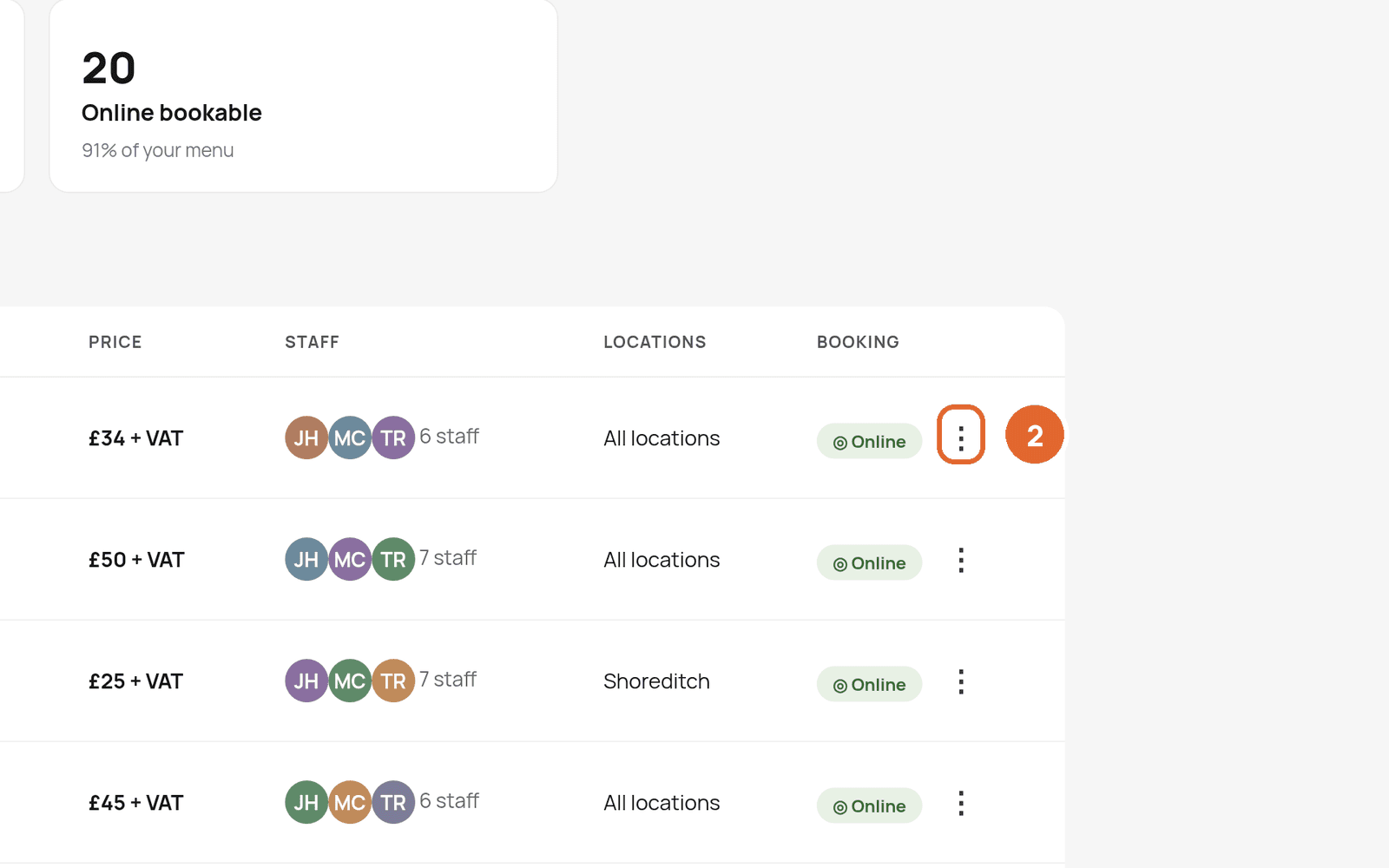
- 2Select the three dots on the service and choose to edit it.
- 3Set the deposit amount or payment rule.
- 4Save.
What happens at checkout
- Cobbtree charges the deposit, including VAT where it applies.
- The rest is due at the appointment, unless the client pays in full.
Before you start
You need Stripe connected to take deposits. See Connect Stripe and take card payments.
Related: Protect against no-shows · Set a cancellation policy
Was this article helpful?