
No-shows, deposits and policies
Set a cancellation policy
Last updated 12 October 2026
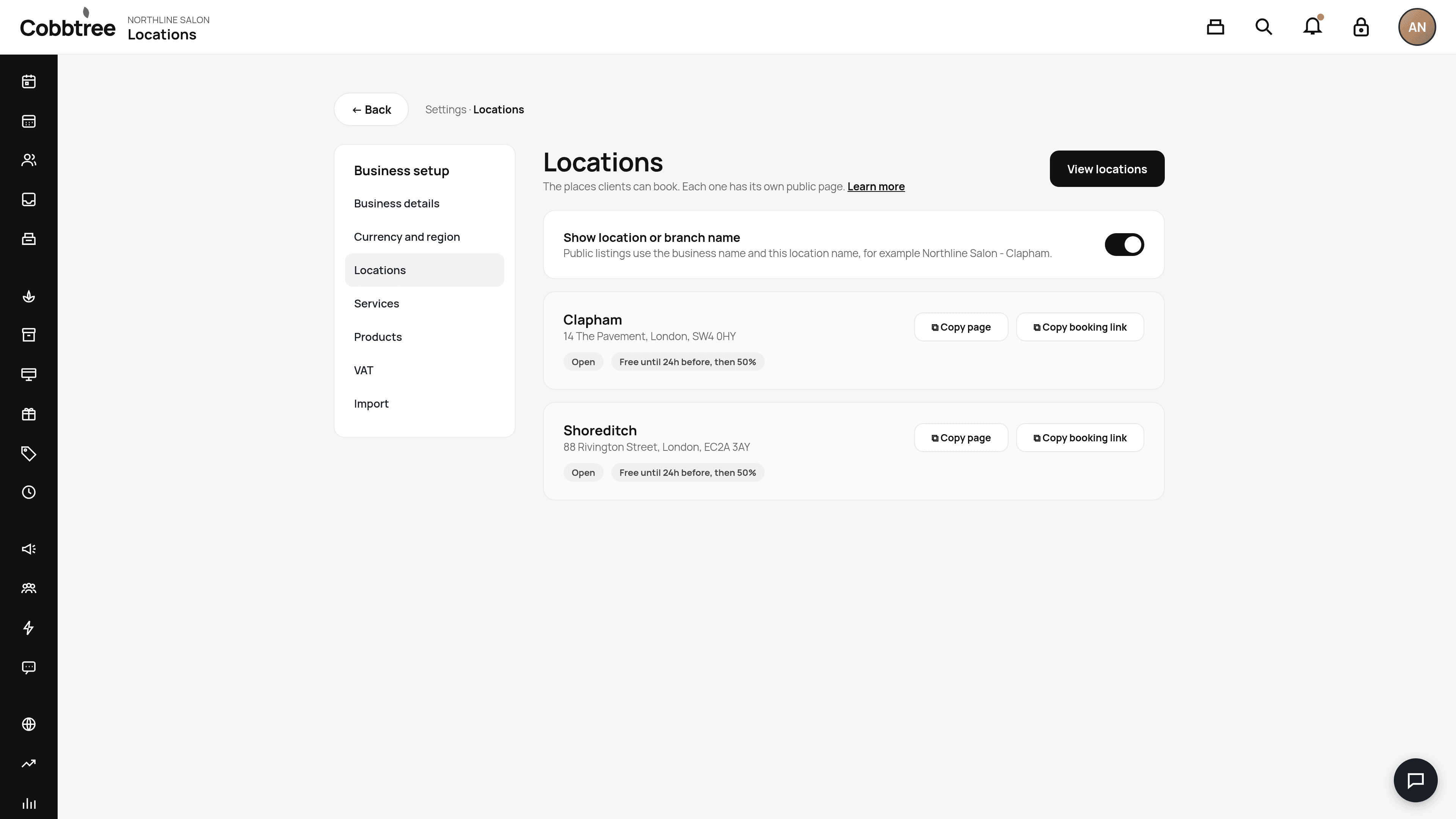
Each location has its own cancellation policy. Customers see it and agree to it when they book online.
Each location has its own cancellation policy. Customers see it and agree to it when they book online.
Set your policy
- 1Open the cancellation settings for the location.
- 2Set your notice period, for example 24 hours.
- 3Set the late fee, for example 50% of the price.
- 4Choose whether customers must agree to the policy at online checkout.
- 5Choose whether to require a card on file when a late fee applies.
- 6Save.
How fees are charged
Late fees are charged to the client's saved card through your connected Stripe account.
Good to know
- Clients can still cancel free of charge inside your free cancellation window.
- You can add your own cancellation reasons in Settings → Scheduling → Cancellation reasons.
Related: Protect against no-shows · Take a deposit
Was this article helpful?