
Team and pay
User roles and permissions
Last updated 12 October 2026
Each team member has a permission role that controls what they can see and do.
Each team member has a permission role that controls what they can see and do.
Change someone's role
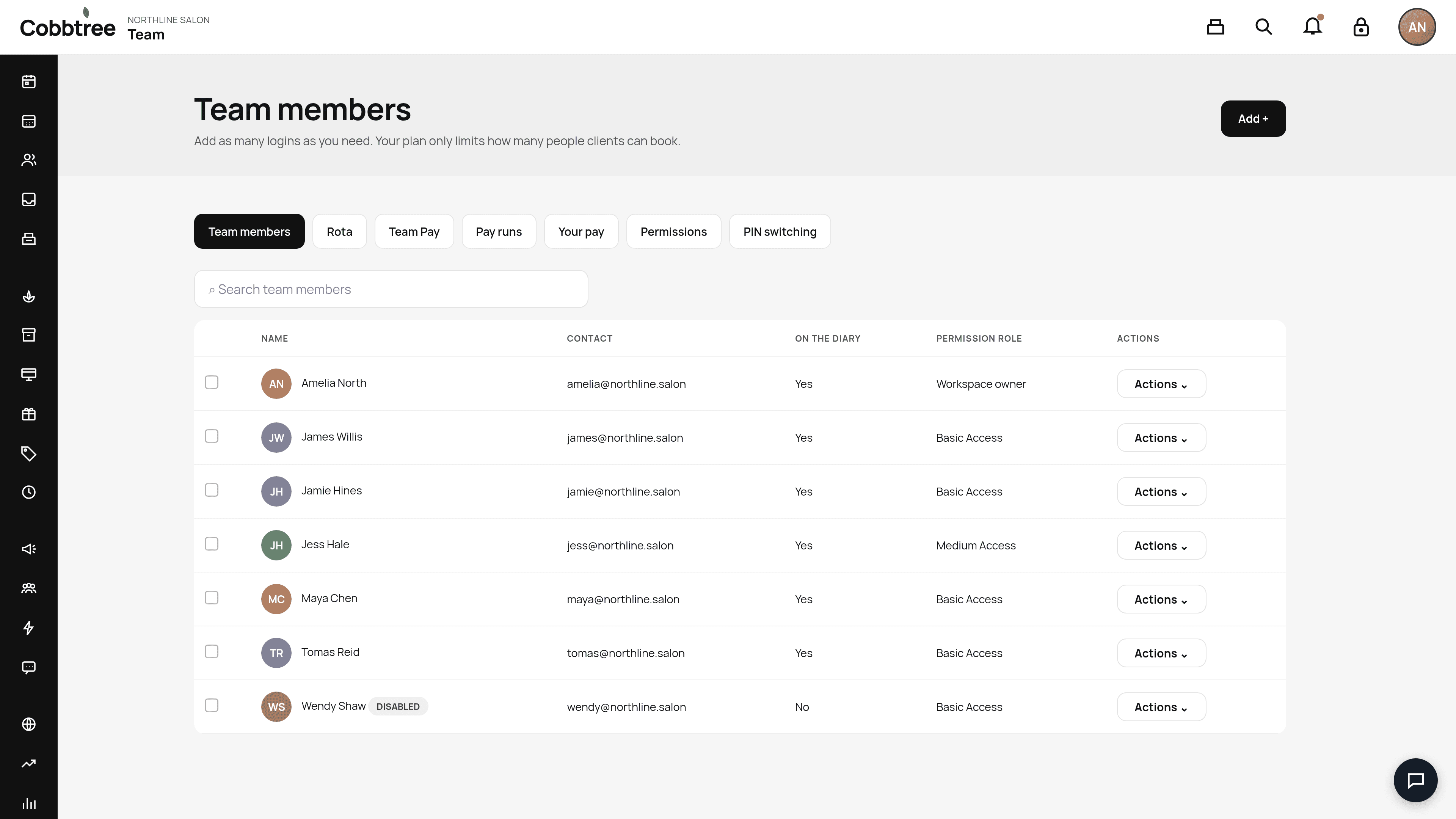
- 1Go to Team.
- 2Find the person and select Actions.
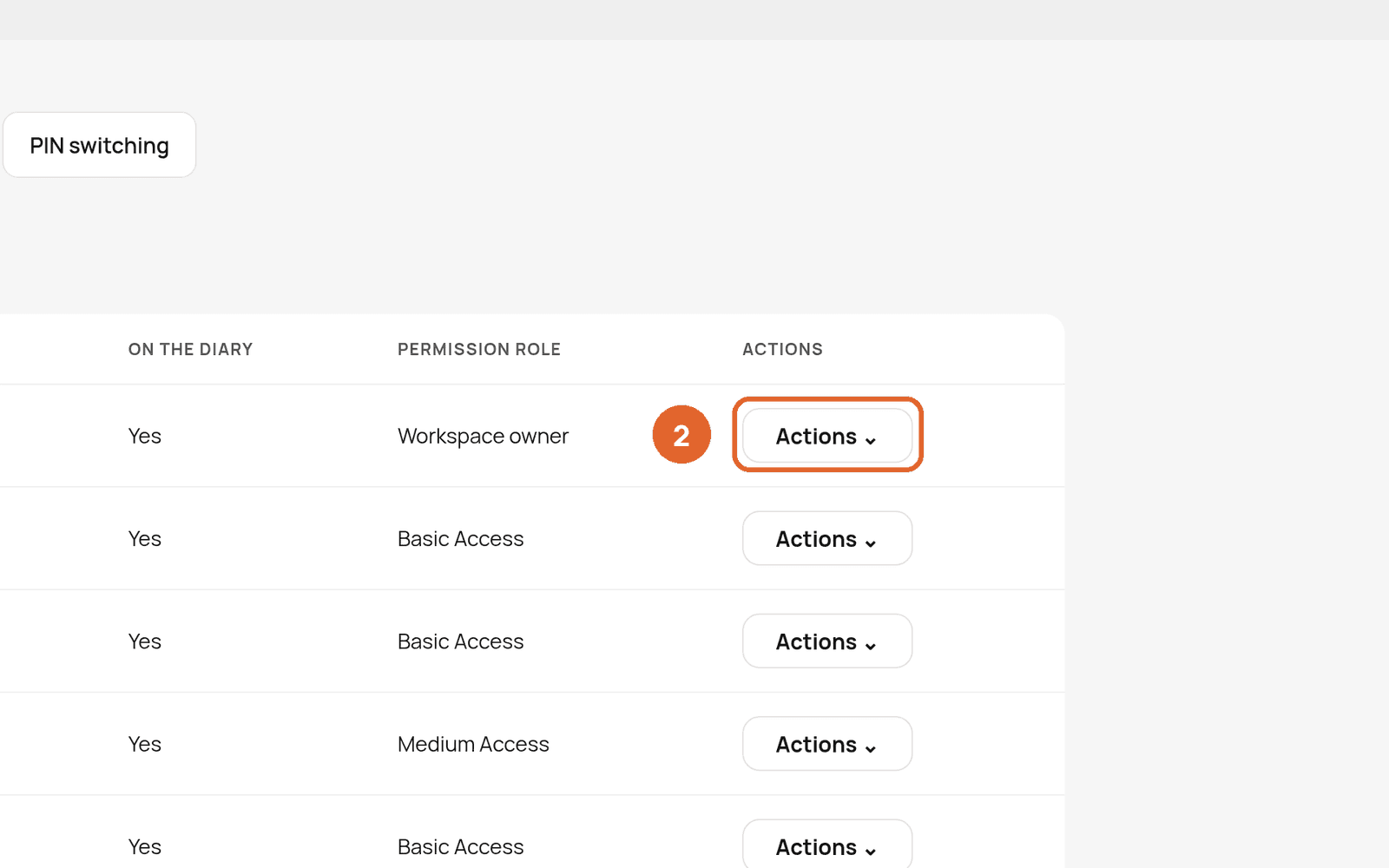
- 3Change their permission role and save.
Set what each role can do
Open the Permissions tab (3). The roles in the demo account are Workspace owner, Medium Access, Basic Access and No access.
Permissions mentioned elsewhere in this help centre
- Can book without a valid patch test: lets staff book from the calendar when a patch test has expired.
- Customise sales receipts: lets staff change the receipt design.
- Billing permission: needed to buy SMS credits.
- Adjust gift card balance: receptionists don't have this by default.
- Team pay: lets someone see other people's pay.
PIN switching
The PIN switching tab lets team members switch user quickly on a shared device using a PIN.
Related: Add your team · Passwords, codes and security
Was this article helpful?