
Account, plan and billing
Billing and your payment card
Last updated 12 October 2026
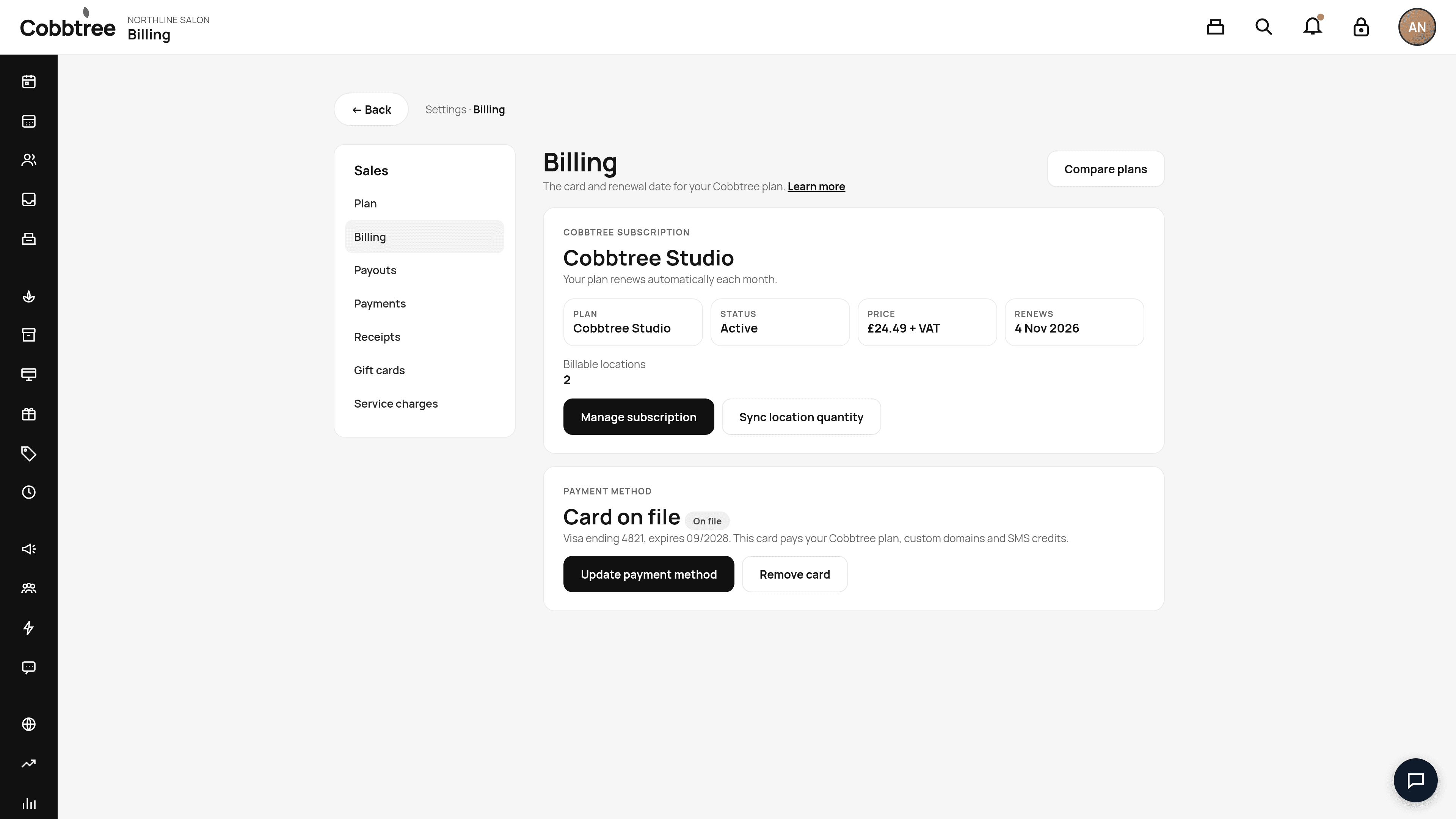
The Billing page shows your Cobbtree subscription, renewal date and the card Cobbtree charges. This card is separate from the Stripe account that receives money from your clients.
The Billing page shows your Cobbtree subscription, renewal date and the card Cobbtree charges. This card is separate from the Stripe account that receives money from your clients.
Open Billing
Go to Settings → Billing (under Sales).
Your subscription
The Cobbtree subscription card shows your Plan, Status, Price and Renews date, plus how many Billable locations you have.
- Manage subscription: change or manage your subscription. 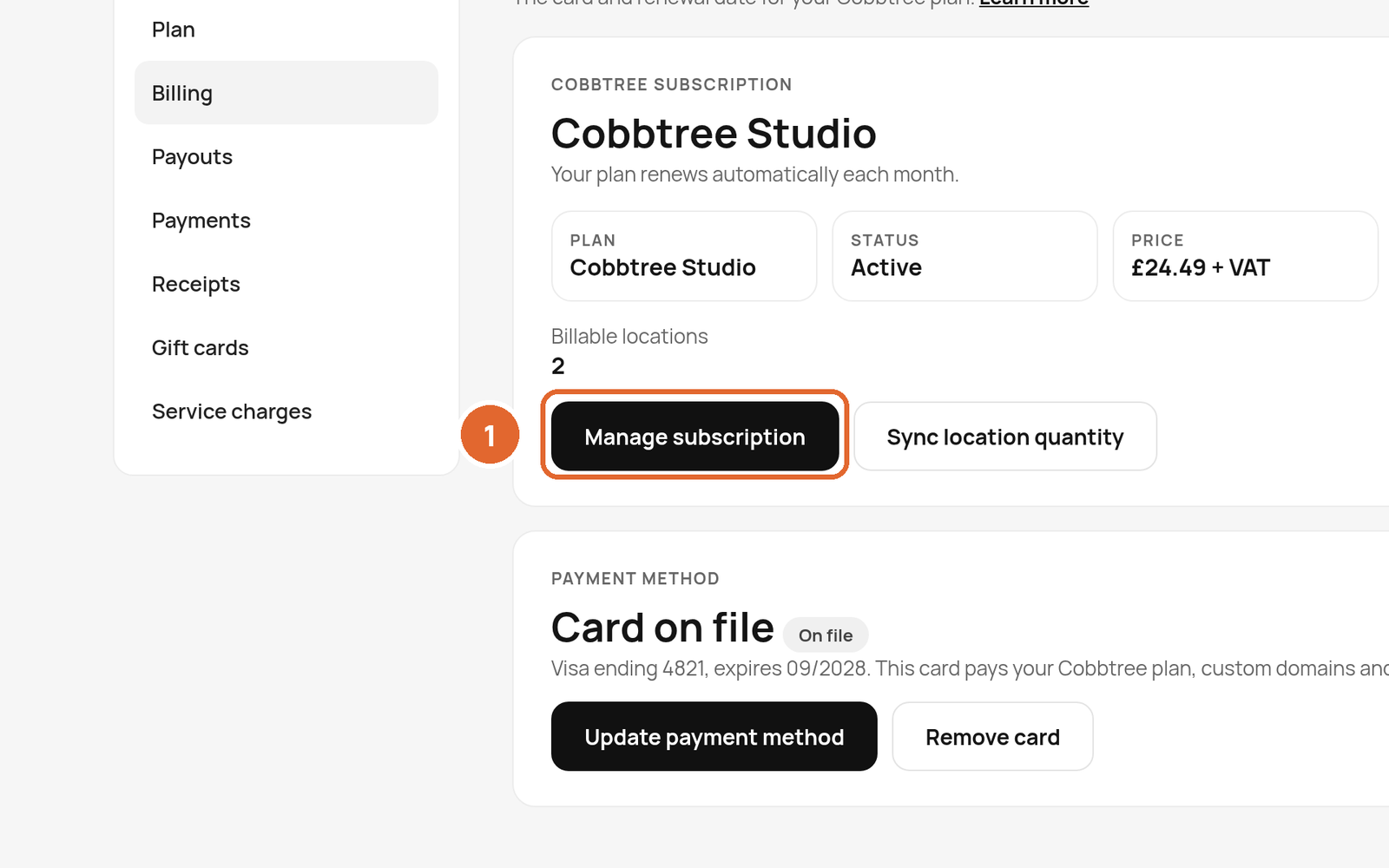
- Sync location quantity: updates your billing if you've added or removed locations.
- Compare plans: opens the plan comparison. 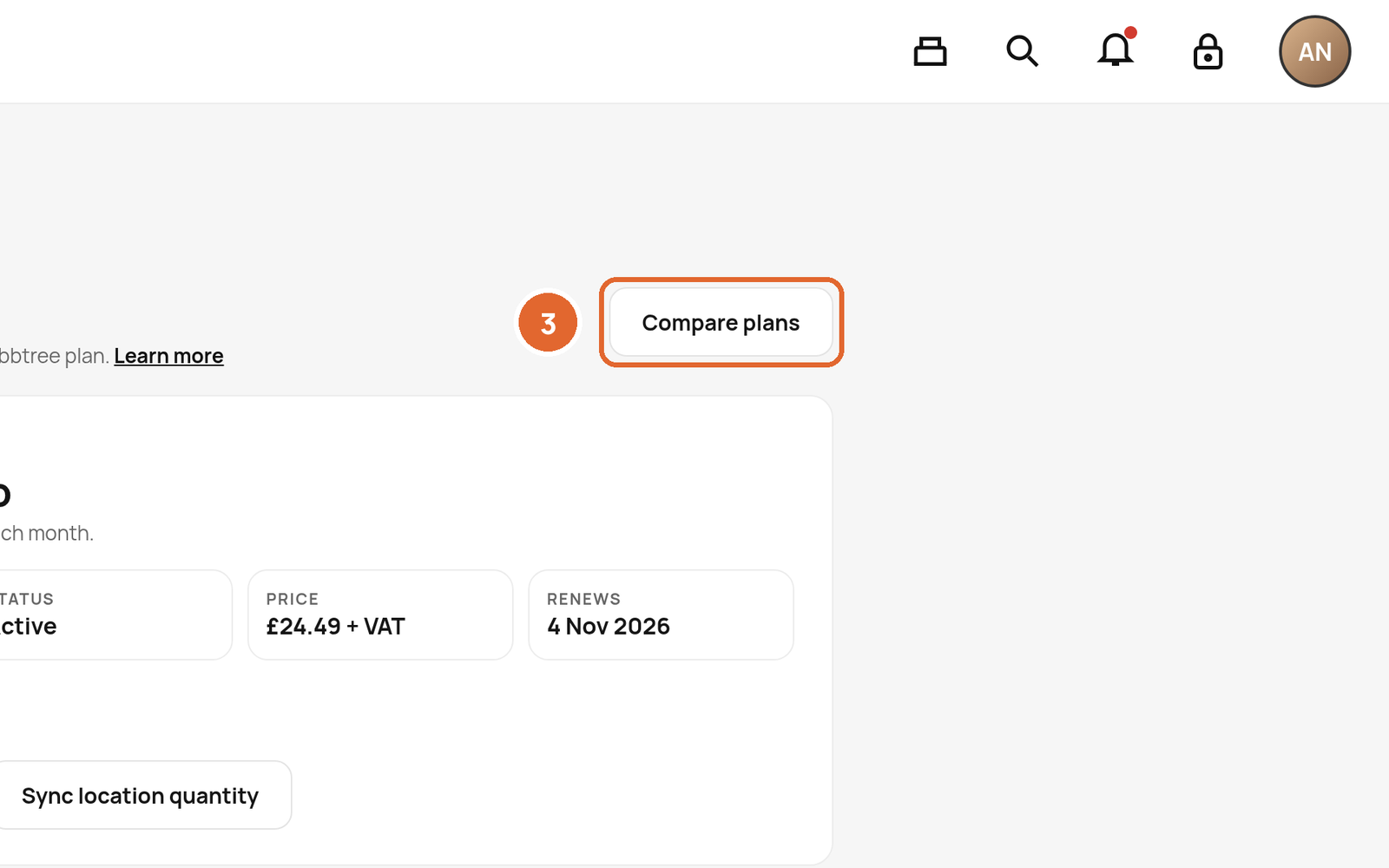
Update your card
- 1In Payment method, select Update payment method.
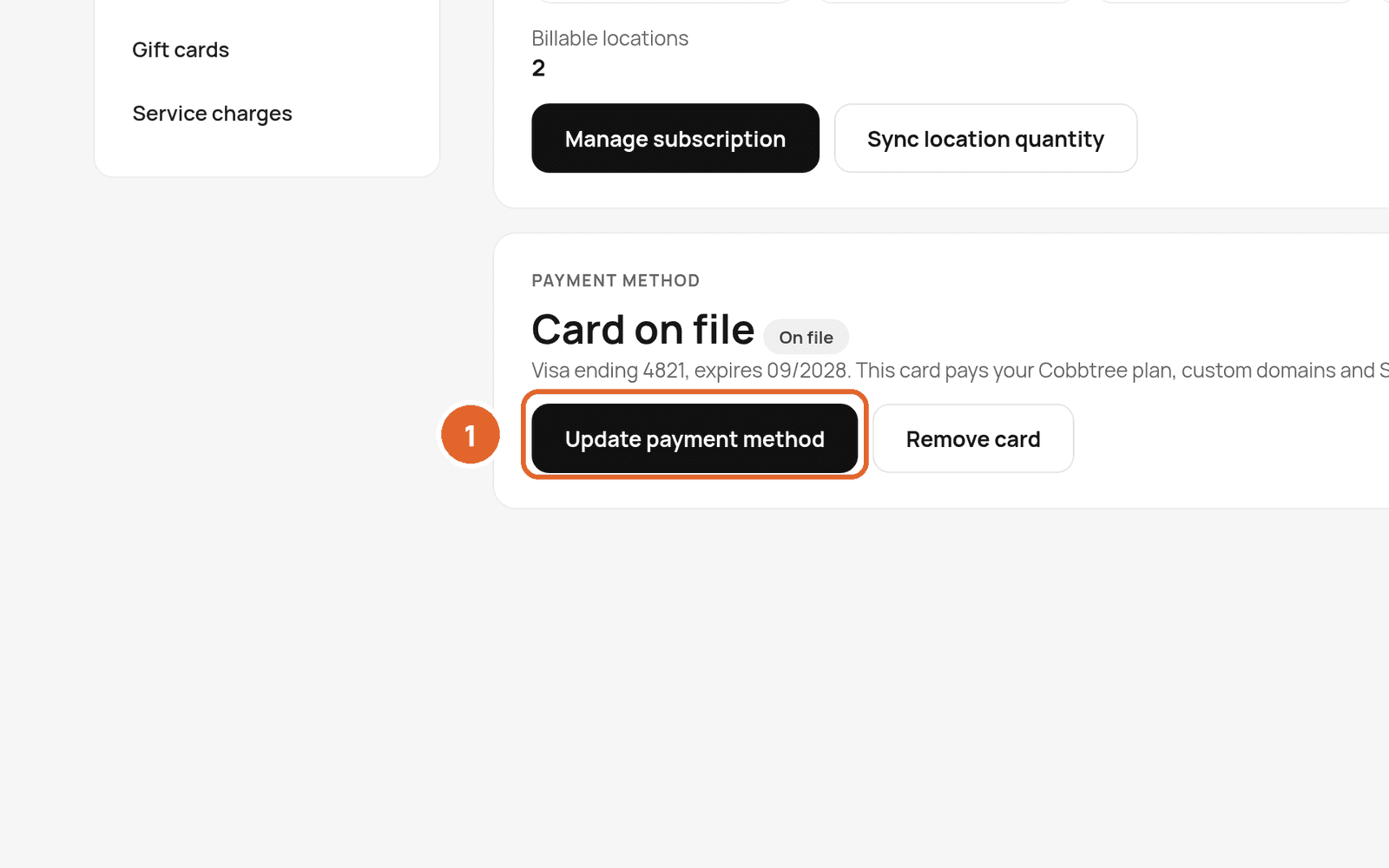
- 2Enter the new card details and save.
This card pays for your Cobbtree plan, custom domains and SMS credits. To remove it, select Remove card.
Fee-free accounts
Some accounts show This account is fee-free. That means Cobbtree isn't charging a monthly fee, new-customer fee, gift card commission or membership commission. Stripe still charges its card processing fees.
Invoices and VAT receipts
Failed payments
Related: Choose or change your plan · Buy SMS credits
Was this article helpful?