
Account, plan and billing
Close your account or export your data
Last updated 12 October 2026
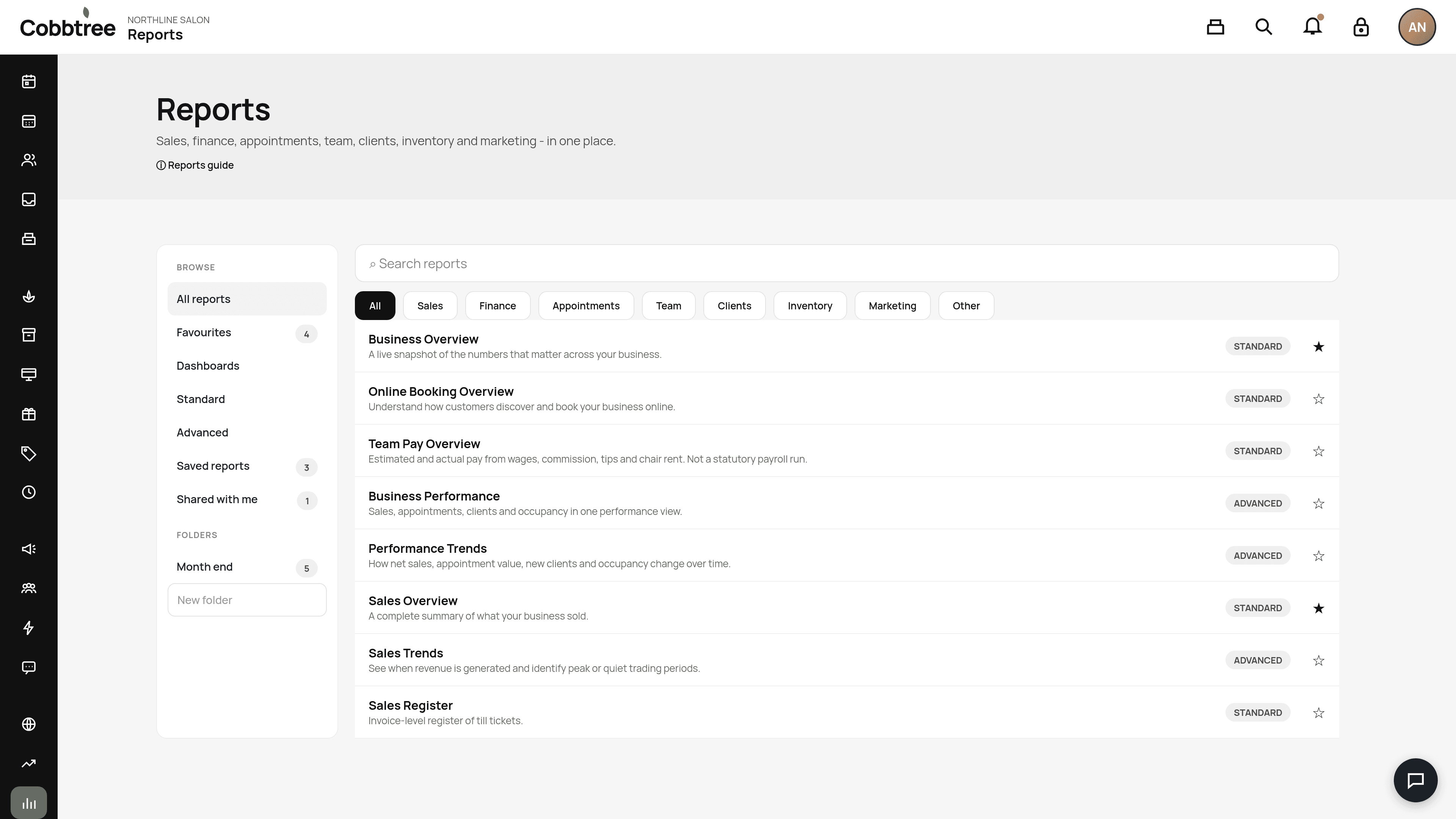
Every live report can be downloaded as CSV, Excel or PDF for the filters on screen. Open Reports, choose a report (for example Sales Register) and use the download option.
Export your data
Every live report can be downloaded as CSV, Excel or PDF for the filters on screen. Open Reports, choose a report (for example Sales Register) and use the download option.
Close a business account
Business owners can't delete their login from the app. Email Cobbtree Support and ask them to close the account. Your business, staff, appointments and financial records are kept as required.
Related: Contact Cobbtree Support · Getting started with Reports
Was this article helpful?