
Memberships, loyalty and gift cards
Loyalty points, stamps and Apple Wallet
Last updated 12 October 2026
Reward returning clients with points or stamps that turn into rewards.
Reward returning clients with points or stamps that turn into rewards.
Turn on loyalty points
- 1Select Loyalty in the left-hand menu.
- 2Use the tabs to choose Points, Stamps, Tiers or Referrals.
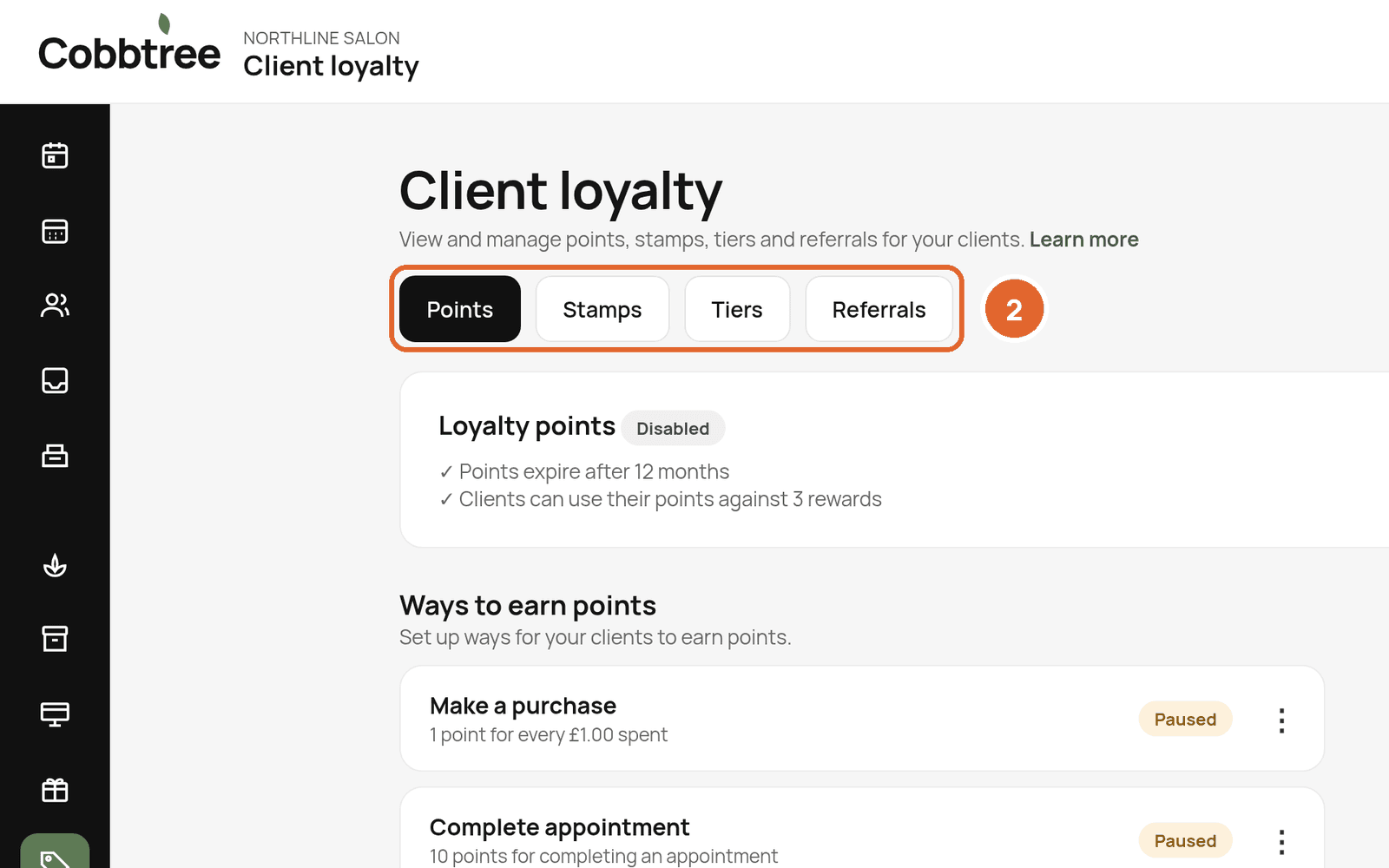
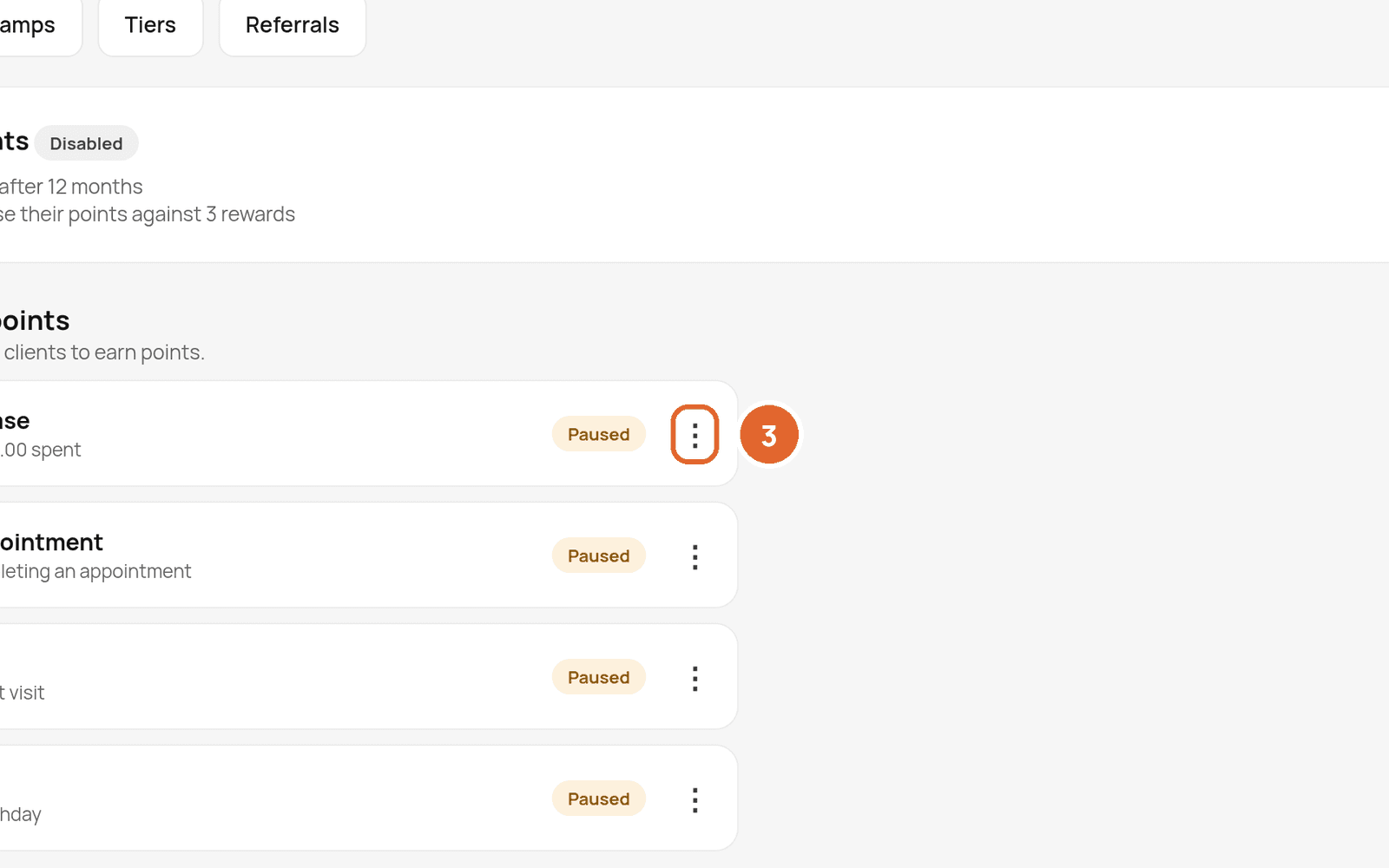
- 3Under Ways to earn points, check each rule, such as Make a purchase, Complete appointment, First visit and Birthday. Use the three dots to edit or resume one.
- 4Set up Ways to spend points (your rewards).
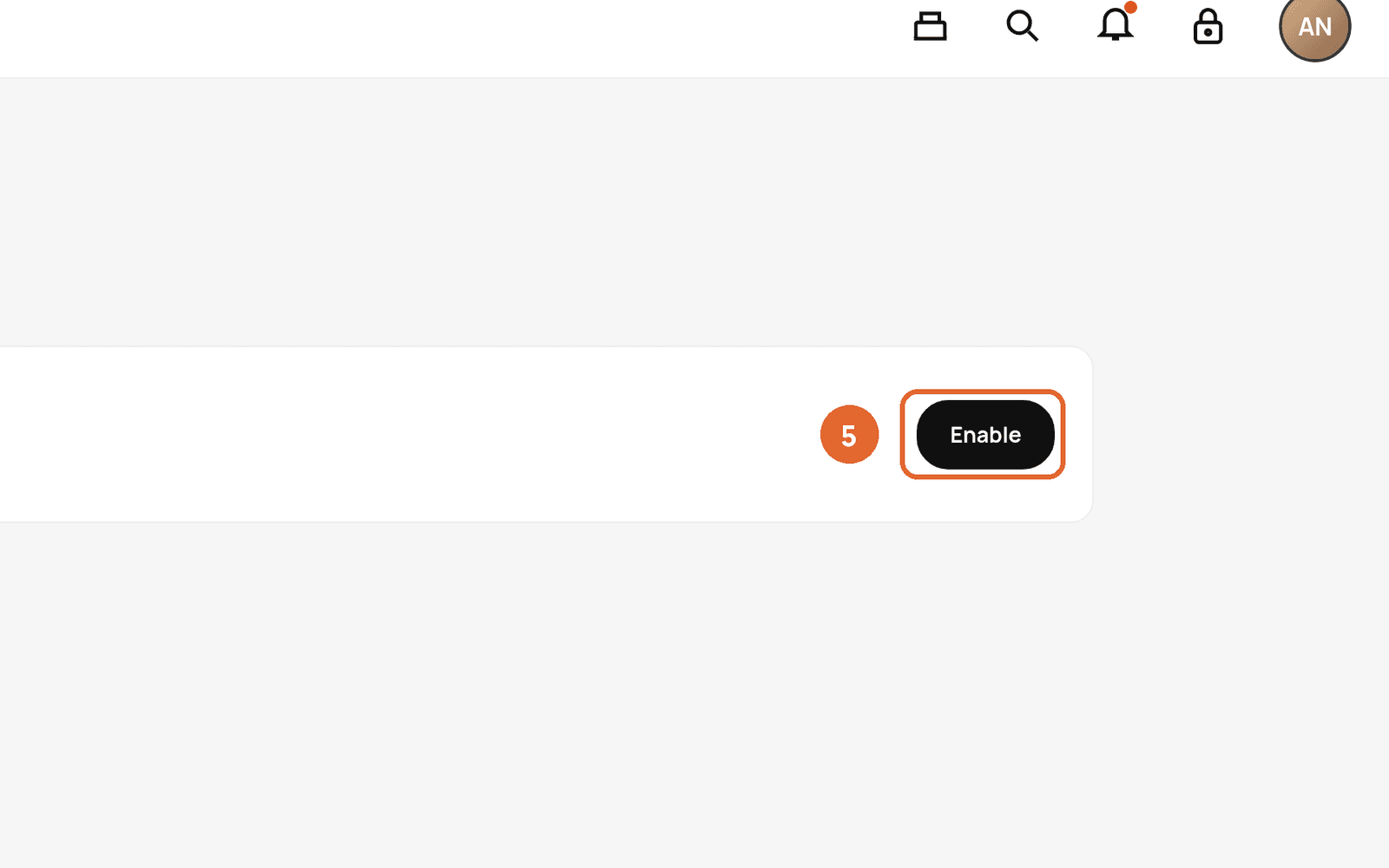
- 5Select Enable to switch points on.
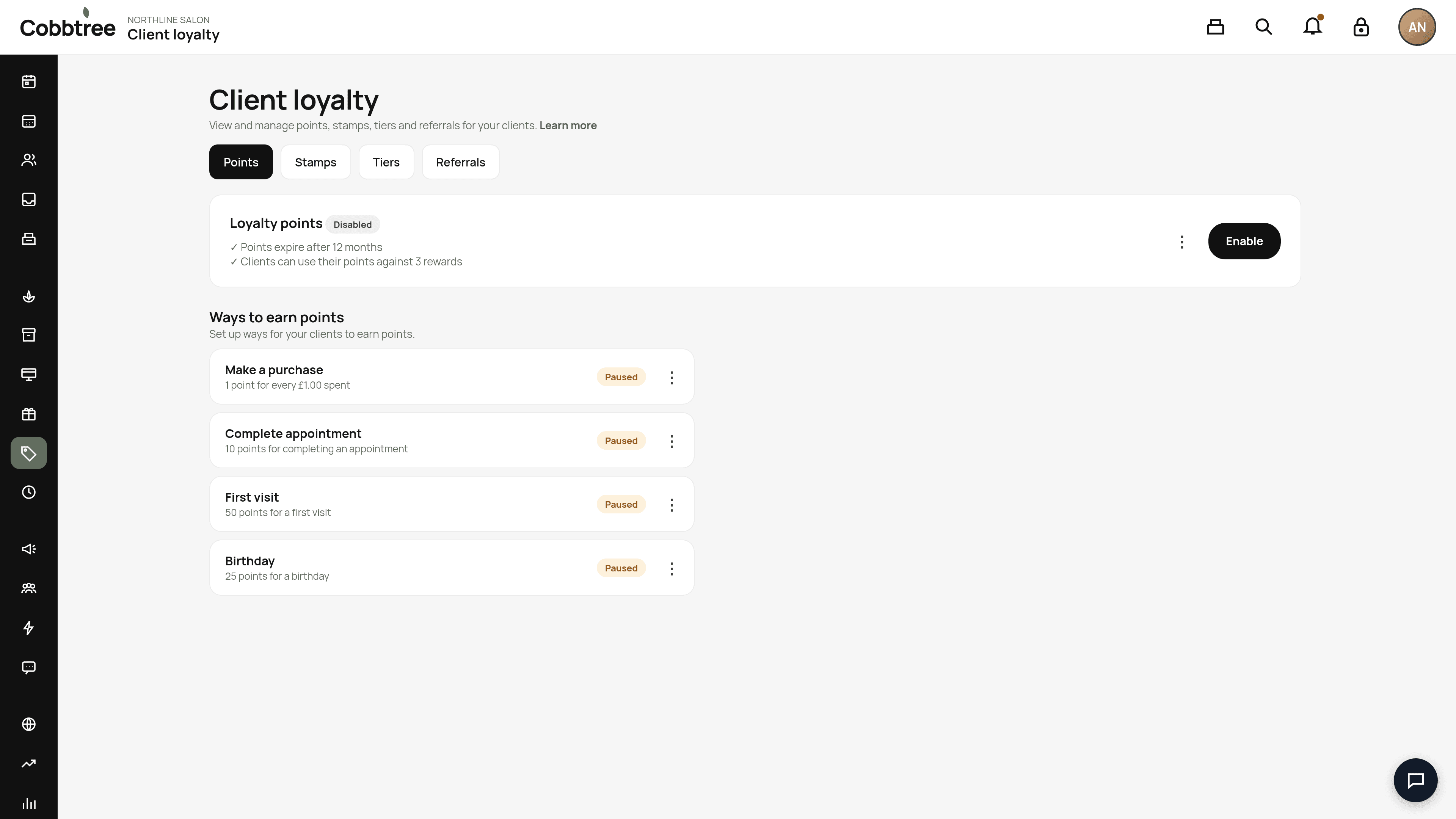
Clients can then earn on qualifying visits and use rewards when booking (while signed in) or at the till.
Apple Wallet loyalty cards
Open Loyalty, then Apple Wallet. Its status shows READY, SETUP REQUIRED or NOT INCLUDED.
- Design your card once for the whole business: logo, colours and what it shows. Save a draft, then Publish. Cards clients have already added update automatically.
- Choose up to 10 locations so the card can appear on the client's Lock Screen nearby. The iPhone decides when it shows.
- Each business has its own card. Balances never mix with other businesses.
Scan a loyalty card at the till
On the till, select Scan loyalty, then Scan Wallet QR Code. Tapping the card (NFC) isn't available yet.
Related: Gift cards · Take a payment at the till
Was this article helpful?