
Memberships, loyalty and gift cards
Create and sell memberships
Last updated 27 October 2026
Memberships are regular paid plans that give clients perks and give you repeat income.
Memberships are regular paid plans that give clients perks and give you repeat income.
Create a membership
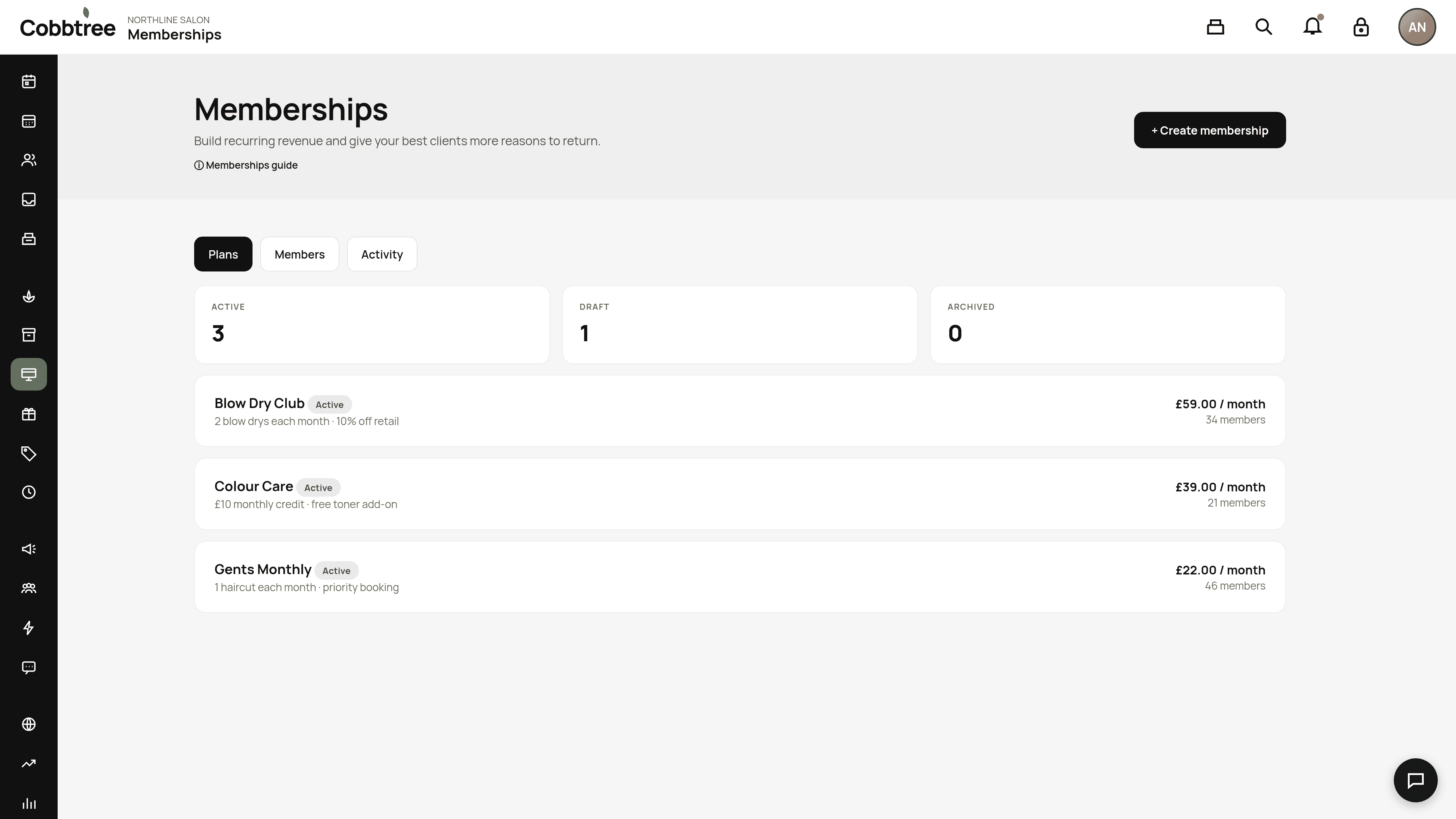
- 1Select Memberships in the left-hand menu.
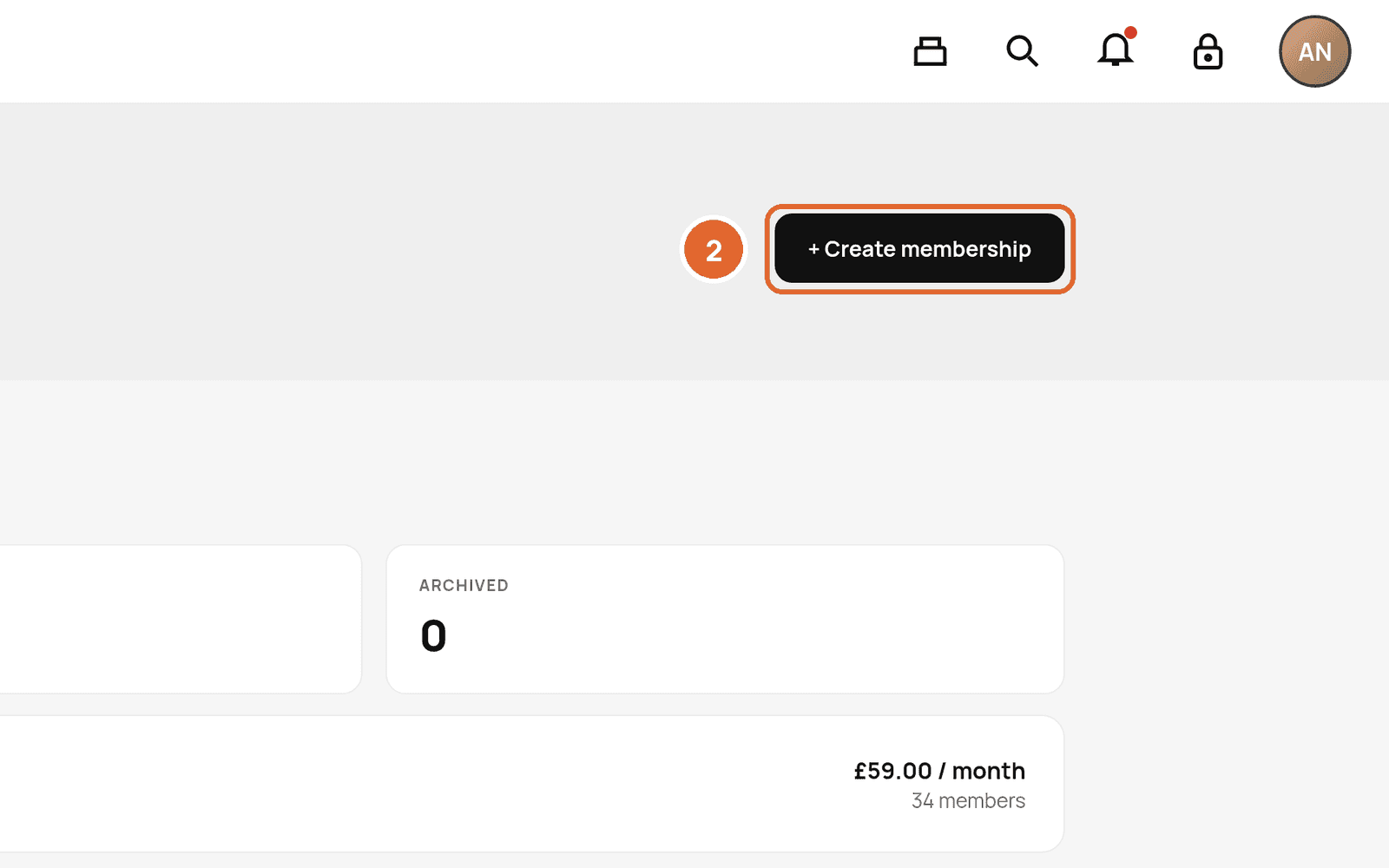
- 2Select + Create membership.
- 3Pick a template to start from. Templates set the billing and perks, and you can change anything before publishing.
- 4On Billing & commitment, pick a common setup or set your own: - Monthly · 3-month minimum · then rolling: clients pay every month, can't cancel for the first 3 months, and after that it carries on monthly until they cancel. - Monthly · no minimum: clients pay every month and can cancel whenever they like. - Change Minimum commitment periods to any number of payments (or None). The box at the bottom, What the client signs up to, shows the terms in plain English as you go. - Memberships are paid by card through Cobbtree Pay.
- 5Add at least one perk. You can choose included services, monthly credit, discounts, member prices, free add-ons, unlimited visits, priority booking, loyalty boost or guest passes.
- 6Set rollover on each perk if unused perks should carry over. A cap stops them building up forever.
- 7Tick Sell online if clients can join themselves, then publish.
Where clients can join
From the Memberships filter on your Marketplace listing, from your Cobbtree Site, or at checkout when a perk would cover the service they've chosen. If they already have that membership, they'll see "You already have this membership".
Guest passes and gifts
- Guest pass: a member shares it by email. The guest accepts and books. It can be used once, and the member can't also use it.
- Gift memberships: only for prepaid or fixed-term plans, so the person receiving it never takes on regular payments.
Tabs
Plans shows active, draft and archived plans. Members (2) lists your members. Activity shows recent changes.
Related: Manage a client's membership
Was this article helpful?