
Memberships, loyalty and gift cards
Manage a client's membership
Last updated 12 October 2026
Open the client's profile, then Memberships. Or go to Memberships → Members (2).
Find the membership
Open the client's profile, then Memberships. Or go to Memberships → Members (2).
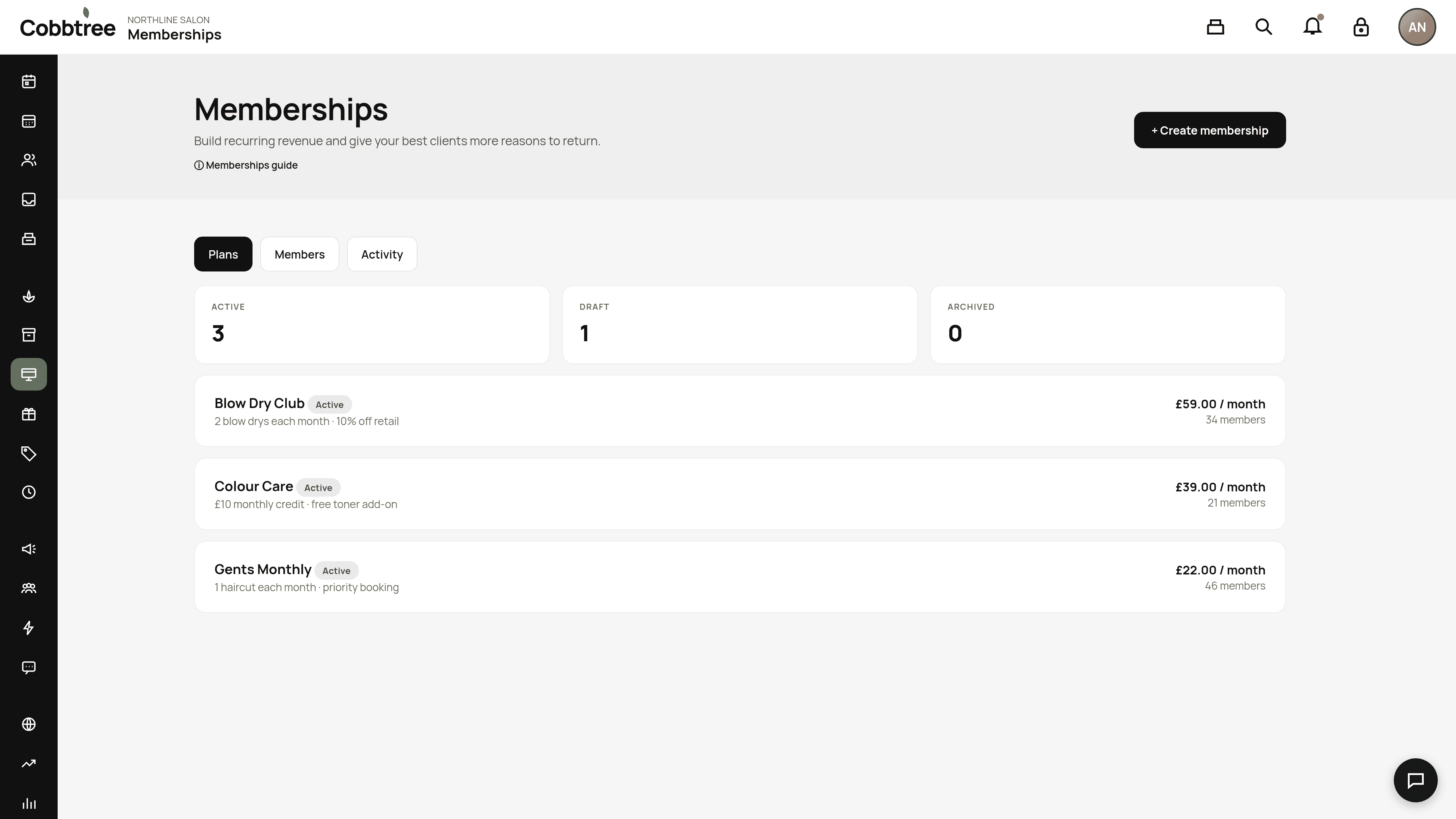
From there you can pause, resume, cancel, change plan or adjust perks. If a membership sold by staff is waiting for payment, mark it as paid. Every change is recorded.
Pausing
When you create a plan, you choose who can pause it: nobody, staff only, or the client. The plan's terms also say whether billing carries on and whether unused perks can still be used.
Cancelling
Most plans cancel at the end of the current billing period. Cancelling straight away is only possible if the plan's policy is Cancel anytime.
Changing plan
Staff can move a member to another published plan. Clients can only upgrade or downgrade themselves if you've marked plans as compatible. Cobbtree doesn't add extra pro-rata charges.
Adjusting perks
Adjusting a perk is recorded, but it doesn't change the plan's terms.
Late cancellations and no-shows
Each plan's rules for late cancellations and no-shows are fixed when the membership is sold. Older memberships without a policy restore the perk when a booking is cancelled and lose it on a no-show.
Reports
Membership reports show cash collected, remaining perk value and member booking value separately.
Related: Create and sell memberships · Reports
Was this article helpful?