
Products and stock
Add products and scan barcodes
Last updated 12 October 2026
The Products page is your retail catalogue. It shows how many products you have, what's low on stock and what's out of stock.
The Products page is your retail catalogue. It shows how many products you have, what's low on stock and what's out of stock.
Add a product
- 1Select Products in the left-hand menu.
- 2Select Add +. A full product page opens.
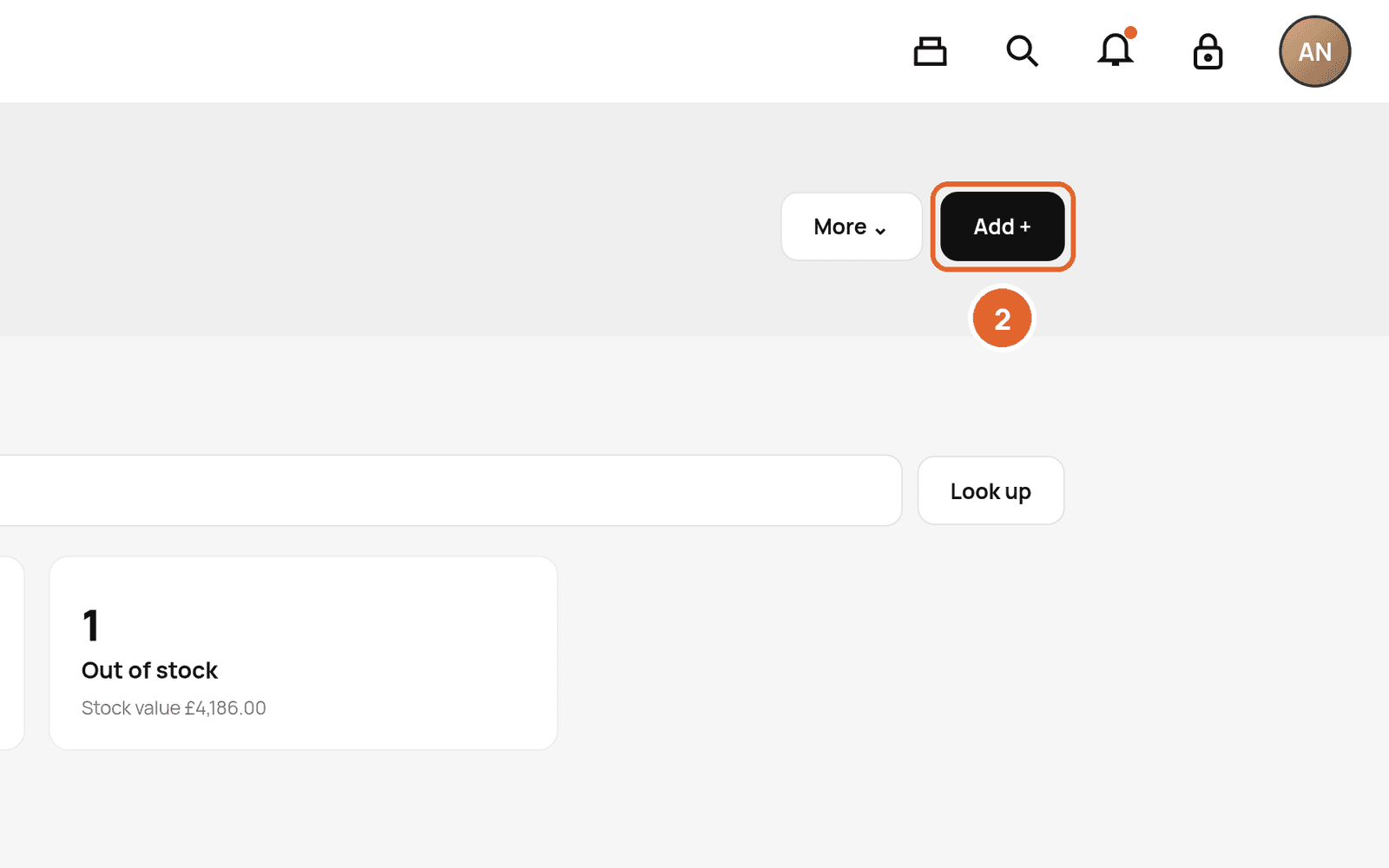
- 3Add a photo if you have one, then the name, brand, category, SKU, barcode, cost price and retail price.
- 4Save.
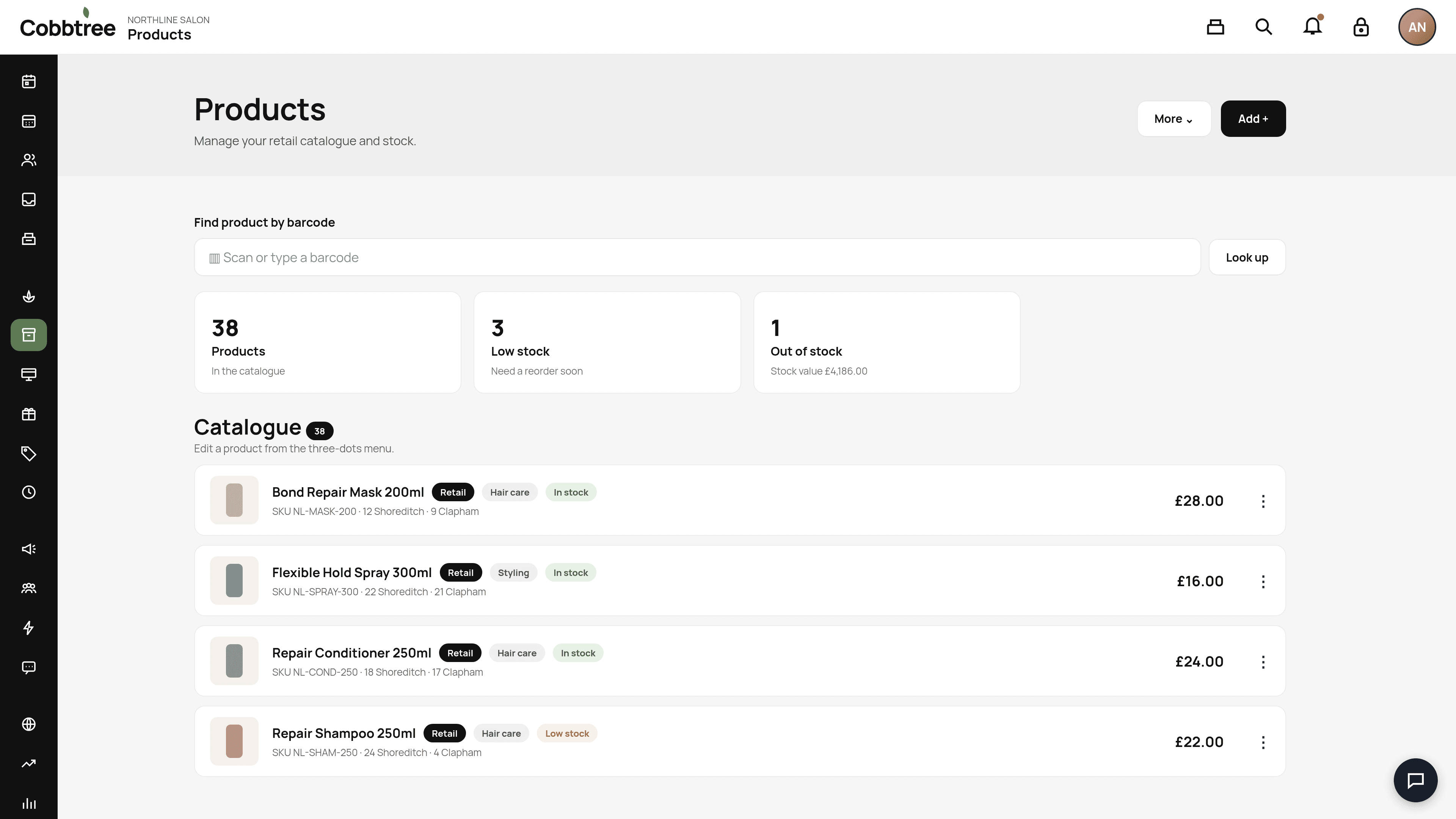
Use a barcode
- On a phone or tablet: tap Scan barcode and point the camera at it. Video never leaves your device.
- On a computer: click the barcode field and scan with a USB or Bluetooth scanner. Or type the numbers and press Enter.
- To find a product you already have, use Find product by barcode, then Look up. 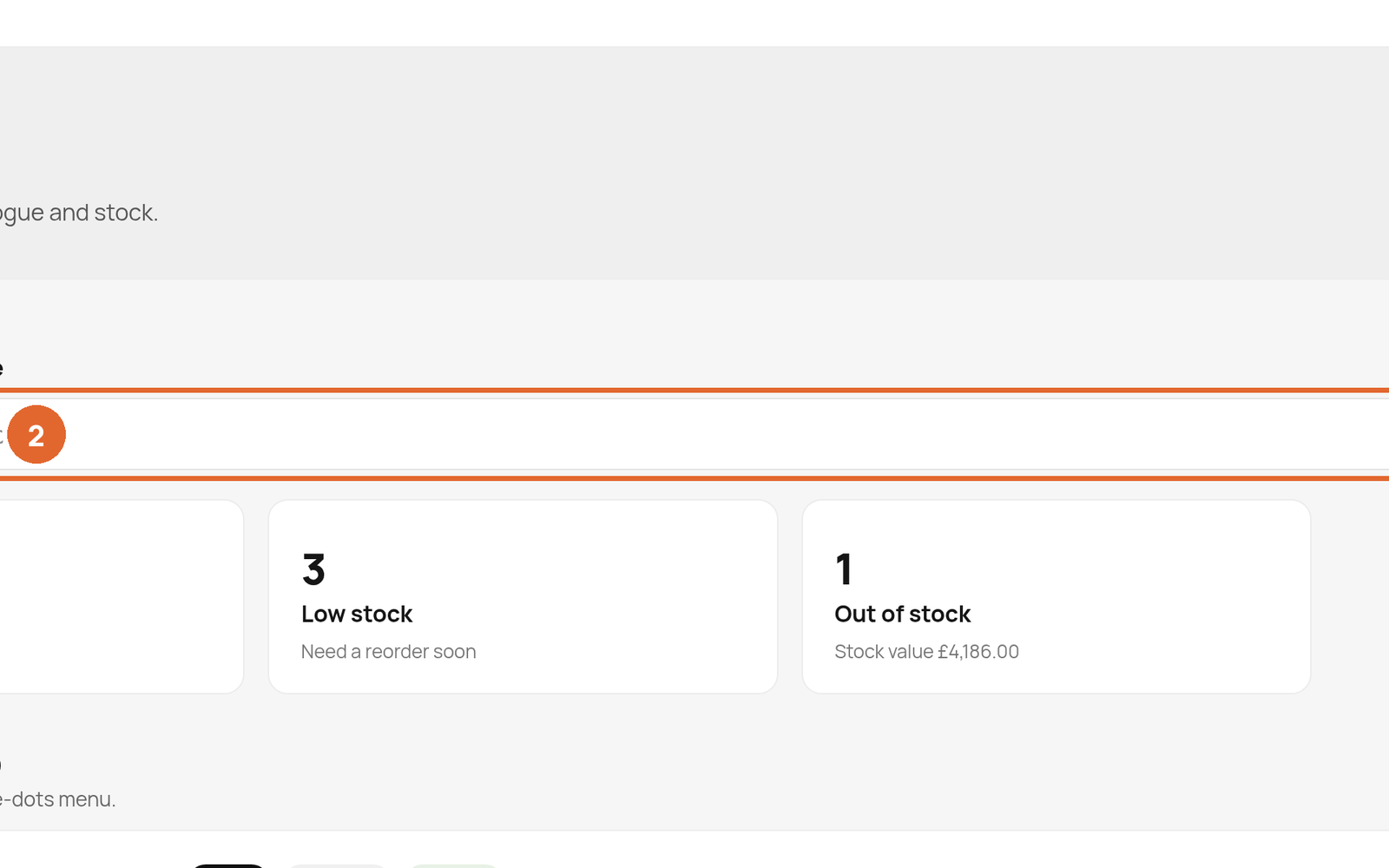
If Cobbtree recognises the barcode, check the name, size and image, then select Use these details. Cost, price, supplier, VAT and stock are always yours to enter.
Not found? Lots of professional salon products aren't in public databases. Carry on manually. The barcode stays filled in.
Edit a product
Select the three dots (4) on a product. Use Overview to change photos, name, brand, category, SKU, barcode, descriptions and prices. The first photo is used on Products, the till, online sales and your Cobbtree Site.
Categories, brands and suppliers
Use More (3) to manage Categories, Brands and Suppliers.
Related: Track stock · Stock orders · Sell products online
Was this article helpful?