
Products and stock
Track stock and get low-stock alerts
Last updated 12 October 2026
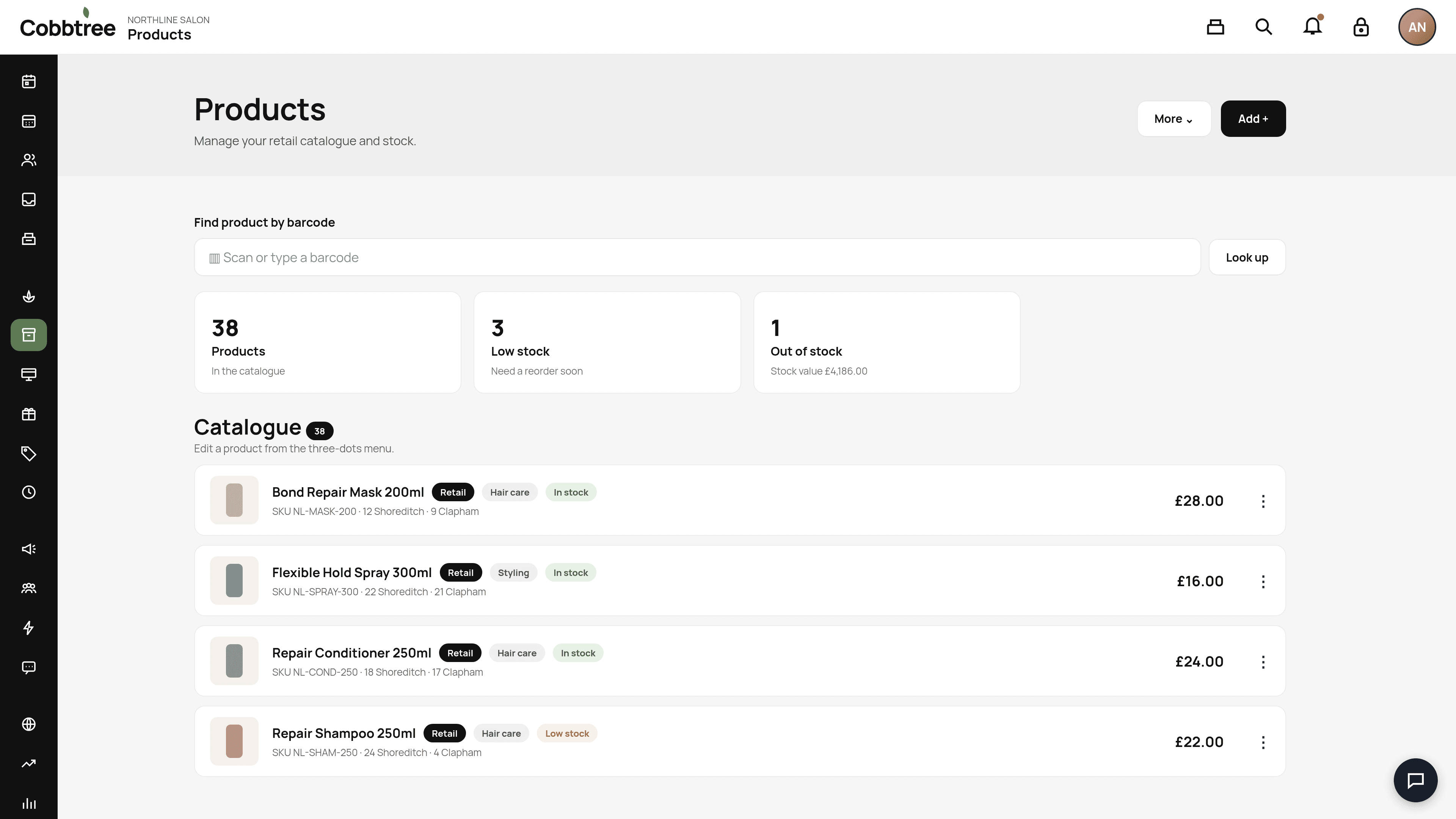
Stock is kept for each location. Shoreditch stock can't be sold in Clapham. The catalogue shows stock at each site, for example "12 Shoreditch, 12 Clapham".
Stock is kept for each location. Shoreditch stock can't be sold in Clapham. The catalogue shows stock at each site, for example "12 Shoreditch, 12 Clapham".
Set up stock tracking
- 1Open Products and select a product.
- 2Open Stock.
- 3Enter the opening count for each location.
- 4Set the Low-stock level (the warning point) and the Reorder quantity (how many to order).
Adjust stock
Open the product, then Stock, then Adjust stock. Choose add, remove or set count.
Stock history
Open the product, then History. Each line shows what changed, why, who recorded it and the balance afterwards.
Low-stock alerts
When stock falls to the low-stock level, Cobbtree notifies staff once. It doesn't keep repeating while stock stays low. The Low stock and Out of stock cards on the Products page show you what needs reordering.
Good to know
- Turning tracking off keeps your history. Turning it back on needs a fresh opening count.
- The total stock figure is for information only. Sales always use the selected location's stock.
-
Related: Stock orders and transfers · Stocktakes
Was this article helpful?