
Promotions and pricing
Promotions and promo codes
Last updated 12 October 2026
A promotion is a code, such as SUMMER20, that takes a percentage or a fixed amount off eligible services.
A promotion is a code, such as SUMMER20, that takes a percentage or a fixed amount off eligible services.
Create a promotion
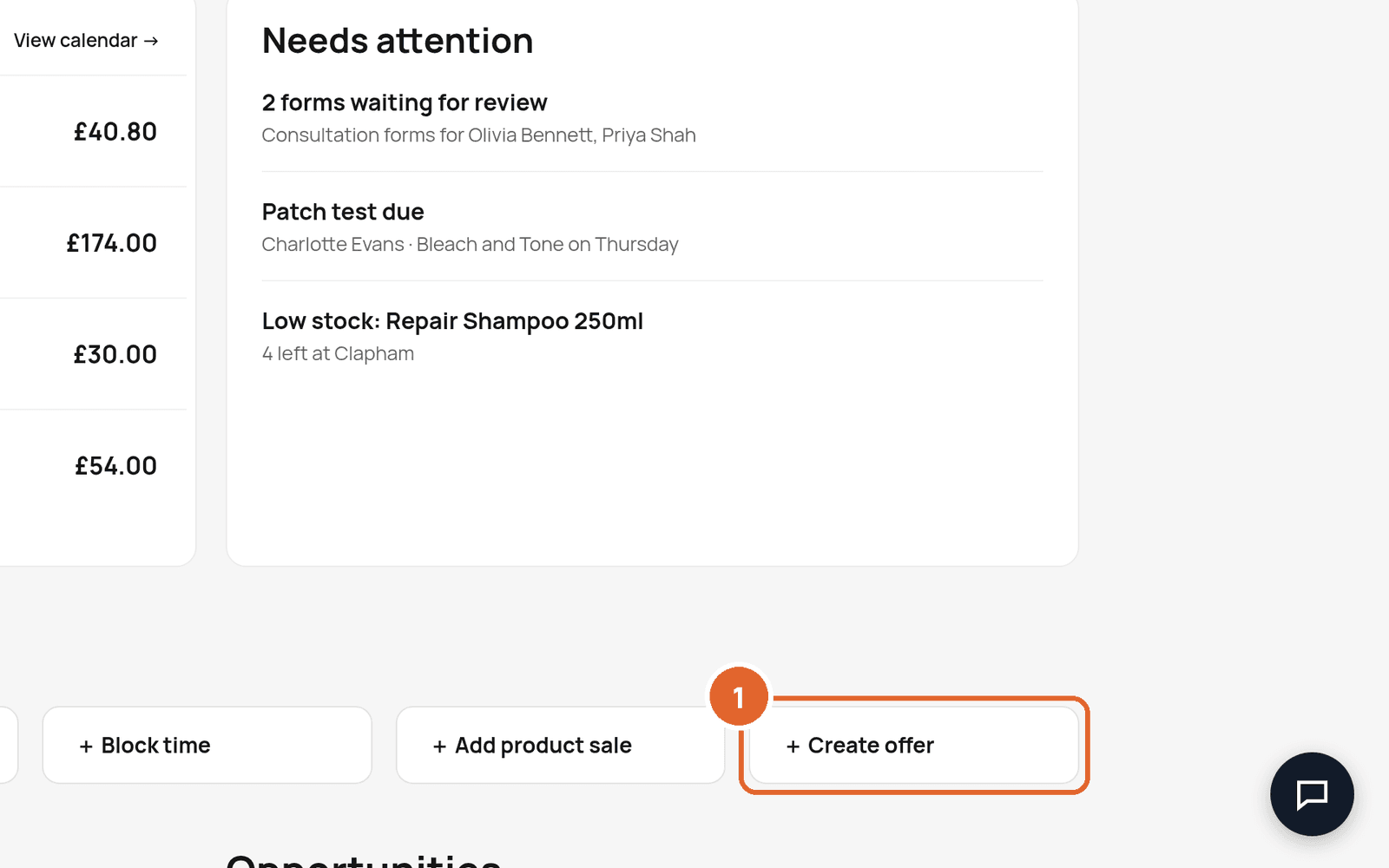
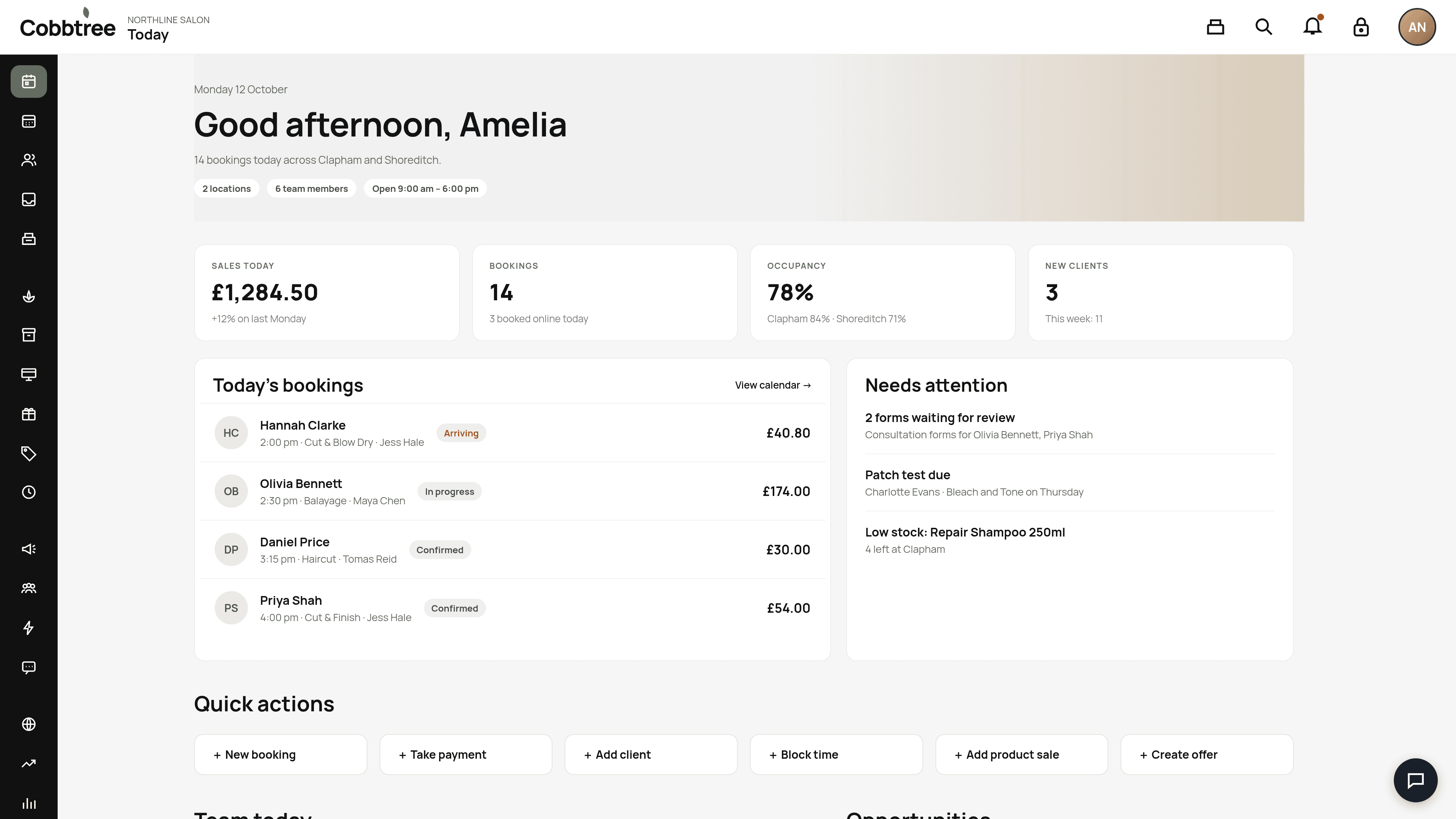
- 1Open Operations → Promotions → Create. Or select Create offer in Quick actions on Today.
- 2Enter the code, a name, the discount, the dates, and which services, team members and locations it covers.
- 3Set a maximum number of uses and, if you like, one use per customer.
- 4Choose whether the code can be used at the till.
- 5Save.
How customers use a code
Customers can enter a code at any point while booking online. If Cobbtree doesn't know the time or team member yet, it saves the code and applies it once the appointment qualifies. If the code doesn't work for that service or team member, Cobbtree tells them why.
Use a code at the till
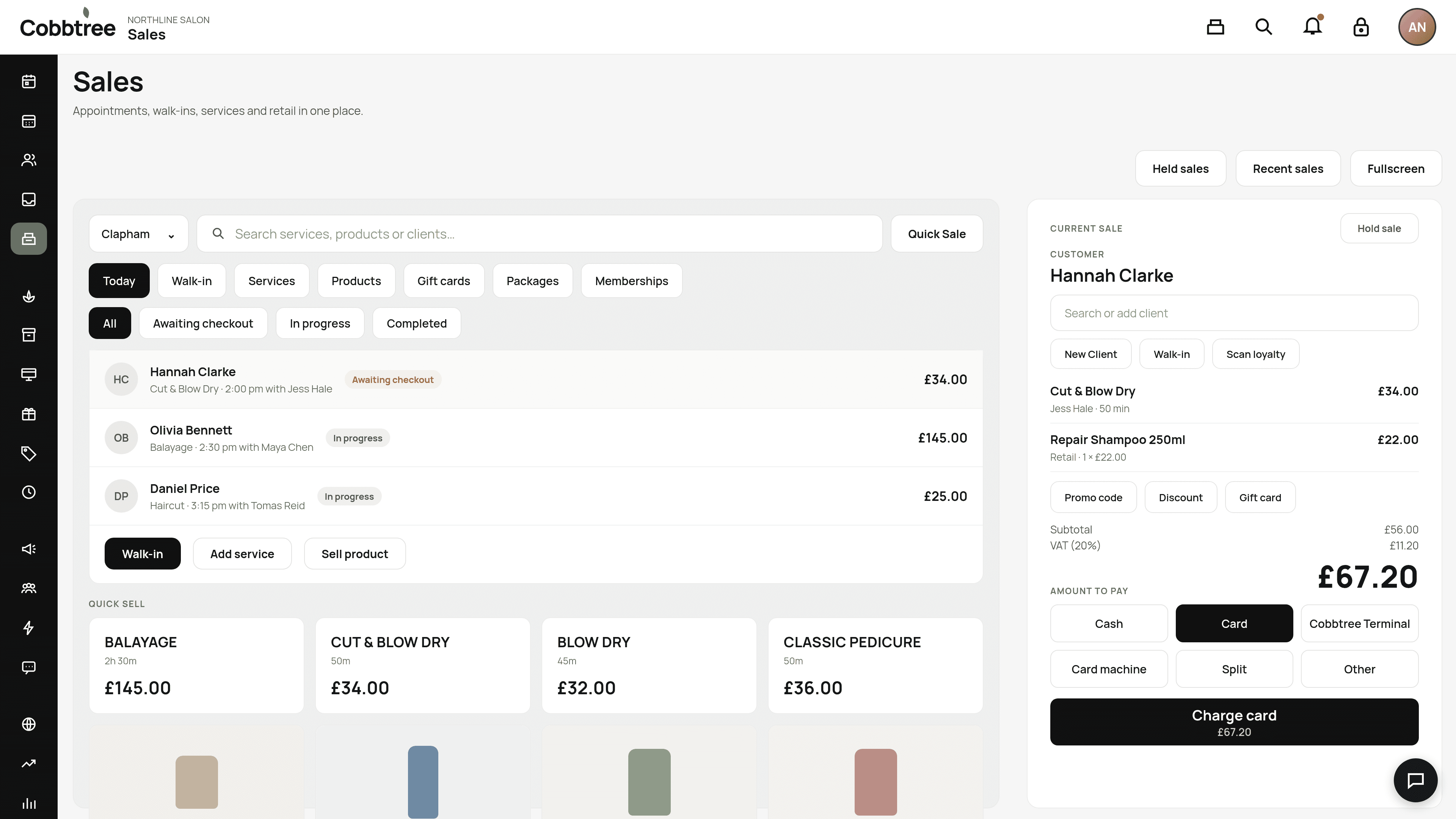
On the Sales till, select Promo code (4) and enter the code. The code's rules still apply, so a services-only code won't work on a product-only sale.
Edit, pause or resume
- Edit from the list or the promotion's page. Bookings that already used the code keep their price.
- Pause to stop a code without deleting it. Customers see that it's paused. Resume when you want it back.
Good to know
- Promotions don't automatically discount retail products added to an online booking.
- You can view promotions in the Cobbtree app, but creating and editing works best on the web.
Related: Smart Pricing · How prices are worked out
Was this article helpful?