
Checkout and payments
Refund a payment
Last updated 12 October 2026
This works the same way for Card, Tap to Pay and WisePad payments. The client doesn't usually need to bring their card back.
Refund a card payment
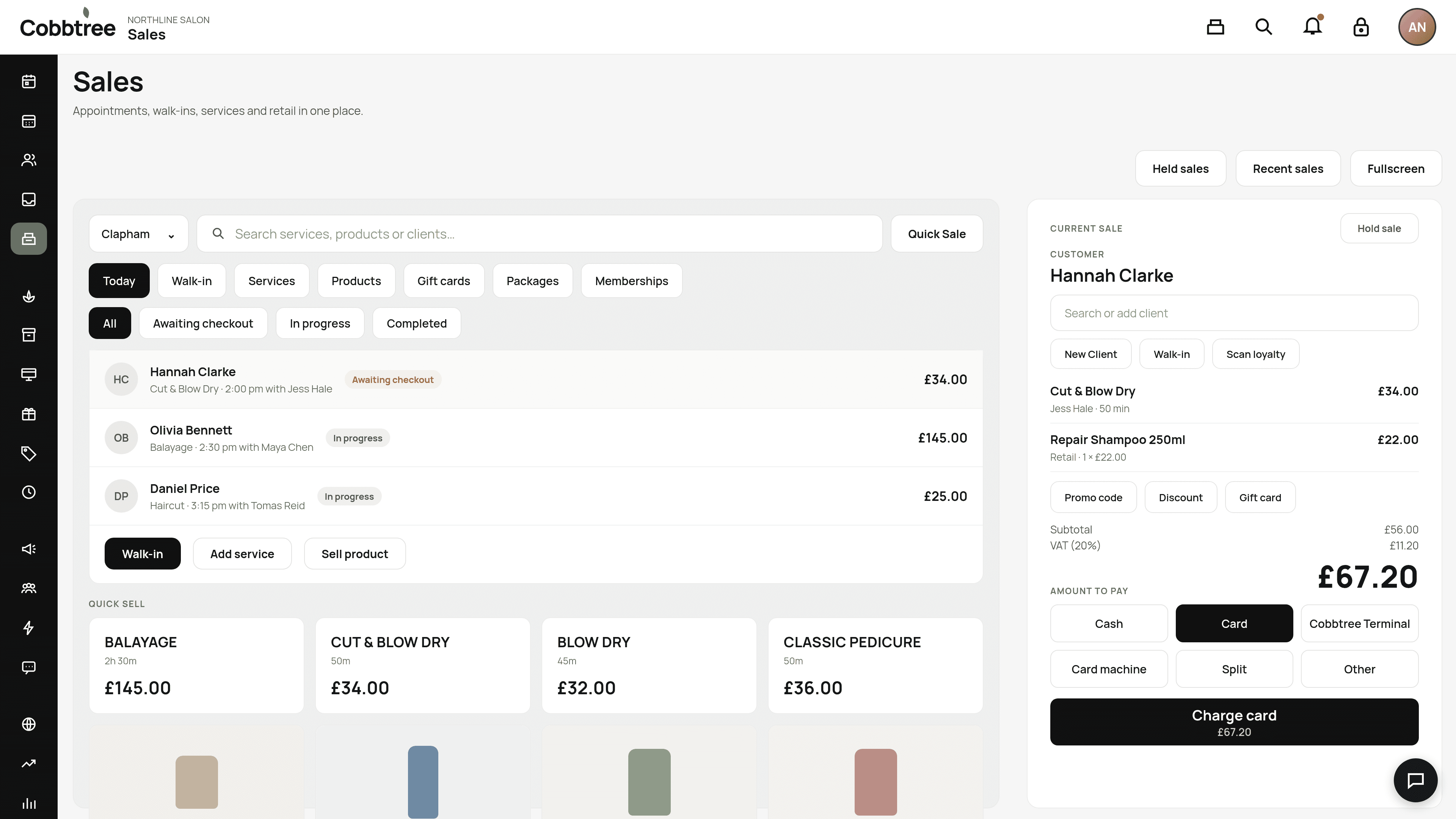
- 1Open Sales, then Recent sales, and find the sale. Or open the appointment receipt.
- 2Choose to refund the original card payment.
- 3Confirm.
This works the same way for Card, Tap to Pay and WisePad payments. The client doesn't usually need to bring their card back.
Refund a cash payment
Cobbtree marks the sale as refunded. Hand the cash back at the till.
Gift card refunds
If an appointment paid for with a gift card is refunded, that amount goes back onto the same gift card, not as cash (unless your policy or the law says otherwise). Only fully refund a gift card purchase before the card has been used.
Team Pay
Refunds after a pay run has been approved become adjustments in the next pay period.
Related: Take a payment at the till · Gift cards
Was this article helpful?