
Checkout and payments
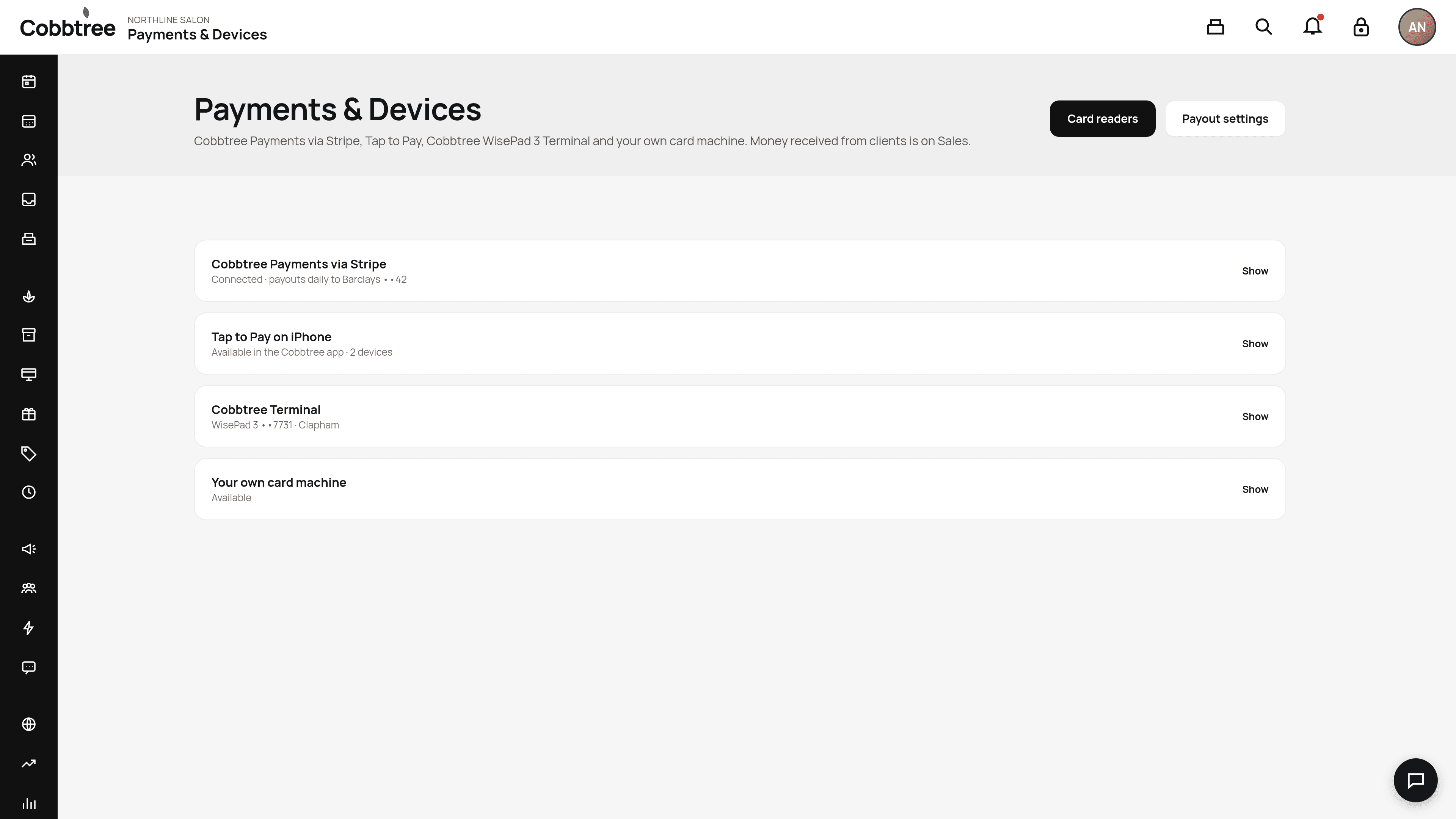
Tap to Pay on iPhone and Android
Last updated 12 October 2026
Tap to Pay lets you take contactless cards, Apple Pay, Google Pay and other wallets on your phone, with no card reader. It works in the Cobbtree app, not in a web browser.
Tap to Pay lets you take contactless cards, Apple Pay, Google Pay and other wallets on your phone, with no card reader. It works in the Cobbtree app, not in a web browser.
Which devices work
- iPhone: iPhone XS or later with iOS 16.7 or later. iPad can't be used as the reader.
- Android: Android 13 or later, with NFC working, Google Play, a security update from the last 12 months, an unmodified system and Developer options off. Tablets that meet these rules work.
- Desktop and the partners.cobbtree.com till can't be the reader.
Set it up
You need Stripe connected (see Connect Stripe) and your location's address filled in. Then accept the Apple or Google terms in the app.
Take a payment
- 1In the Cobbtree app, open the till or the booking, then Take card now.
- 2Choose Tap to Pay.
- 3Ask the client to hold their card or phone near the top of your iPhone, or where Stripe shows on Android.
- 4If asked, the client enters their PIN on your phone.
If a card is declined, try another card or another payment method.
Fees
Stripe's in-person card rate, plus 10p from Cobbtree for each Tap to Pay payment. Cobbtree adds no other percentage on a standard in-person card.
Refunds
Refund from the original sale, just like other card sales. The client doesn't usually need the card again.
Loyalty and Tap to Pay
Find the client first with Scan loyalty, then take the payment with Tap to Pay. They can't yet be done in one tap.
If Tap to Pay isn't available
Check your plan and permissions, your device, Stripe setup and the Apple or Google terms. On Android, check NFC is on, Developer options and USB debugging are off, and the phone isn't rooted.
Related: Card readers · Take a payment at the till
Was this article helpful?