
Clients
Add and find clients
Last updated 12 October 2026
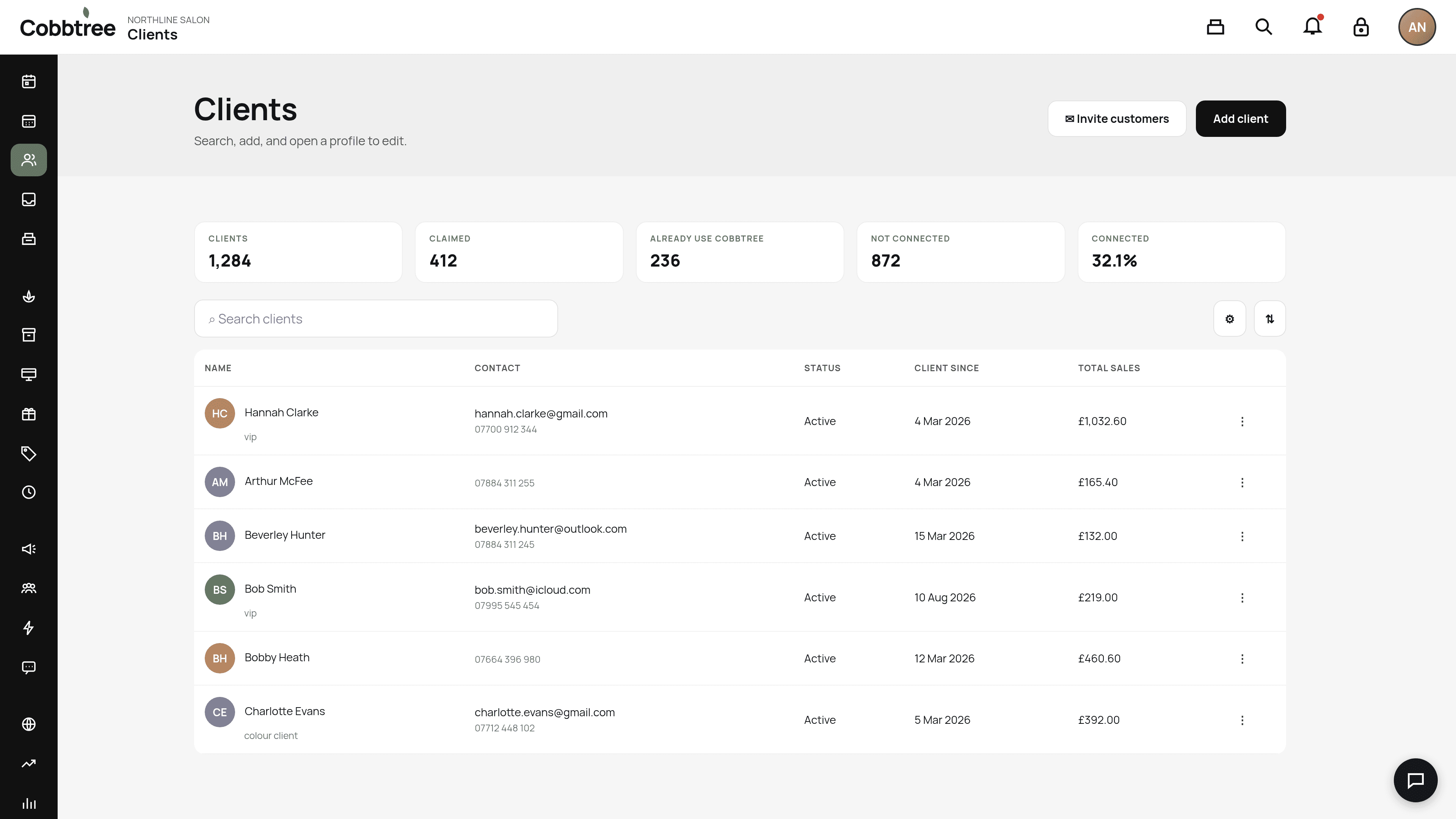
The Clients page lists everyone who has booked with you, with their contact details, status, the date they became a client and their total sales.
The Clients page lists everyone who has booked with you, with their contact details, status, the date they became a client and their total sales.
Add a client
- 1Select Clients in the left-hand menu.
- 2Select Add client.
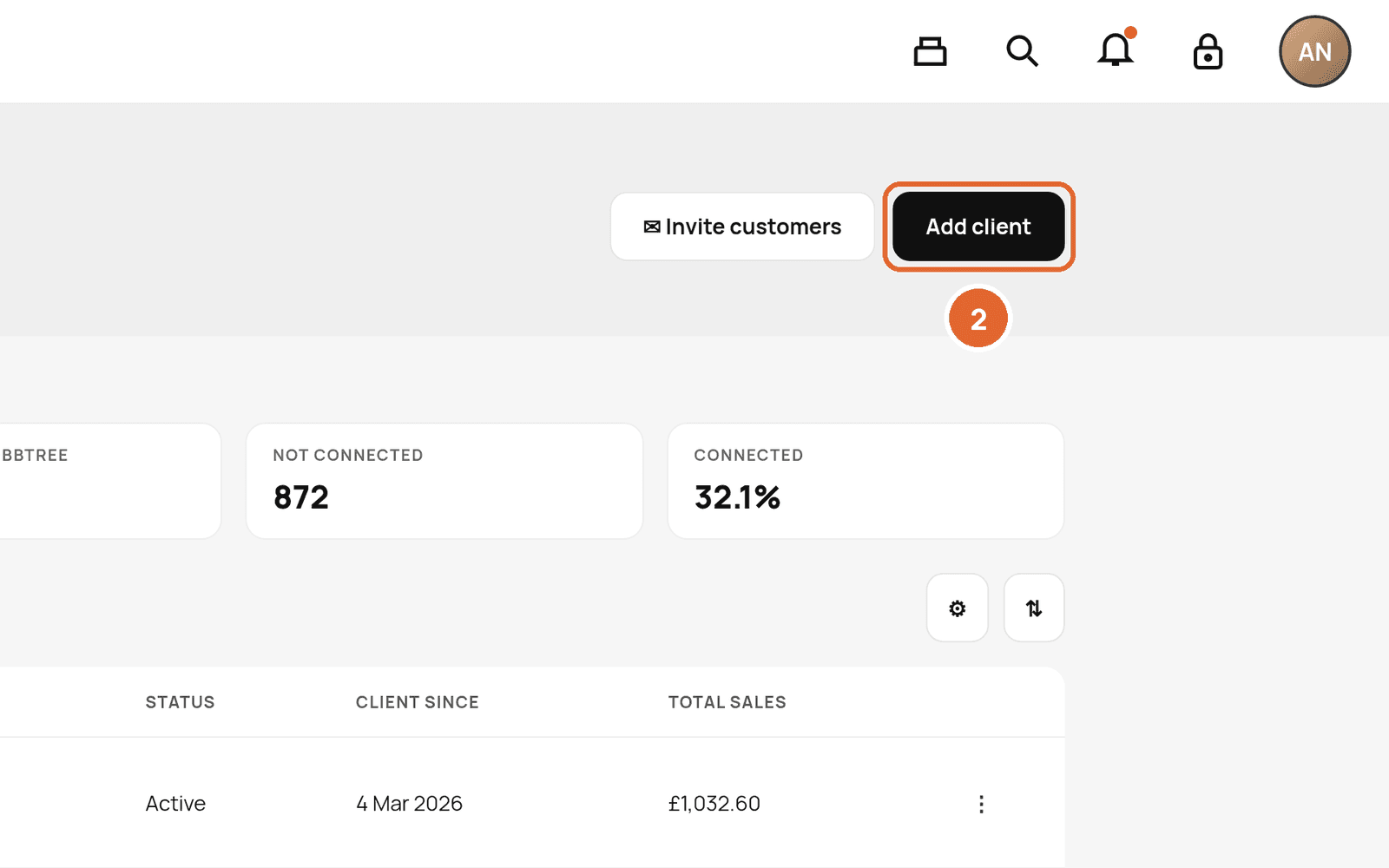
- 3Enter their details and save.
You can also use Add client in Quick actions on the Today page.
Invite your customers to Cobbtree
Select Invite customers (2) to invite existing clients to link their Cobbtree account.
Find a client
- Use Search clients to search by name, email or phone. 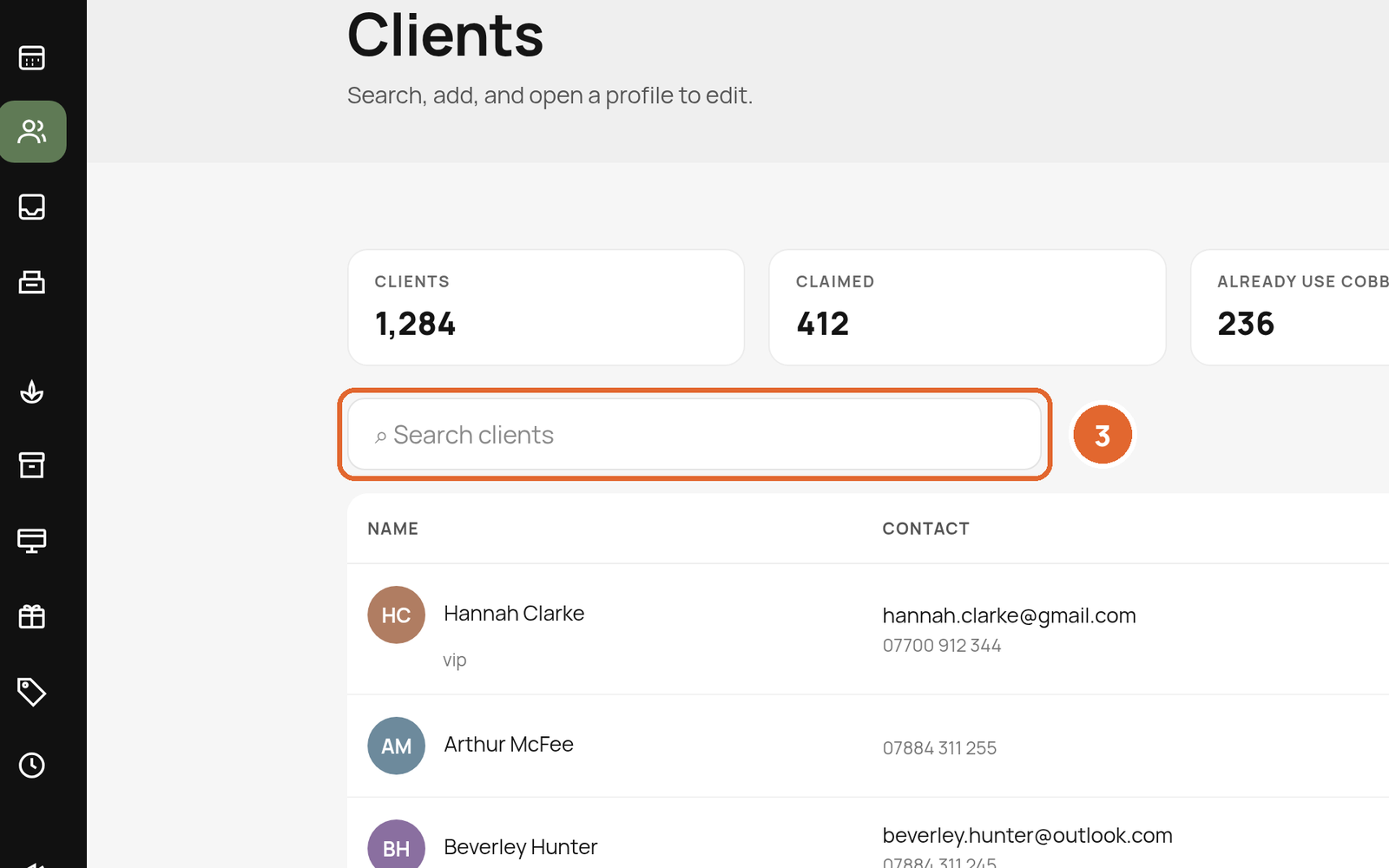
- Use the filter and sort buttons to narrow the list. 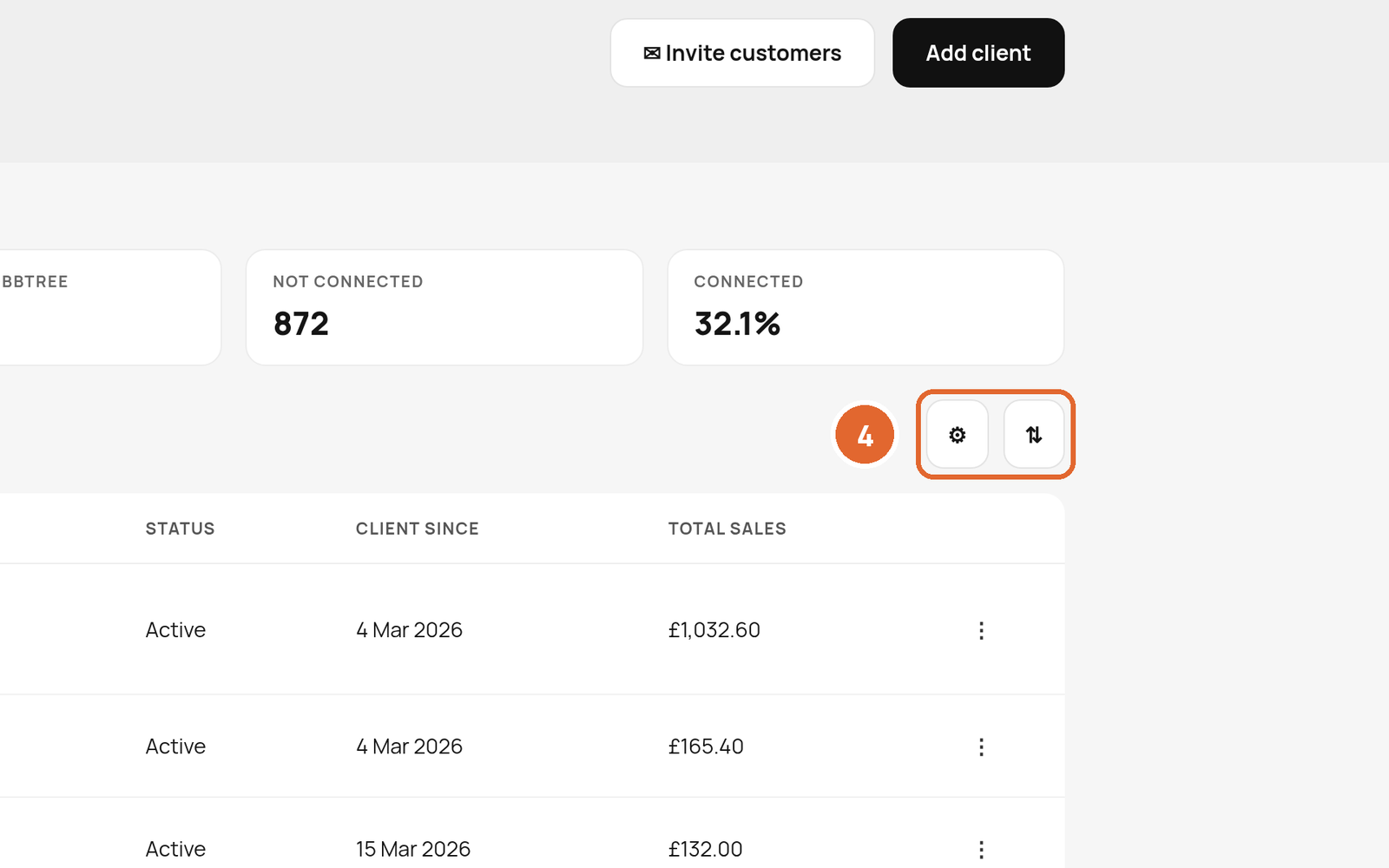
- Select a client to open their profile, or use the three dots on the right for more options.
Understanding the numbers at the top
- Clients: everyone in your list.
- Claimed: clients who have linked their Cobbtree account to their record with you.
- Already use Cobbtree: clients who already have a Cobbtree account.
- Not connected: clients with no linked account yet.
- Connected: the percentage that are linked.
Related: Client profiles, notes and consent · Import clients
Was this article helpful?