
Clients
Client profiles, notes and marketing consent
Last updated 12 October 2026
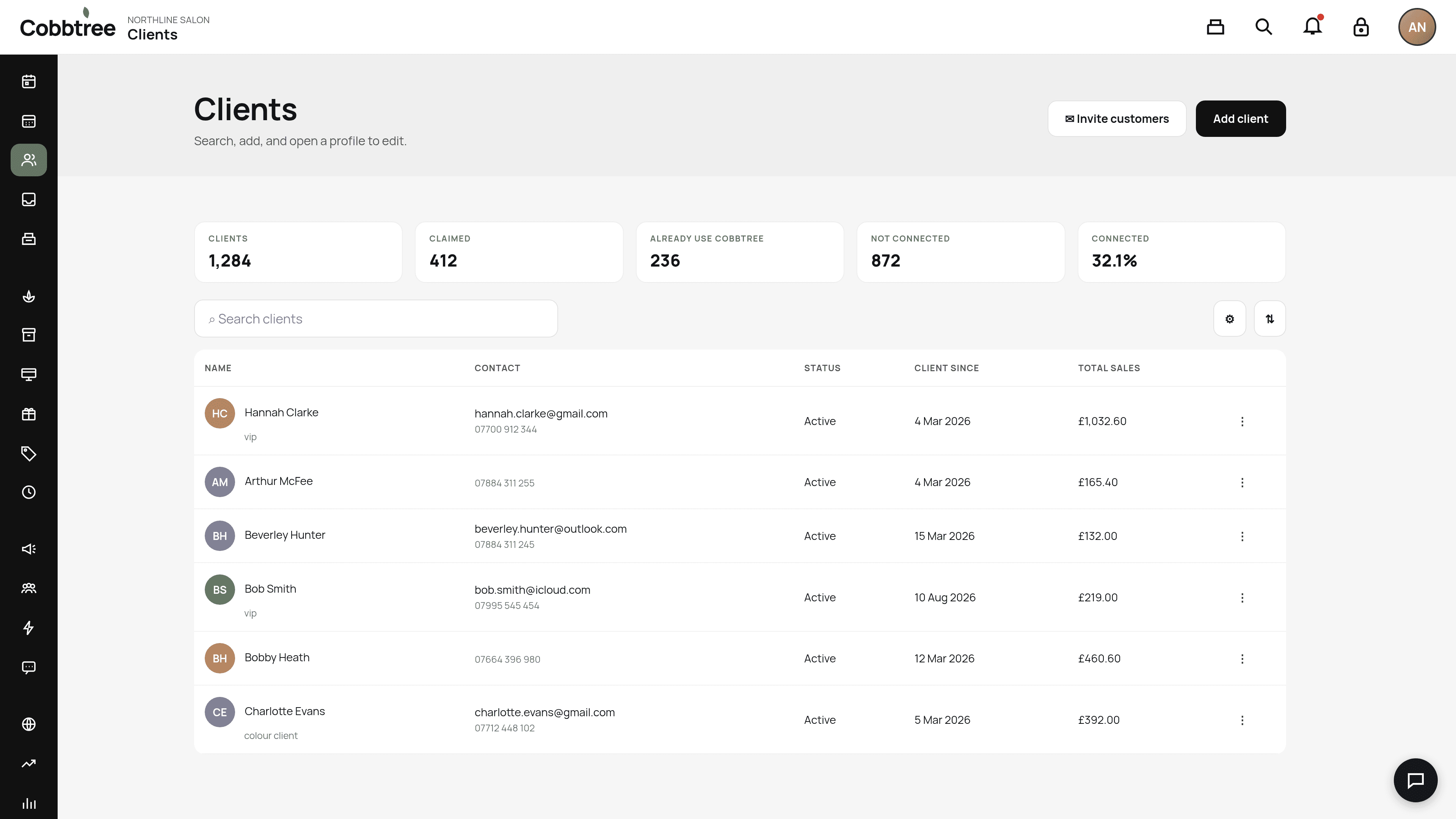
Each client has a profile with their contact details, visit history, memberships, forms and patch tests.
Each client has a profile with their contact details, visit history, memberships, forms and patch tests.
Open a profile
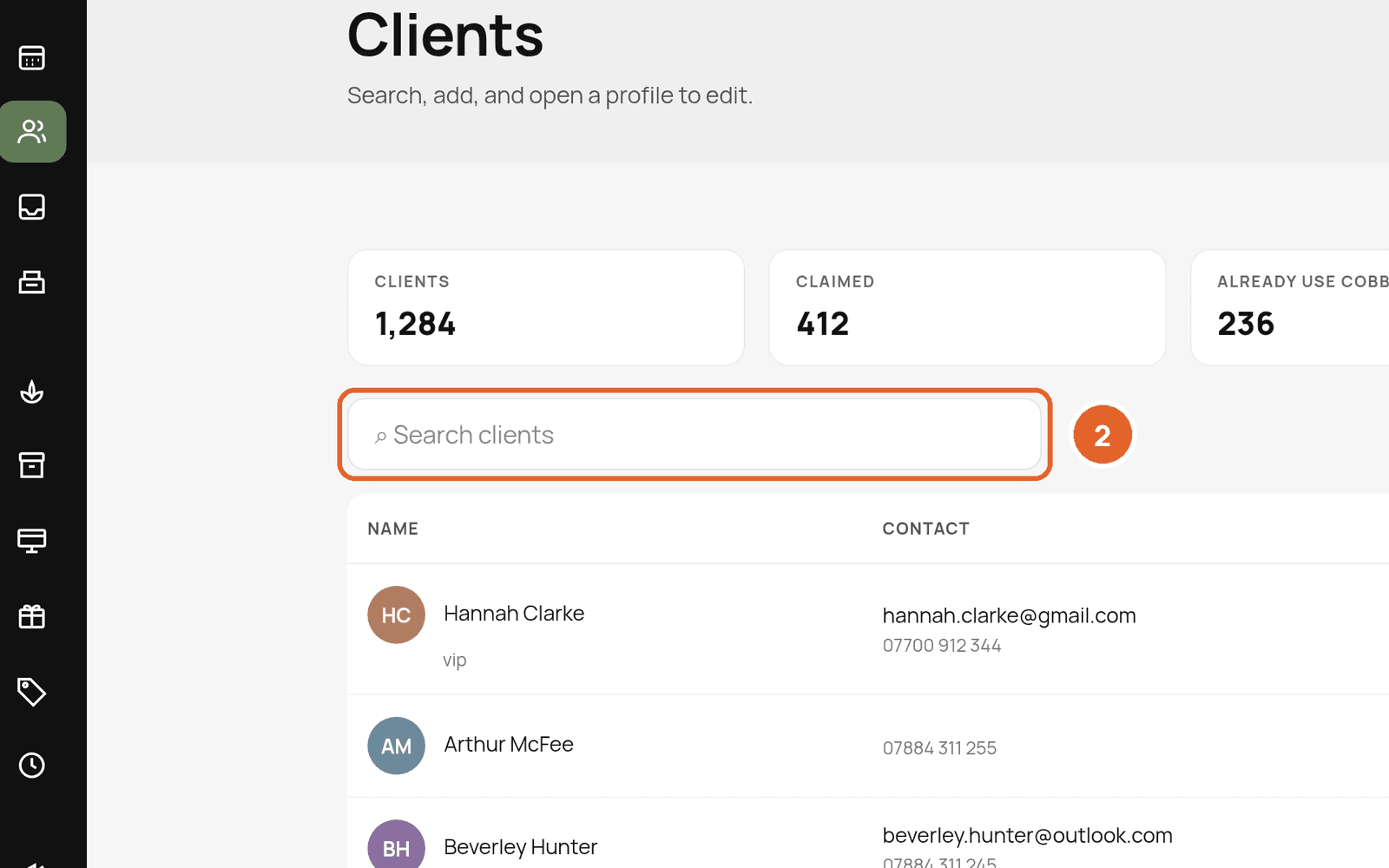
- 1Go to Clients.
- 2Search for the client and select their name.
What's on a profile
- Contact details and tags (for example "vip").
- Appointment and sales history.
- Memberships: pause, resume, cancel or change a client's plan.
- Patch tests and consultation form responses.
One person, many businesses
A customer has one Cobbtree account they can use with any number of businesses. Each business keeps its own client record. Your notes and history aren't shared with other businesses.
Marketing consent
- Email campaigns need marketing email consent. Text campaigns need marketing SMS consent. Having an email address or mobile number isn't enough on its own.
- Imported clients are never opted in automatically.
- Staff can't override an opt-out from the campaign screen. Changing a client's marketing preference is a separate action on their profile, and it's recorded.
Delete or export a client's data
Related: Add and find clients · Marketing consent and unsubscribes
Was this article helpful?