
Clients
Import your clients
Last updated 12 October 2026
Bring your client list across from another system.
Bring your client list across from another system.
Import
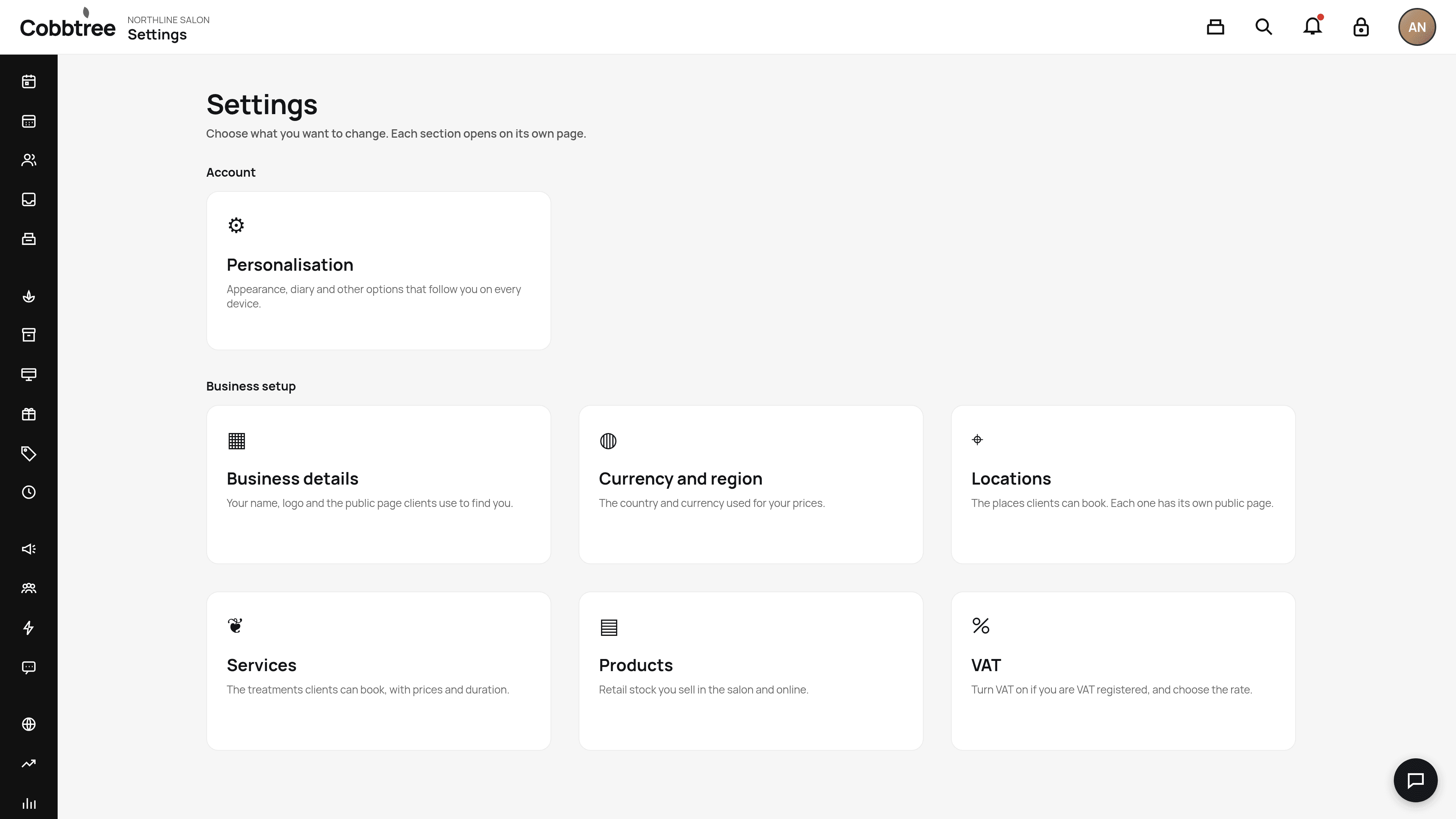
- 1Go to Settings, then Import (under Business setup).
- 2Choose what to bring in: clients, services, team and appointment history.
- 3Check for any conflicts before you move customers over.
Good to know
- Imported clients aren't opted in to marketing. They stay out of campaigns until they opt in themselves.
-
Related: Move from Fresha · Client profiles and consent
Was this article helpful?