
Messages and marketing
Abandoned booking messages
Last updated 12 October 2026
An abandoned booking message is a friendly nudge to clients who started booking online but didn't finish.
An abandoned booking message is a friendly nudge to clients who started booking online but didn't finish.
Turn it on
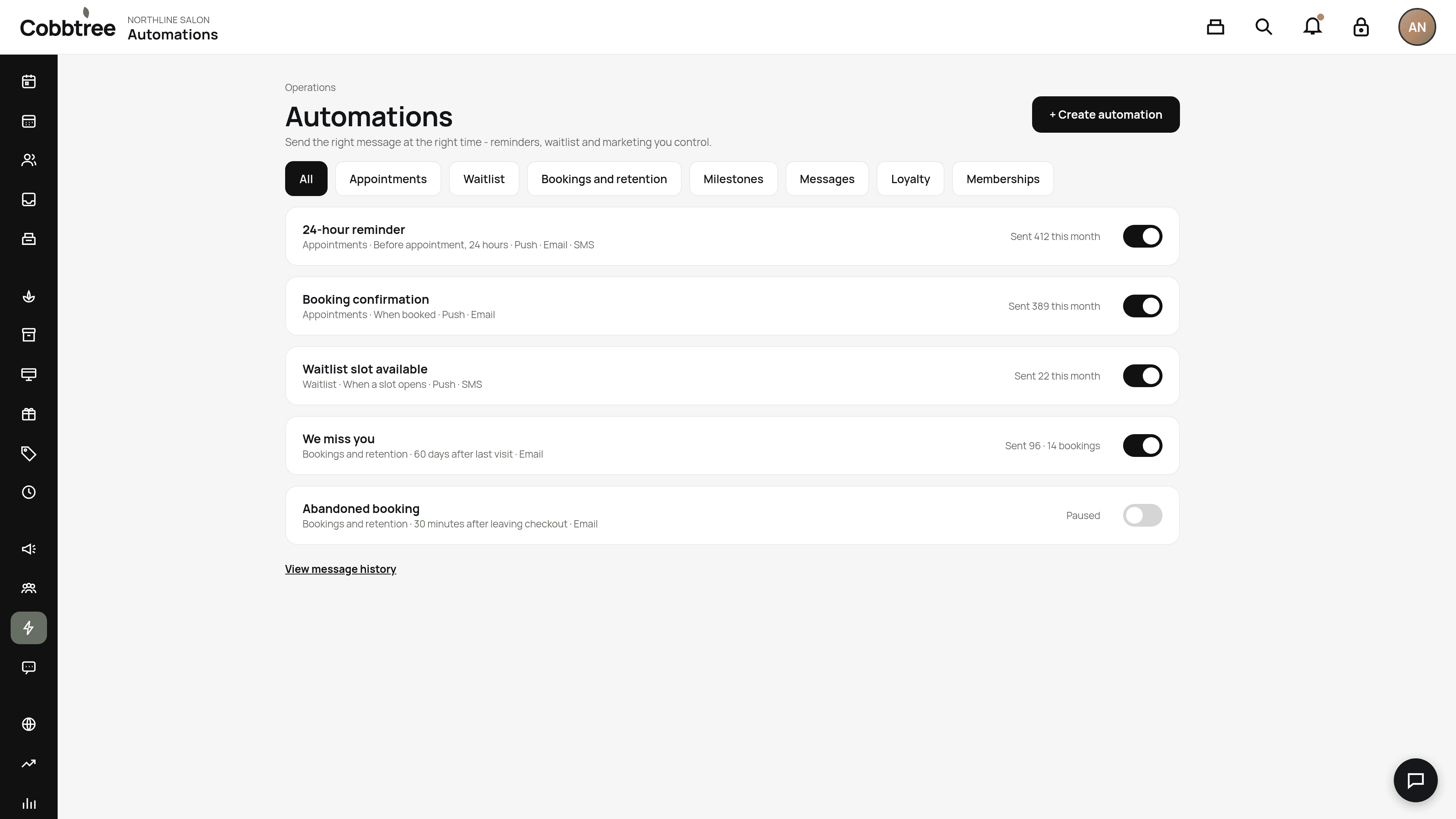
- 1Open Automations and find Abandoned booking under Bookings and retention.
- 2Check the message and timing. Set the delay and the minimum booking step reached.
- 3Turn it on. It starts paused so you can check it first.
Who gets it
- Only clients Cobbtree can identify, for example because they were signed in. Cobbtree doesn't track anonymous visitors.
- Only clients who reached your minimum step. Completed bookings never count.
- Only clients with marketing consent.
- No more than once every 24 hours.
The resume link
The message includes a link that reopens booking with the client's choices filled in. It doesn't hold the time. If someone else books that slot, the client picks a new one.
Related: Automations · Why a message wasn't sent
Was this article helpful?