
Messages and marketing
Send an email or text campaign
Last updated 12 October 2026
Campaigns are one-off emails, texts or both, sent to a chosen group of clients. Use them for quiet slots, seasonal offers or salon news.
Campaigns are one-off emails, texts or both, sent to a chosen group of clients. Use them for quiet slots, seasonal offers or salon news.
Create a campaign
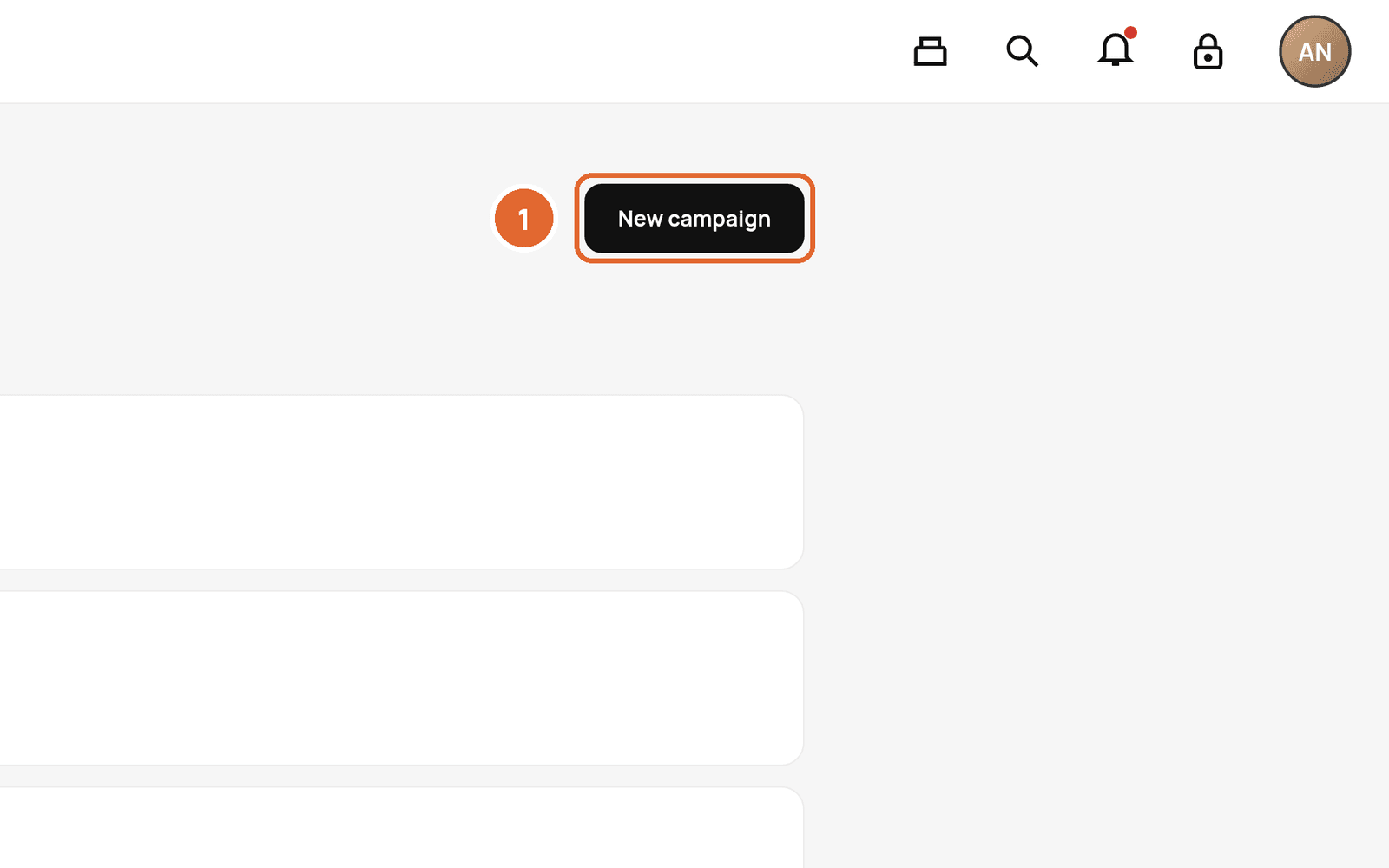
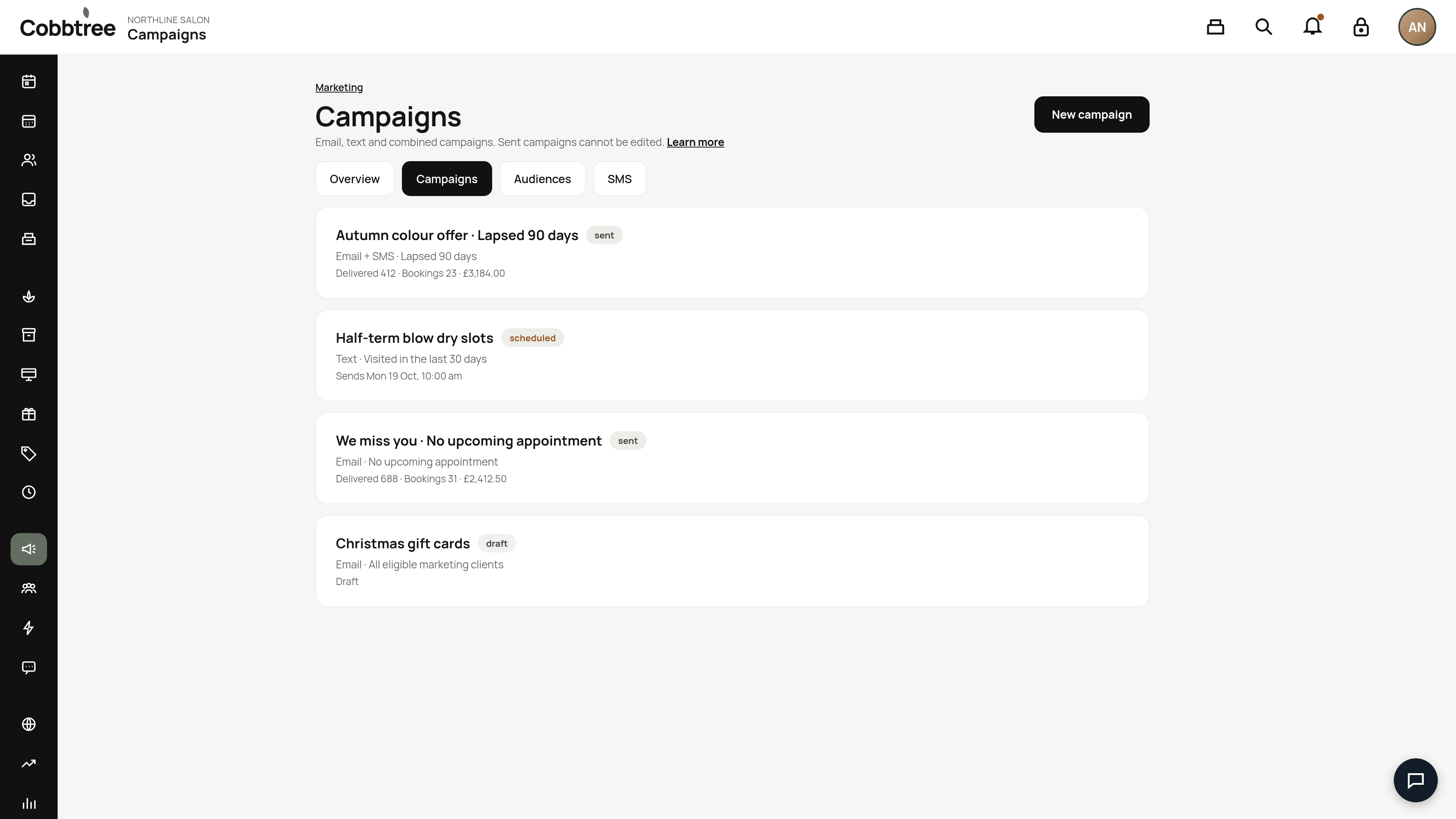
- 1Go to Marketing → Campaigns and select New campaign.
- 2Choose Email, Text or Email + text.
- 3Pick a starting template, such as Fill appointments or We miss you, and edit it. Use @ First name to personalise it.
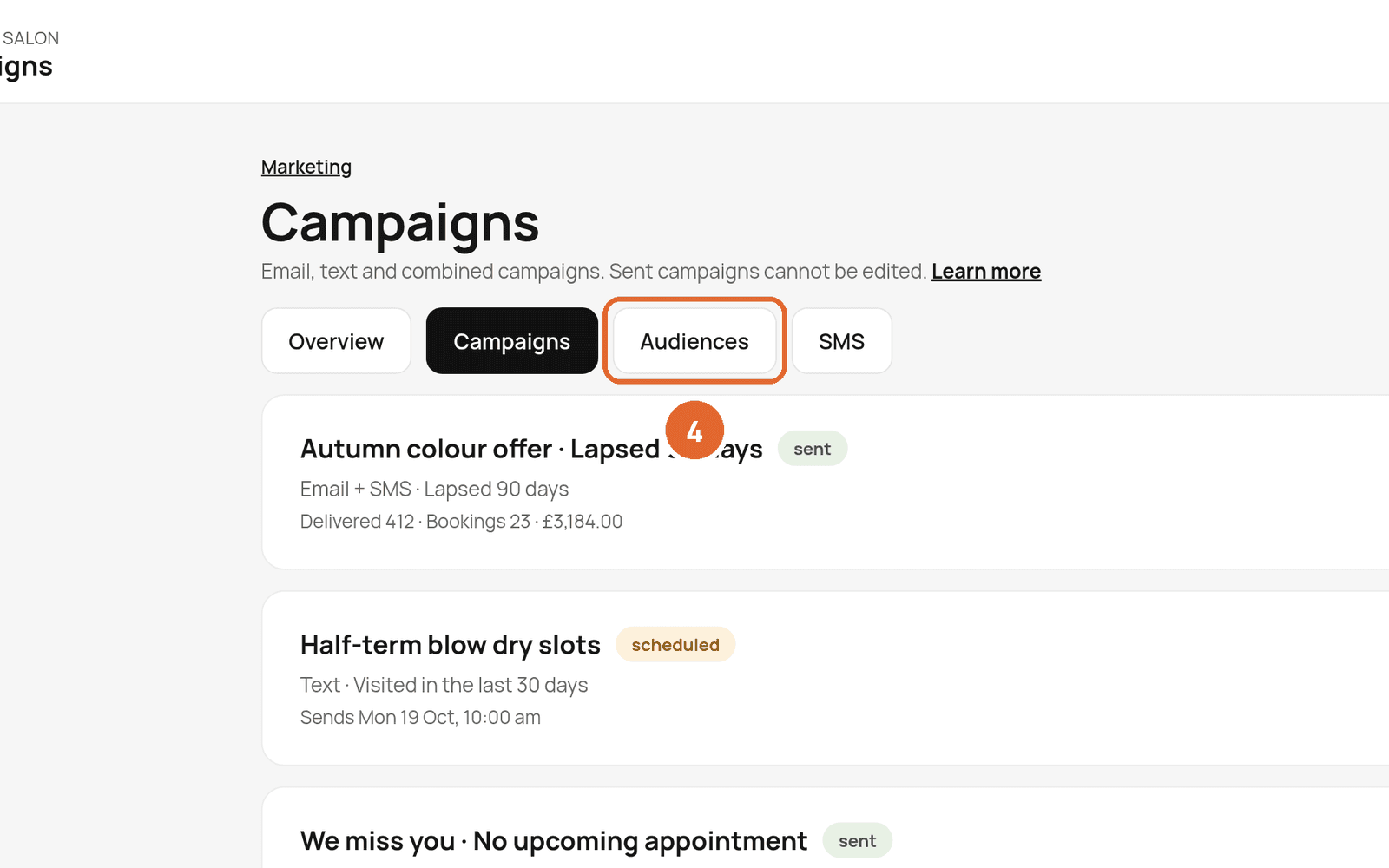
- 4Choose an audience. See Audiences.
- 5Send a test to yourself.
- 6Choose Send now or Schedule.
Texts
Start with your business name so clients know who it's from. The review screen shows how many clients will get it, the number of SMS segments and the estimated cost. Emoji and long messages use more credits. Credits are under SMS (3).
Scheduling
Times use your business's time zone. You can edit or cancel up until sending starts. Marketing texts can only go out between 08:00 and 20:00 local time.
Results
Open a sent campaign to see deliveries, clicks, bookings and sales. Email opens are estimates. Use Reach more clients to send a follow-up to people who didn't click or book.
Good to know
Sent campaigns can't be edited. Unsubscribing from campaigns doesn't stop appointment reminders or receipts.
Related: Audiences · Marketing consent · SMS credits
Was this article helpful?