
Getting started
Bookings from Google, Facebook and Instagram
Last updated 12 October 2026
Let clients book you from the places they already use.
Let clients book you from the places they already use.
Connect Google
Connect Google if you want to take bookings from Google.
Connect Facebook and Instagram
Connect Facebook and Instagram if you want to take bookings from those pages.
The quick option: share your booking link
This works today with any platform:
- 1Go to Settings → Locations.
- 2Select Copy booking link on the location.
- 3Paste it into your Instagram bio, Facebook "Book now" button or Google Business Profile booking link.
Add your social links to your profile
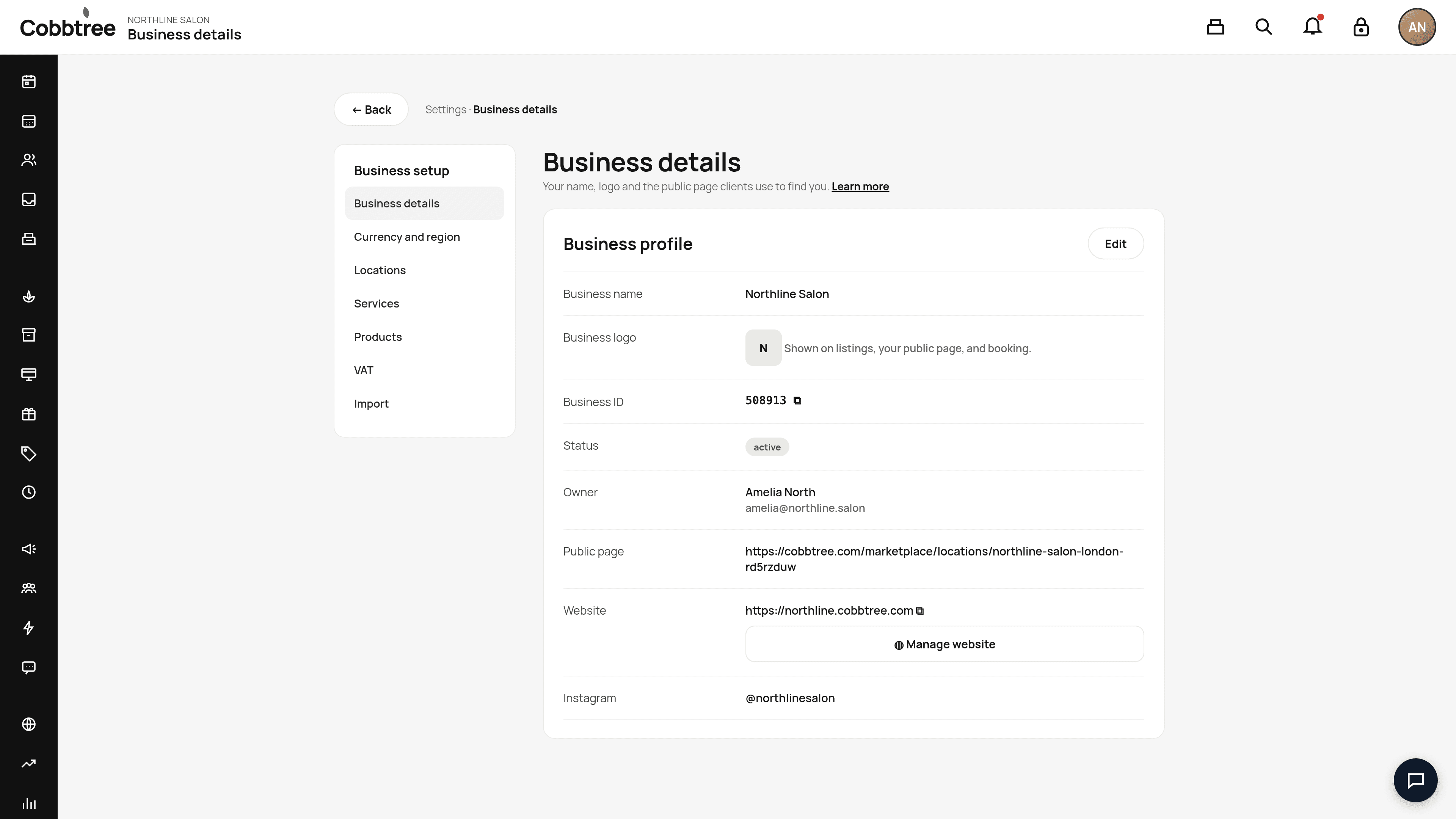
Go to Settings → Business details, select Edit, and use Add + next to Facebook and the other social networks. These links appear on your public page.
Related: Turn on online booking · Set up your business profile
Was this article helpful?