
Getting started
Service add-ons
Last updated 12 October 2026
An add-on is an optional extra attached to a service. For example, a £20 haircut with a £10 long hair add-on comes to £30. Any extra minutes are added to the appointment.
An add-on is an optional extra attached to a service. For example, a £20 haircut with a £10 long hair add-on comes to £30. Any extra minutes are added to the appointment.
How add-ons are organised
- Add-ons are kept in groups. One group can be linked to more than one service.
- Clients can choose more than one option if the group's maximum allows it.
Set up an add-on group
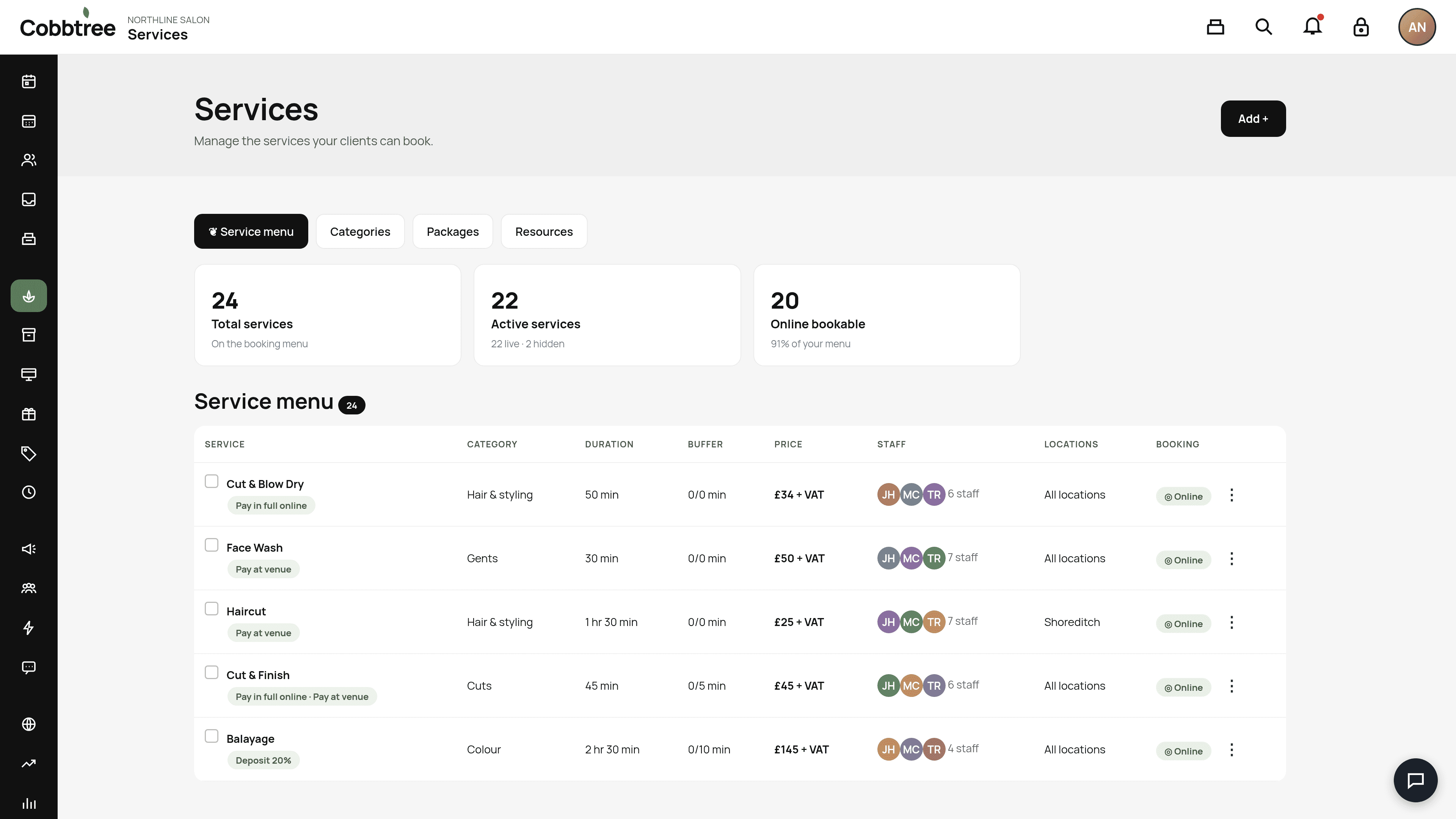
- 1Open Services and select a service from the Service menu.
- 2Create an add-on group or link an existing one.
- 3Add the options, each with a price and any extra time.
- 4Save.
Removing add-ons
- Remove unlinks the group from that one service.
- Permanently delete removes it from every service.
- Appointments that are already booked keep the add-on that was chosen.
Good to know
- Hide from online booking keeps the group out of the client booking step. Staff can still add it, and it still appears on the confirmation email and receipt.
- Commission is paid at the booked service rate, but only for add-ons sold after you turn commission on for the group.
- If the setting is on, a discount on the service also applies to its add-ons.
Related: Create and manage your services · Customise sales receipts
Was this article helpful?