
Getting started
Let clients message you
Last updated 12 October 2026
When messaging is on, clients can message you from your public page and the Cobbtree app. You reply from your Inbox.
When messaging is on, clients can message you from your public page and the Cobbtree app. You reply from your Inbox.
Reply to a message
- 1Select Inbox in the left-hand menu.
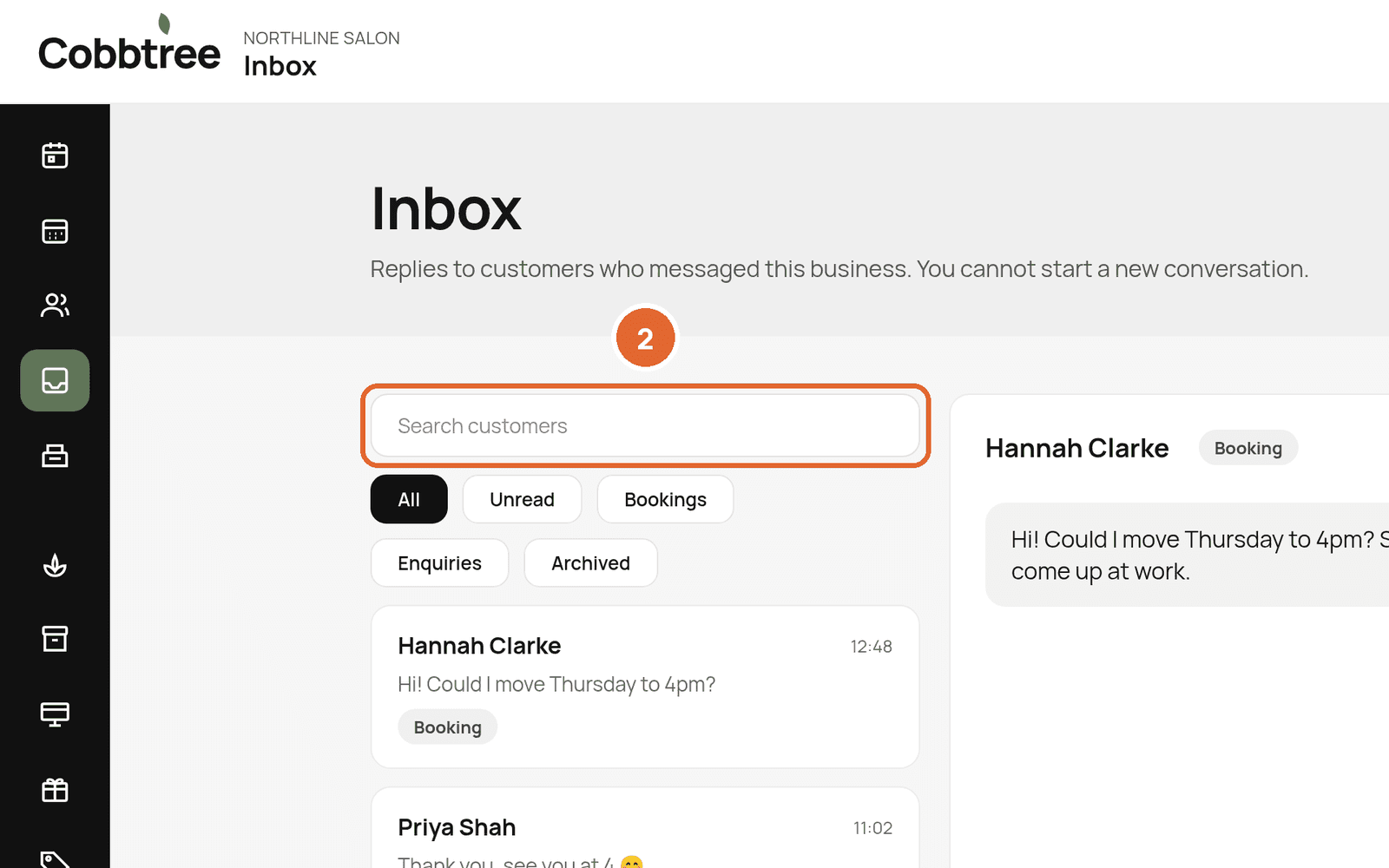
- 2Search for a customer, or use the filters: All, Unread, Bookings, Enquiries and Archived.
- 3Select a conversation to open it and type your reply.
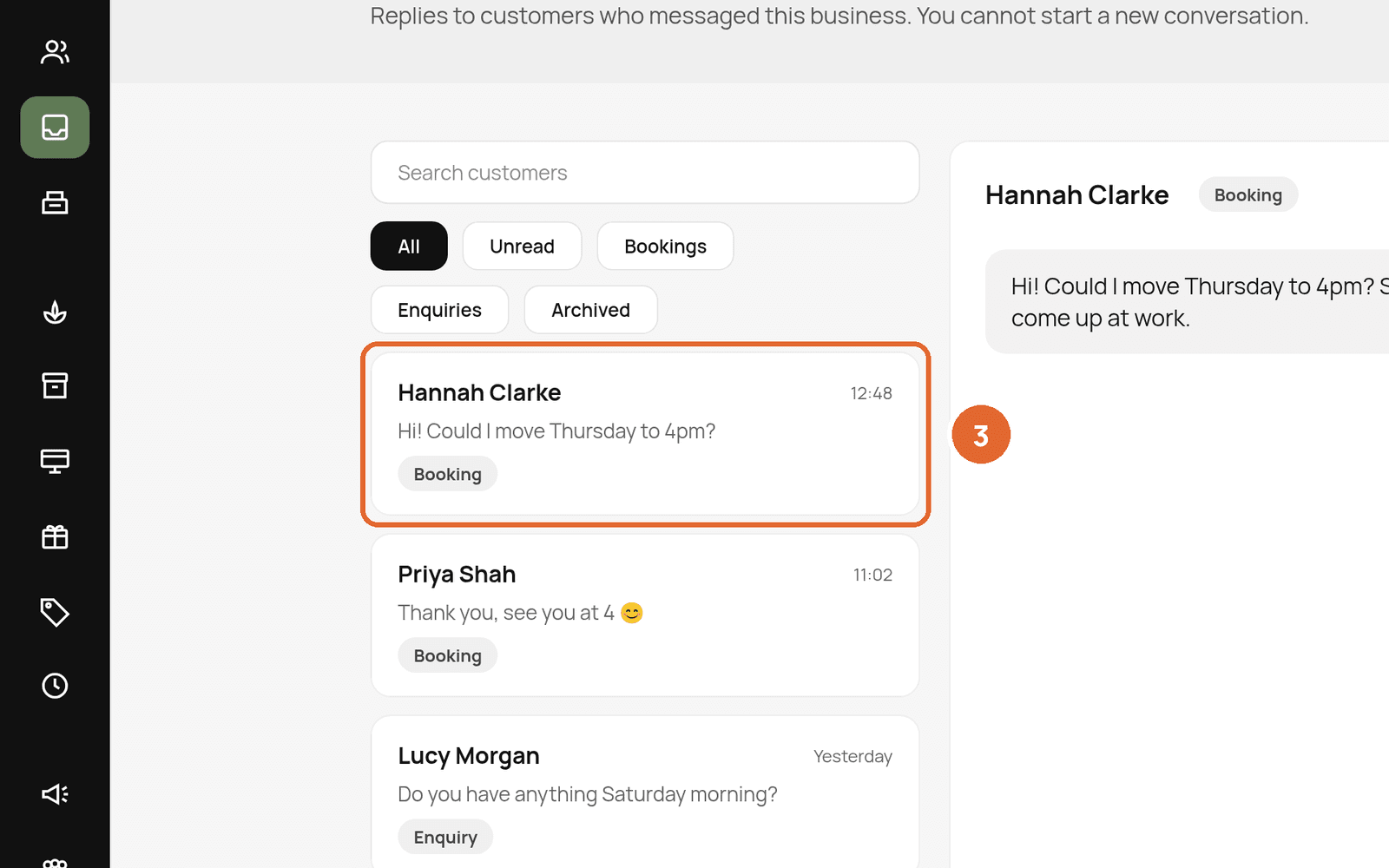
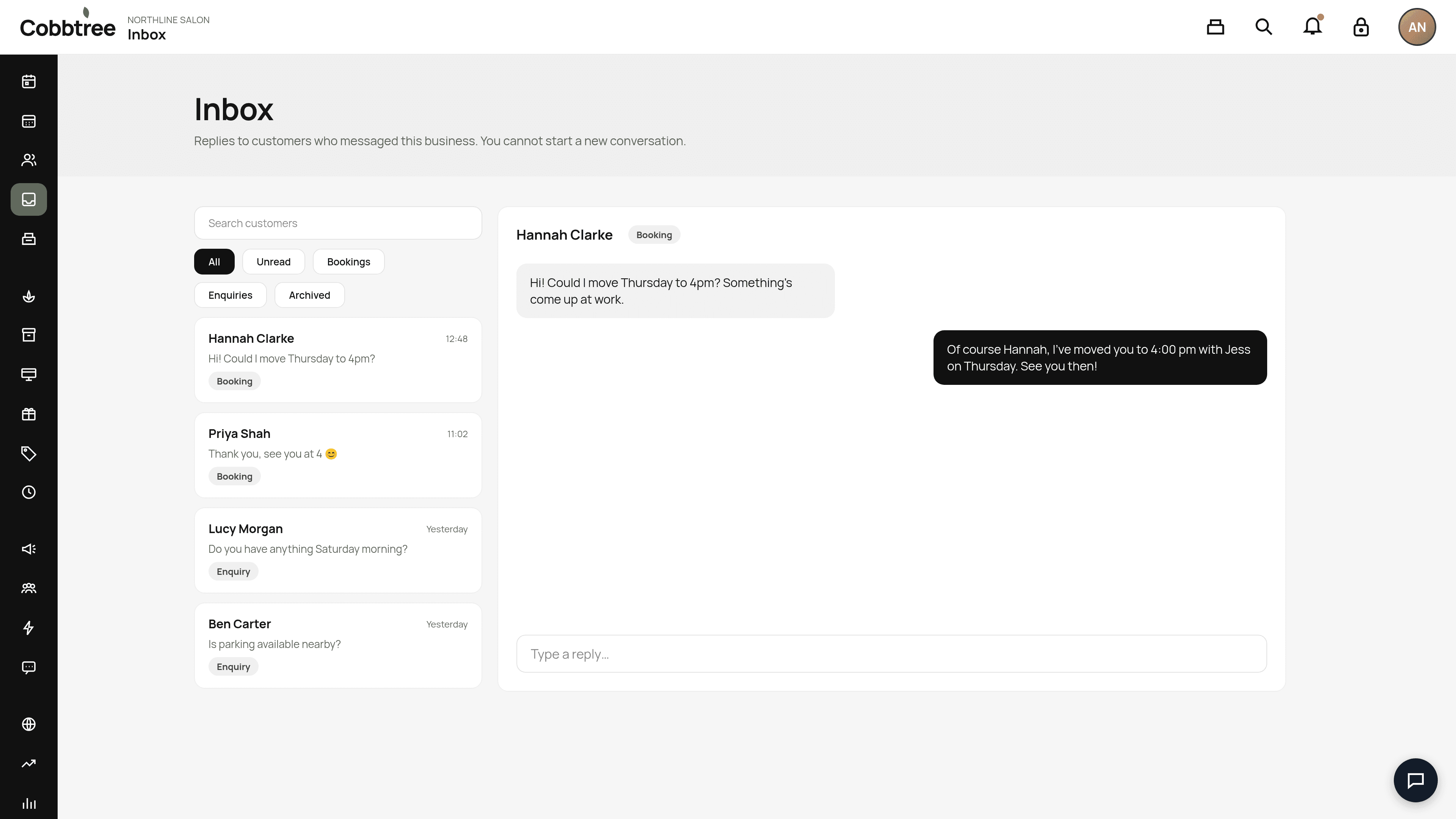
Each conversation is tagged, for example Booking, so you can see what it's about.
Good to know
- Clients start conversations. You can reply, but you can't start a new conversation from the Inbox.
- Turning messaging off hides the Inbox and the Message button on your public page.
Turn messaging on or off
Related: Notification settings · Set up your business profile
Was this article helpful?