
Getting started
Currency, region and VAT
Last updated 12 October 2026
Your country and currency are used for every price in Cobbtree: services, bookings, the till, products and reports.
Your country and currency are used for every price in Cobbtree: services, bookings, the till, products and reports.
Check your currency and region
- 1Go to Settings → Currency and region.
- 2You'll see your Country, your Currency and the currency of your Cobbtree subscription.
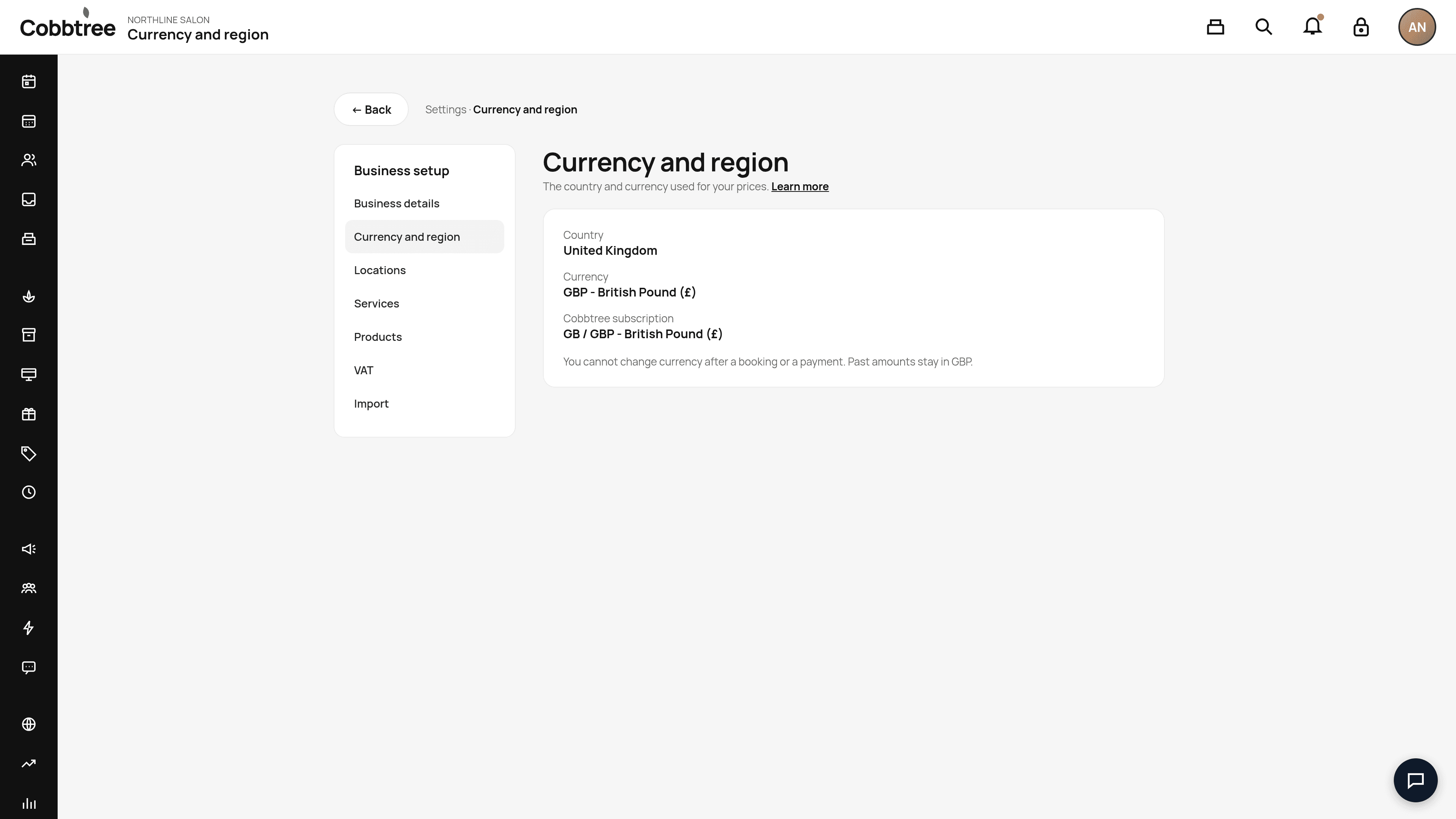
You can choose the United Kingdom or the United States. Clients see your currency wherever they are.
Important: you can't change currency once your business has taken a booking or a payment. Amounts already recorded stay in the original currency.
Your Cobbtree plan is billed separately, and its currency is shown on the same page.
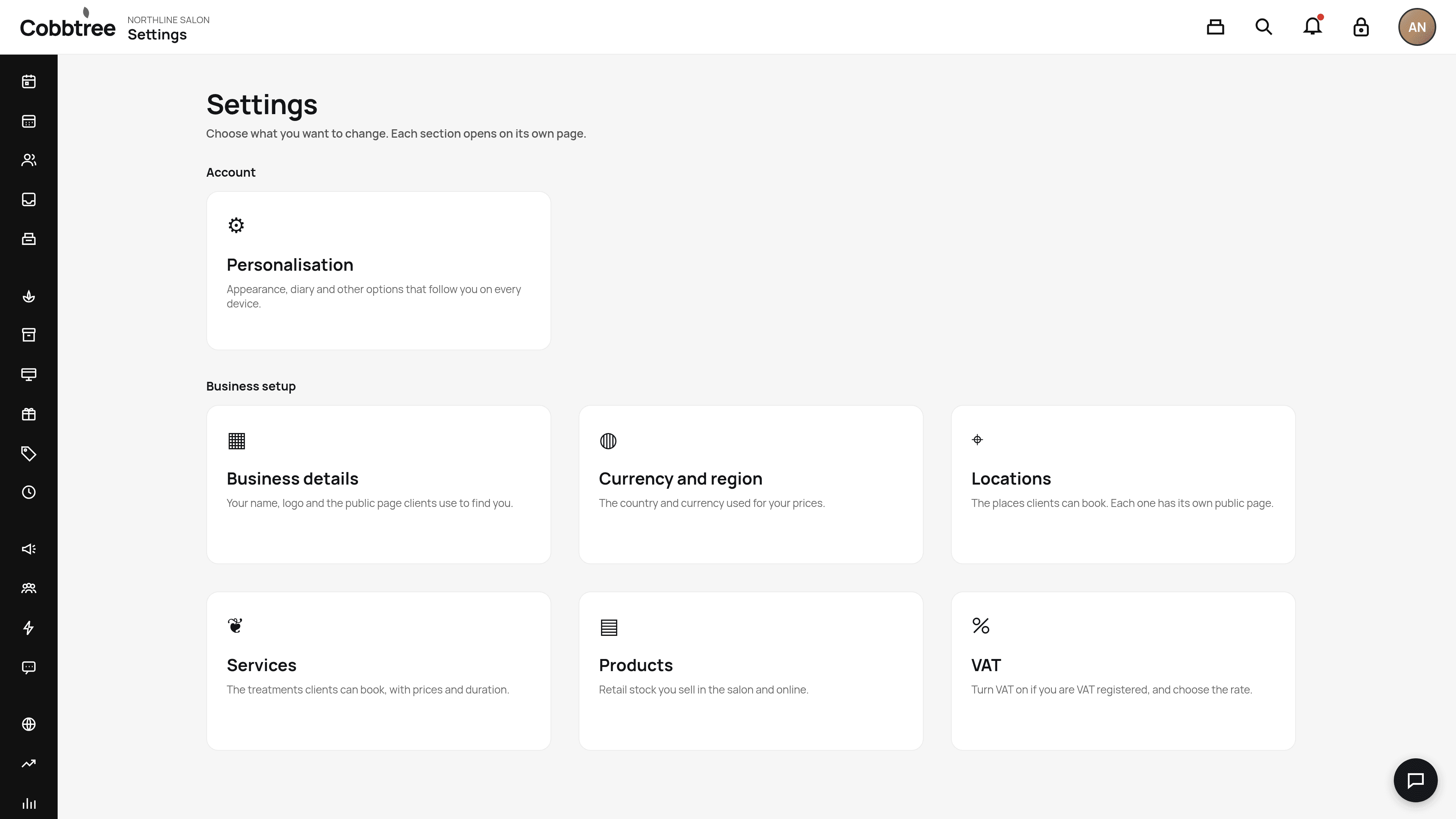
Turn VAT on
- 1Go to Settings and open the VAT card.
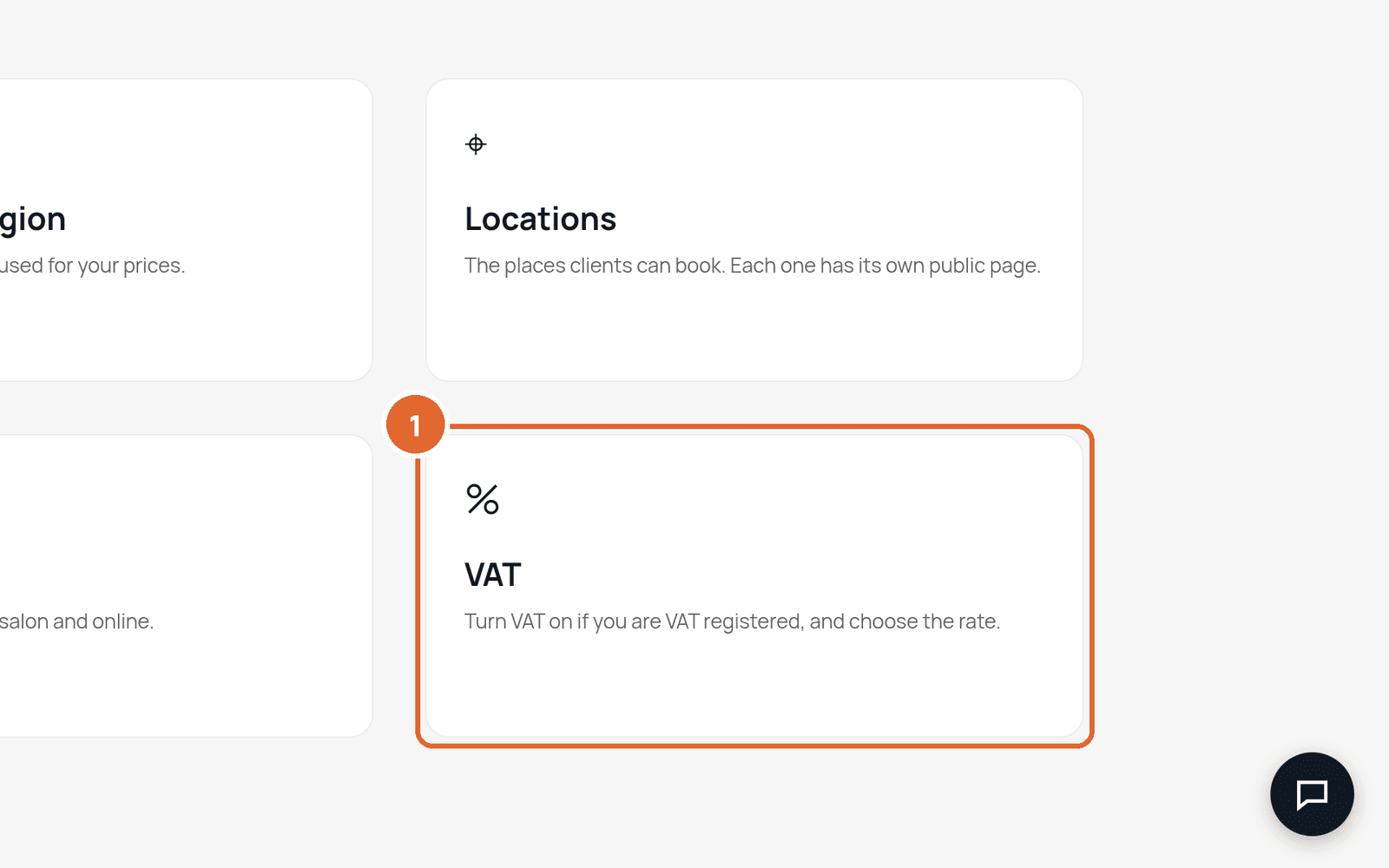
- 2Turn VAT on if your business is VAT registered.
- 3Enter your VAT number and choose the rate for your country.
- 4Save.
How VAT is added
The prices you enter don't include VAT. Cobbtree adds VAT when the client pays, after any discounts. In your service menu, prices show as, for example, "£34 + VAT".
Related: Start here: setup checklist · Finance reports
Was this article helpful?